Record your screen and narrate it
A screen recording without a voice is a silent film of somebody clicking. OwnClip records your microphone as its own track and cleans it up on your Mac — no upload, no plugins.
Free to use. Recordings are capped at three minutes and export at 720p with a watermark.
Most people record in a room, not a studio
Fan noise, a fridge, traffic, a room with hard walls. The microphone in front of you is usually fine; the room around it is the problem, and it is what makes an otherwise useful recording tiring to listen to.
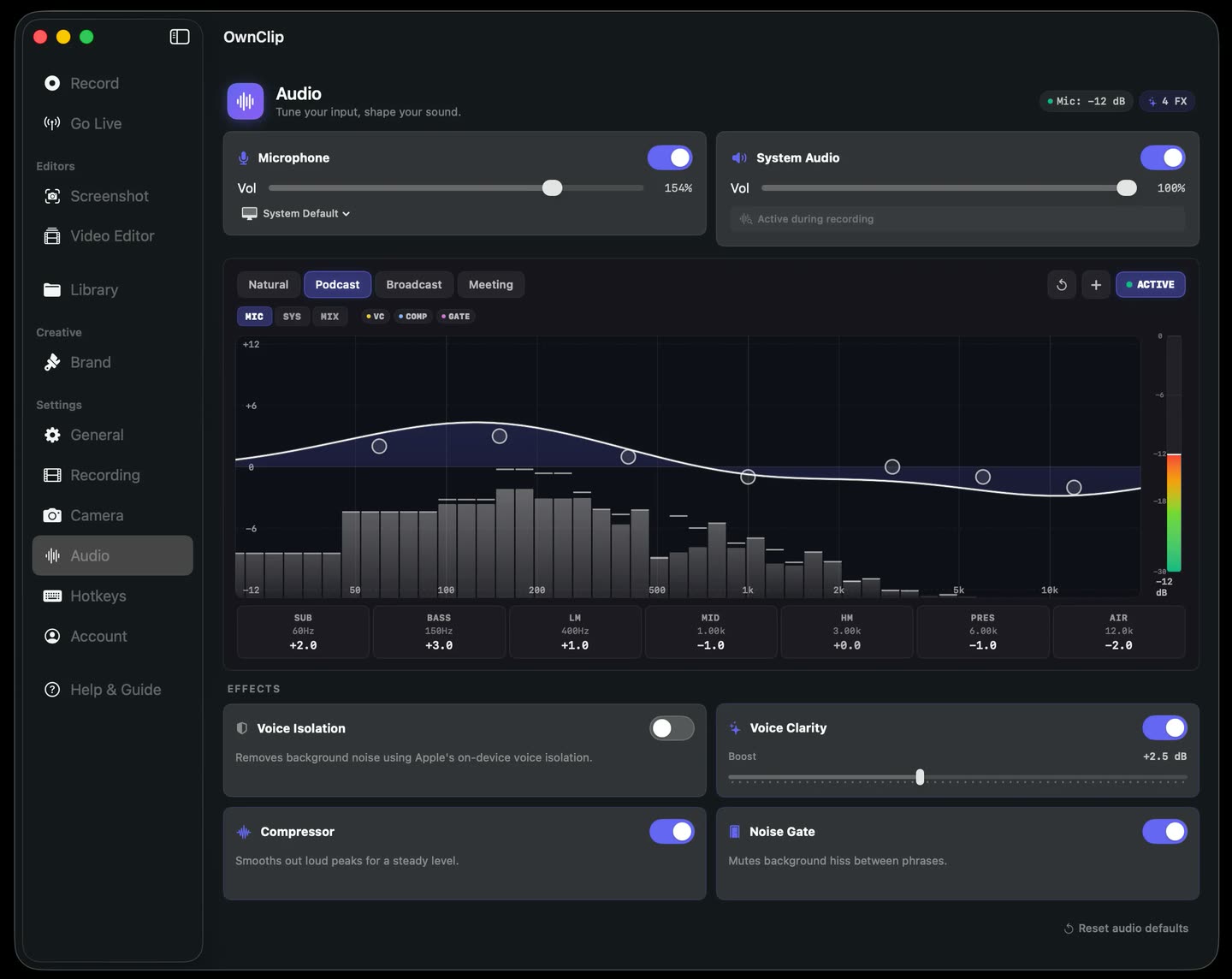
OwnClip runs noise removal and voice-clarity EQ on your Mac, with presets that assume a normal room rather than a treated one.
Presets, not a rack of knobs.
Natural, Broadcast and Podcast are EQ curves for the outcomes people actually want. Noise removal separates steady background noise from speech on-device, with adjustable strength.
- On-device
- Three presets
- Adjustable strength
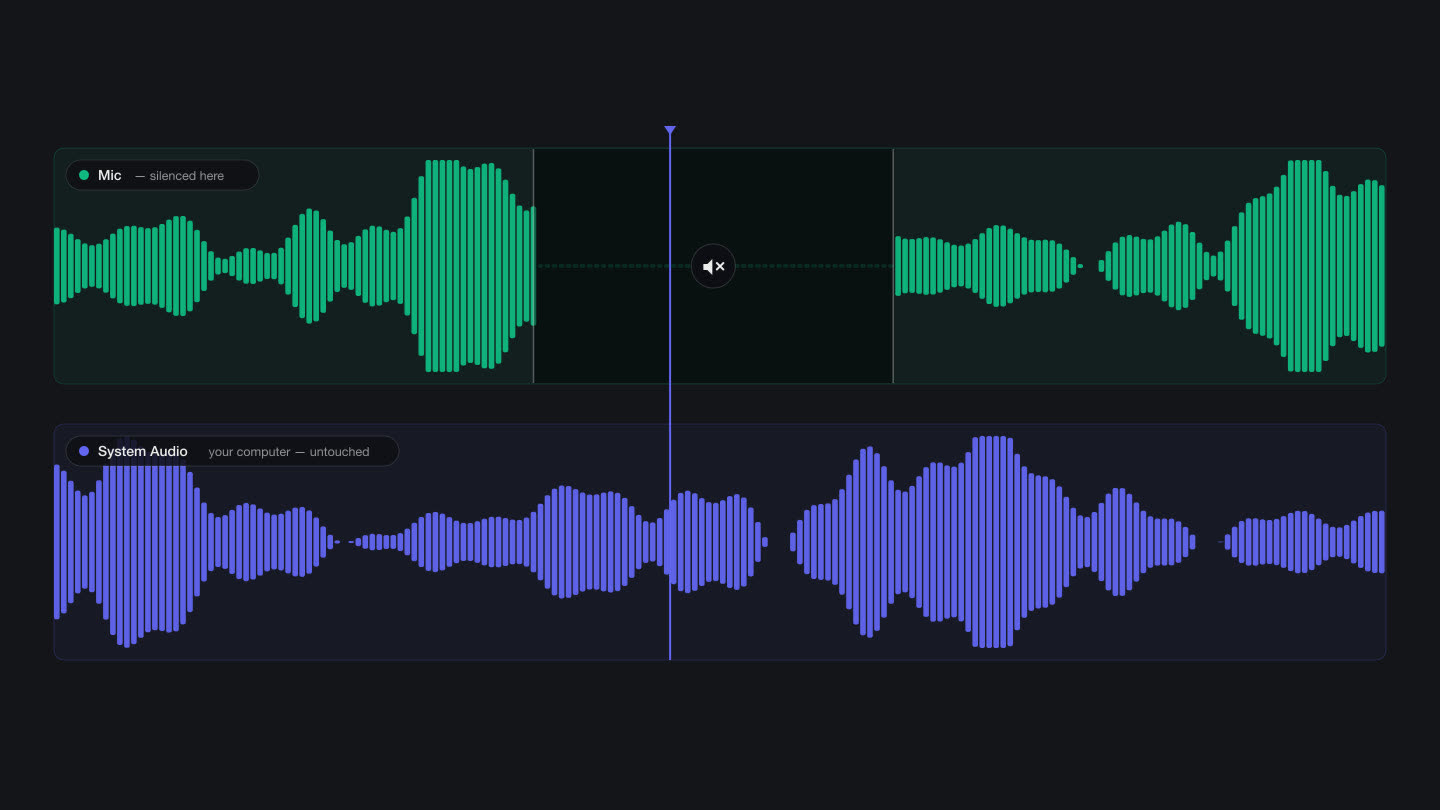
Cleaning it touches nothing else.
When you record system audio too, your voice stays on a separate track — so noise removal, EQ and per-moment muting apply to you and not to the app you are demonstrating.
A microphone and a room
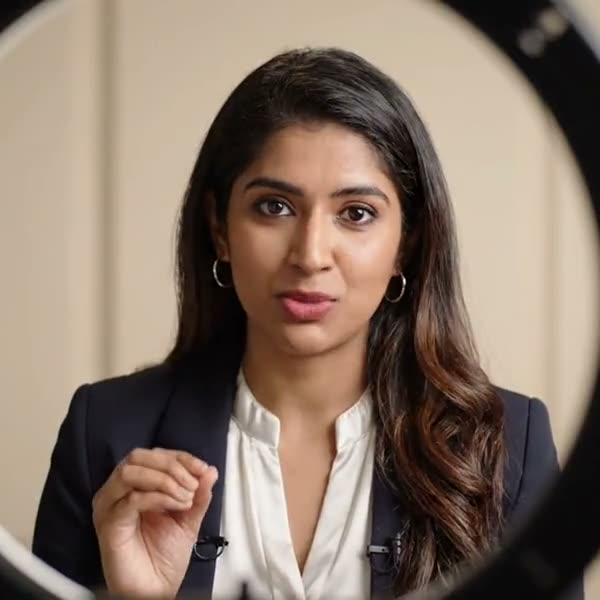
Getting closer to the microphone improves a recording more than any processing does. Everything after that — the hum, the room, the level — is something the app can fix afterwards.
A presenter with a lapel microphone talking to camera, lit by a ring light
The voice tools
Noise removal
Steady background noise separated from speech on-device.
Voice presets
Natural, Broadcast and Podcast, rather than a stack of raw controls.
Its own track
Your voice stays separate from system audio, so cleaning it never touches the rest.
Silence a moment
Mute any stretch of the microphone — a cough, a name, an interruption.
Cut by reading
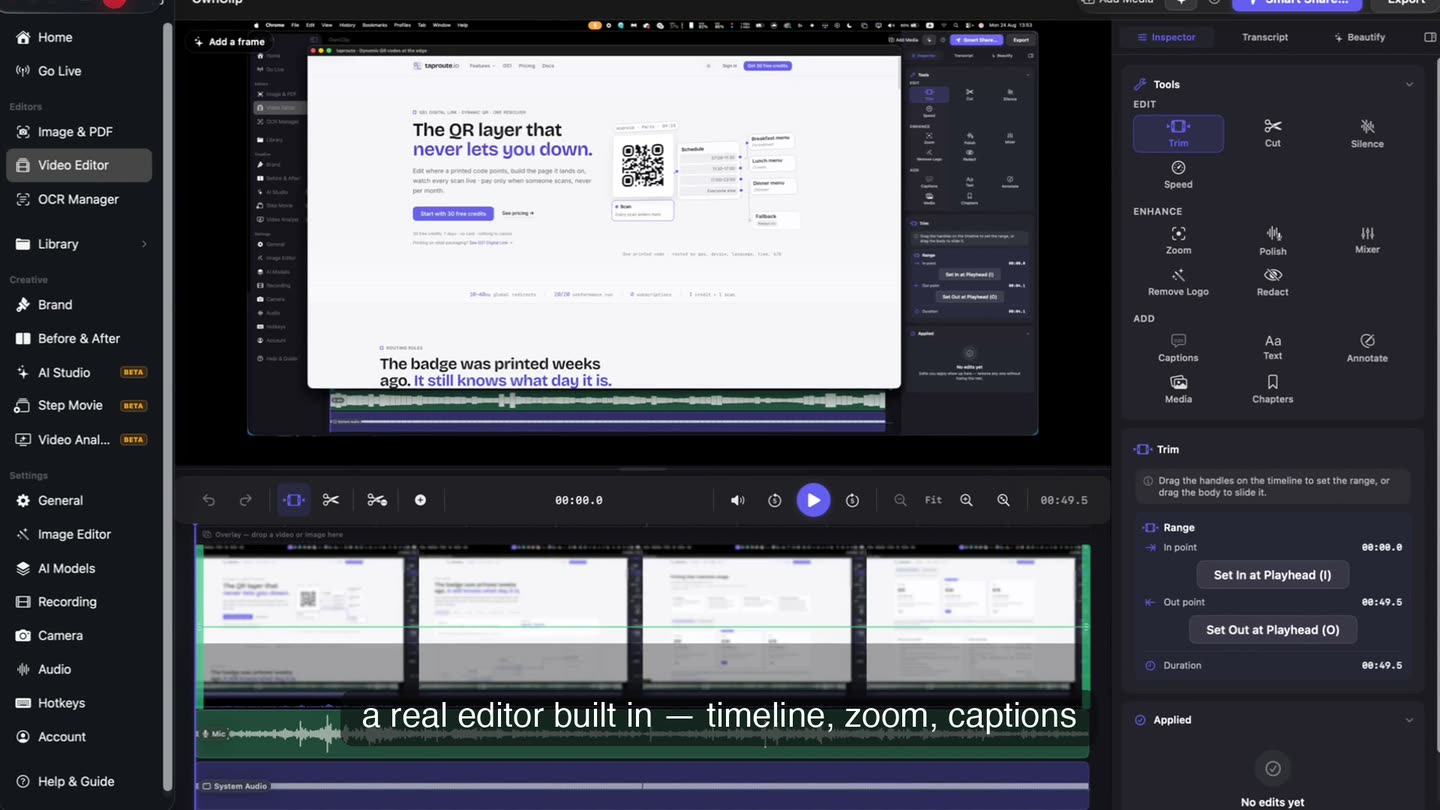
The transcript is editable, and removing a sentence there removes it from the video.
Silence removal
Long gaps between sentences found and cut in one pass.
Trim it by reading it.
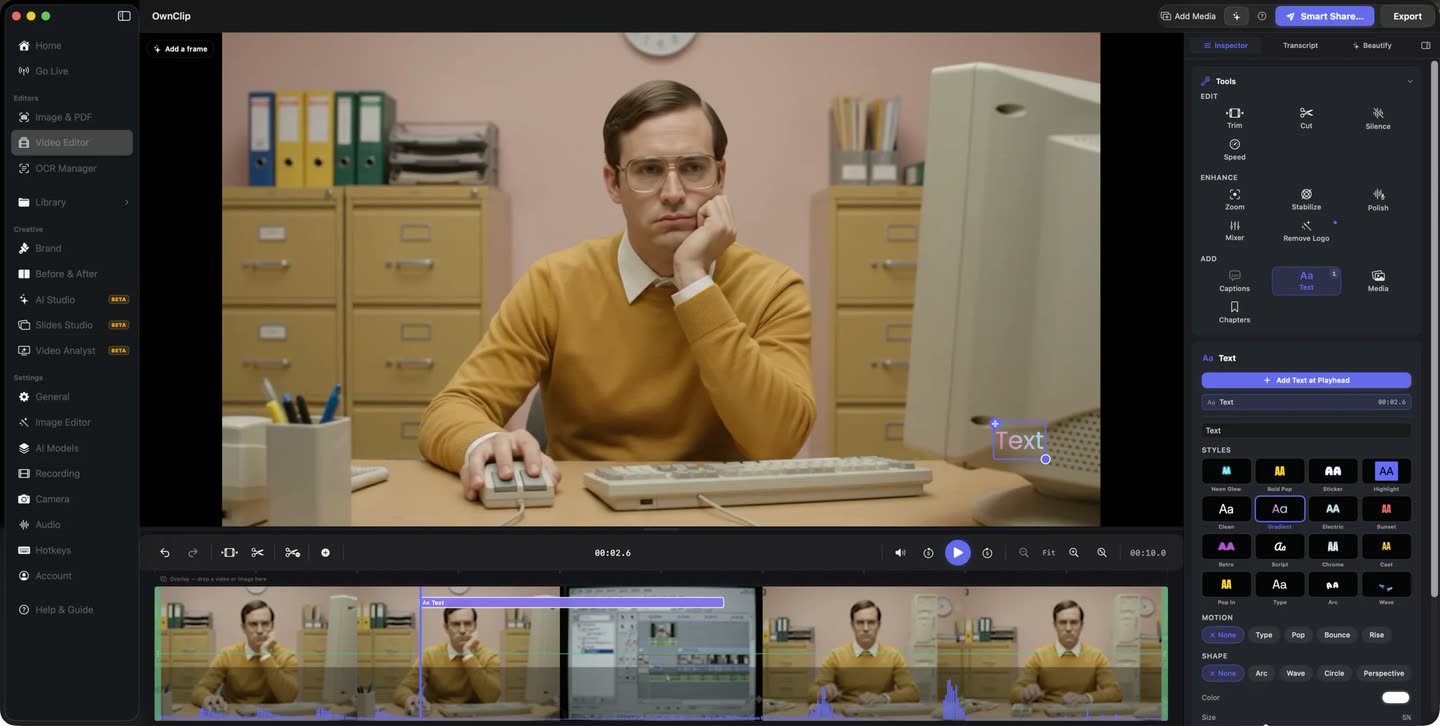
The transcript sits beside the take. Delete a sentence there and the video loses it too, which is a faster way to cut a false start than scrubbing for it.
Questions people ask
Yes. Noise removal, voice EQ, the audio mixer and transcription are all available on the free tier.
No. Noise removal, EQ and transcription all run locally on your machine.
Yes, and they are written as two separate lossless tracks that open pre-split in the editor, so either can be adjusted without affecting the other.
You can cut the mistake out — by trimming the timeline or by deleting the sentence in the transcript — and you can add further audio tracks to the mix.
Any microphone macOS recognises works, including the built-in one. Getting closer to the microphone improves a recording more than any processing does.
Related
Record your screen and narrate it
Free to start. macOS 26 or later, Apple silicon.