Send the update instead of booking the meeting
A five-minute recording that six people watch when it suits them costs thirty minutes. The meeting it replaces costs three hours of everyone’s calendar.
Free to use. Recordings are capped at three minutes and recorded at 720p with a watermark.
Why written updates get skimmed
A status document has no emphasis. Everything is the same size, so the one line that needed a reaction reads like the six that did not.
On camera, tone does the work. People hear which part you are worried about.
Be in it, briefly.
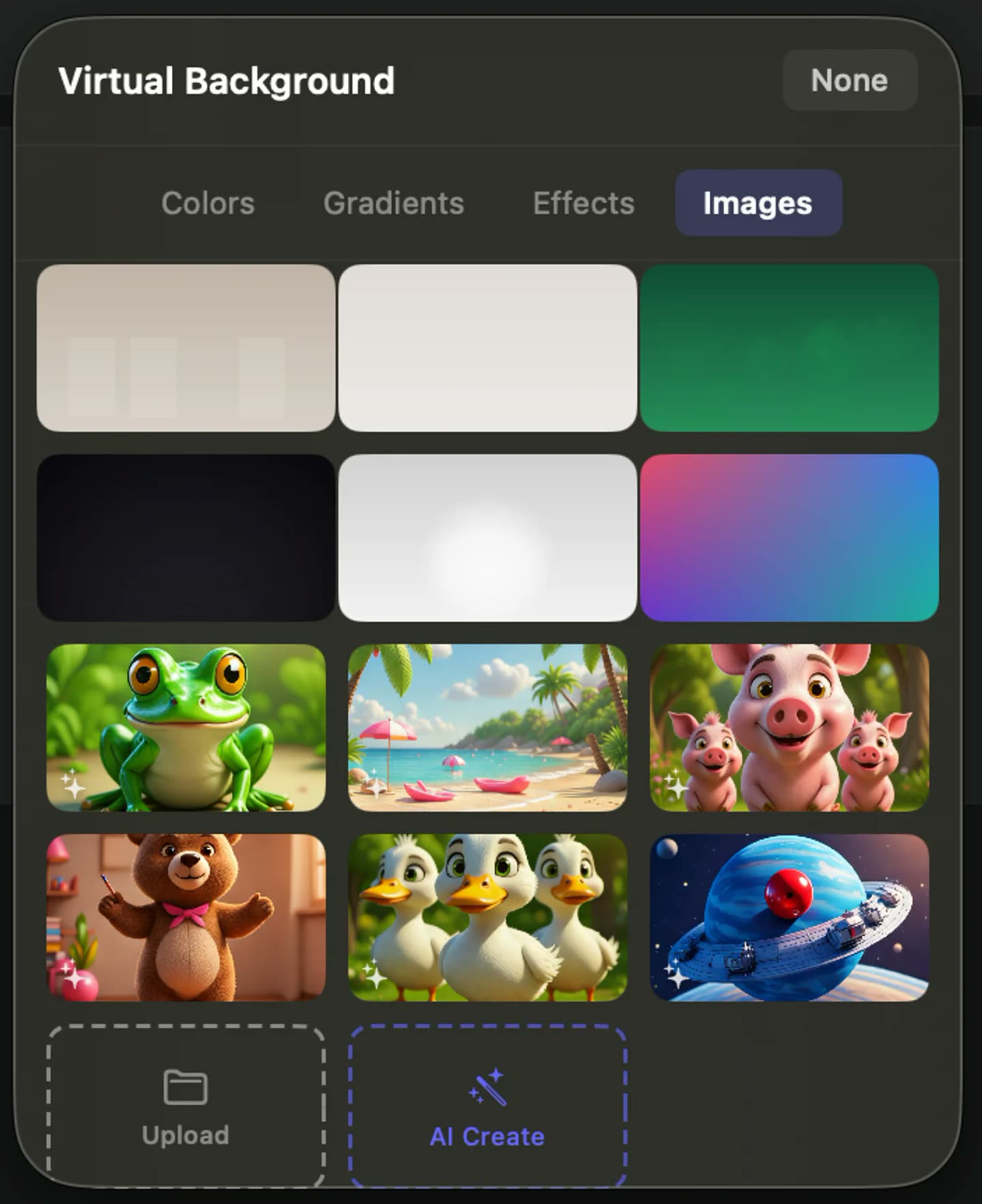
Camera on for the framing and the ask, then out of the way while you walk through the detail. Because the camera is its own track, that switch is an edit rather than a decision you had to make up front.
Recorded once, watched when it suits
A five-minute recording that six people watch on their own time costs thirty minutes. The meeting it replaces costs three hours of calendar, and everyone has to be awake at once.
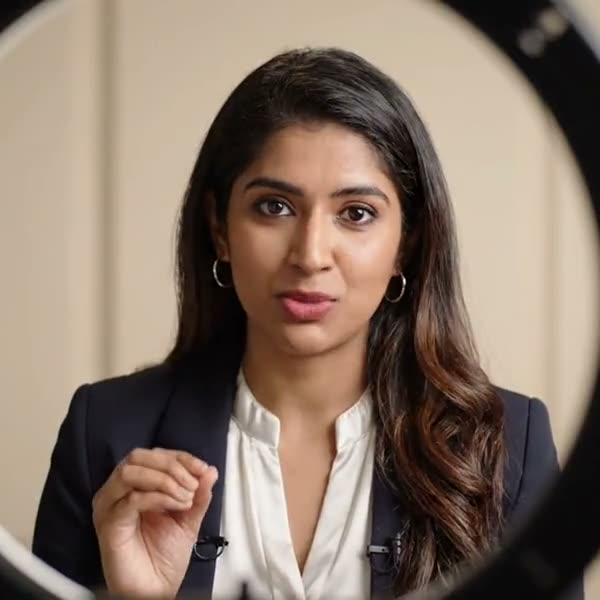
A presenter with a lapel microphone talking to camera, lit by a ring light
Record the thing itself.
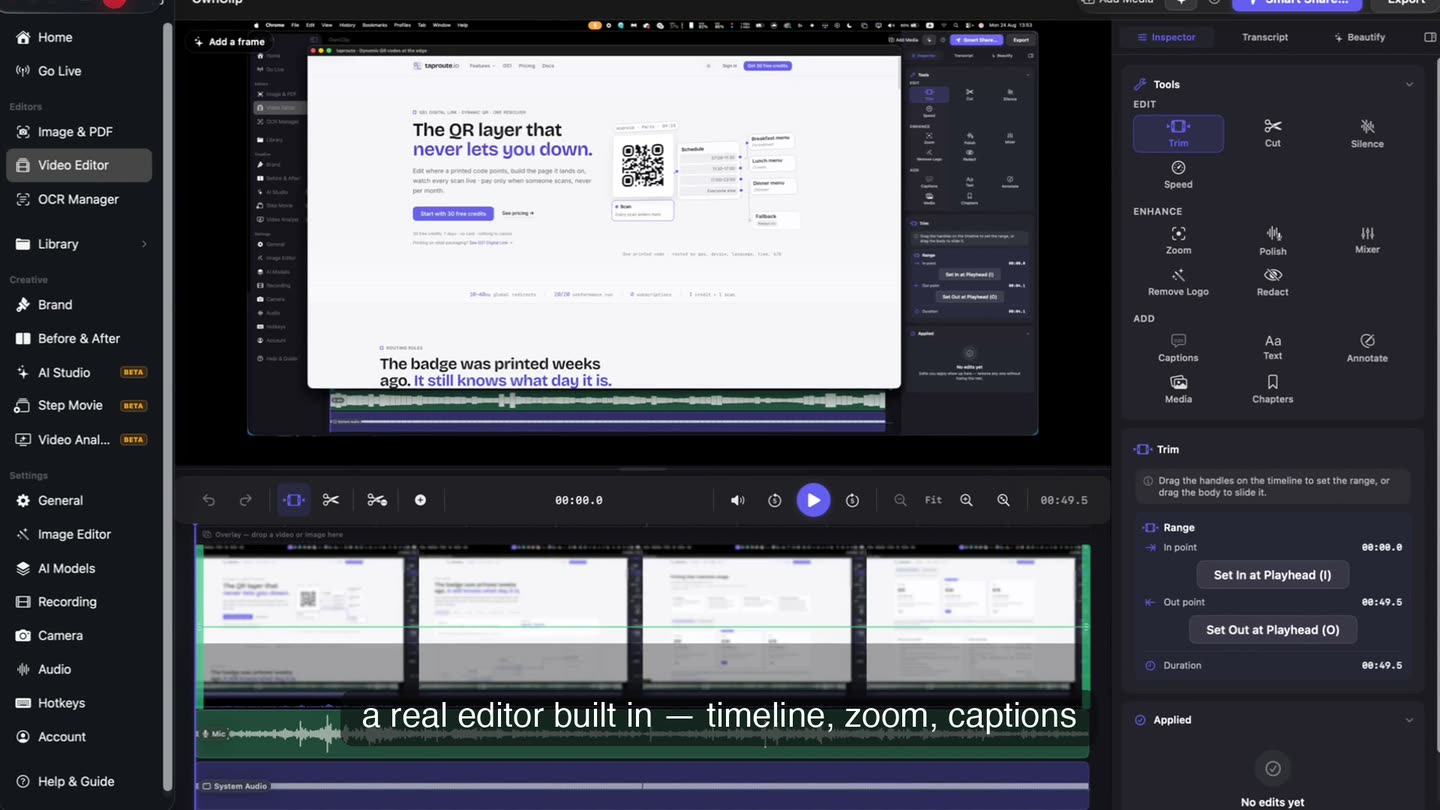
The board, the build, the design — on screen rather than described. Trim the first fifteen seconds afterwards, because it is always the first fifteen seconds.
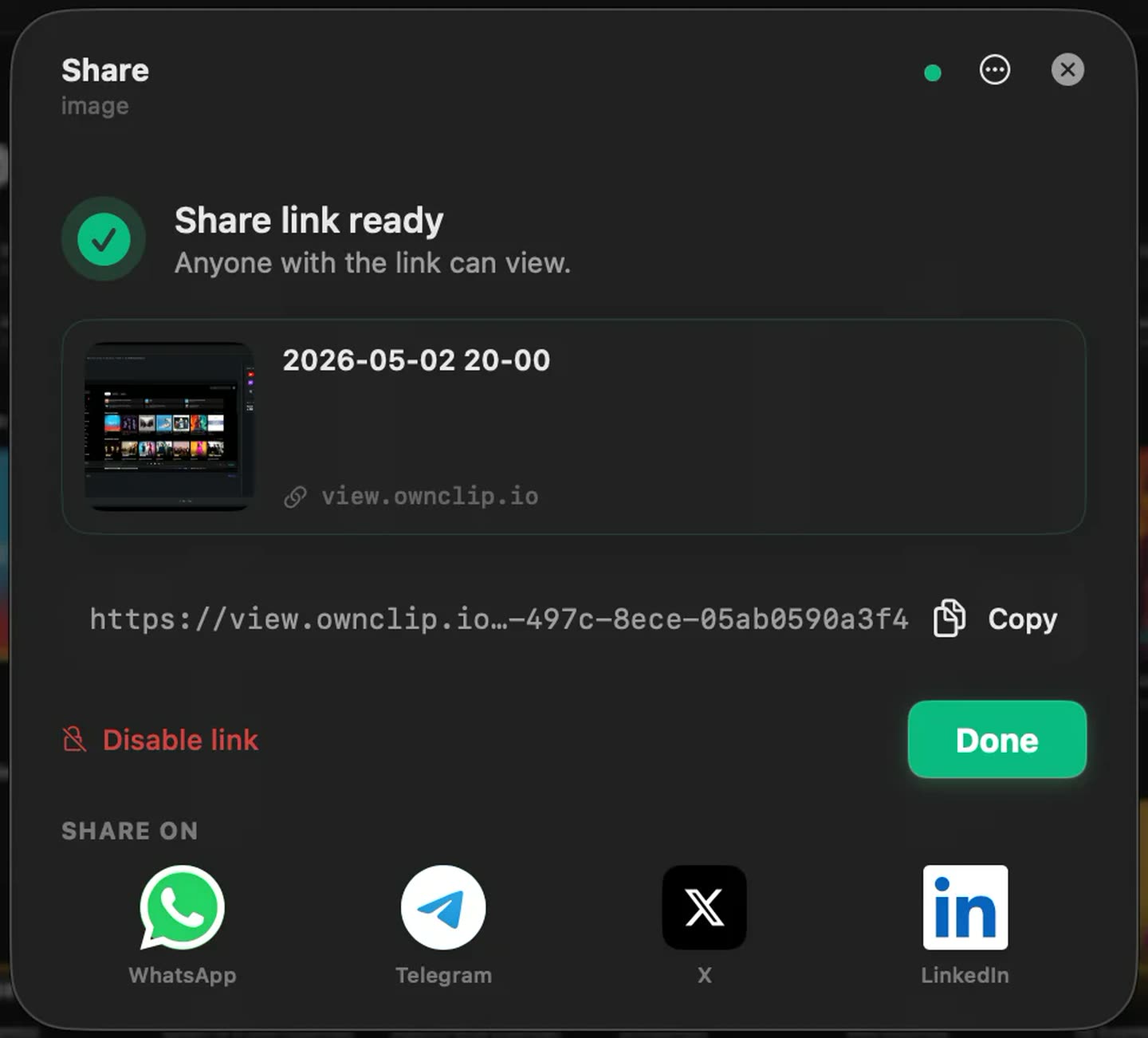
A link into the channel.
Uploads to your own Google Drive and opens in a browser with nothing to install. Studio adds your own branding to the page they land on.
What they replace
The weekly status meeting
Recorded once, watched at whatever speed each person prefers.
The design walkthrough
Reacting to the work while the viewer watches you look at it.
The handover
A recording outlives the conversation, and the next person can watch it too.
The long written update
Tone survives on camera in a way it does not survive in a document.
Questions people ask
Shorter than you think. The free three-minute cap is a reasonable forcing function; Pro removes it when you genuinely need longer.
Yes. A share link opens in a browser with nothing to install.
In your own Google Drive. You control access and can revoke it there. Custom branding on the share page is part of the Studio tier.
OwnClip is built for recording your own screen and voice, not for capturing calls with other people. Recording others requires their consent and is legally restricted in many places.
Related
Coming from another tool? See how OwnClip compares with Loom, or browse every comparison.
Send the update instead of booking the meeting
Free to start. The latest macOS, Apple silicon. See what Pro and Studio add.