A screen recorder built for the Mac
Record your screen, your camera and your audio, then keep working in the same app. The recording opens in an editor instead of landing in a folder as a file you still have to deal with.
Free to use. Recordings are capped at three minutes and recorded at 720p with a watermark.
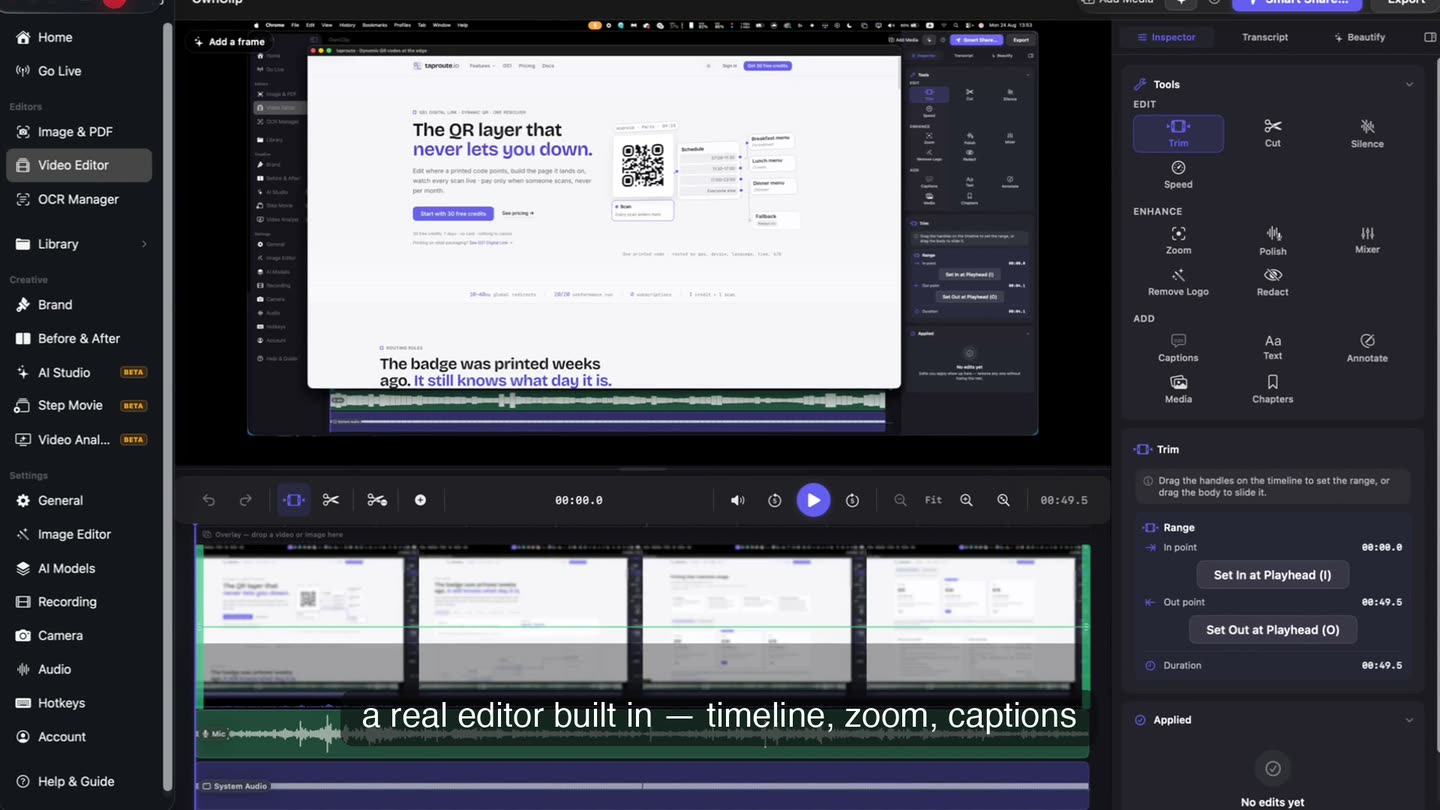
It opens on the take.
The recording you just stopped is already on a timeline, with the camera on its own track and the microphone and system audio split apart. No import step, no second application.
- Timeline
- Both audio tracks
- Non-destructive
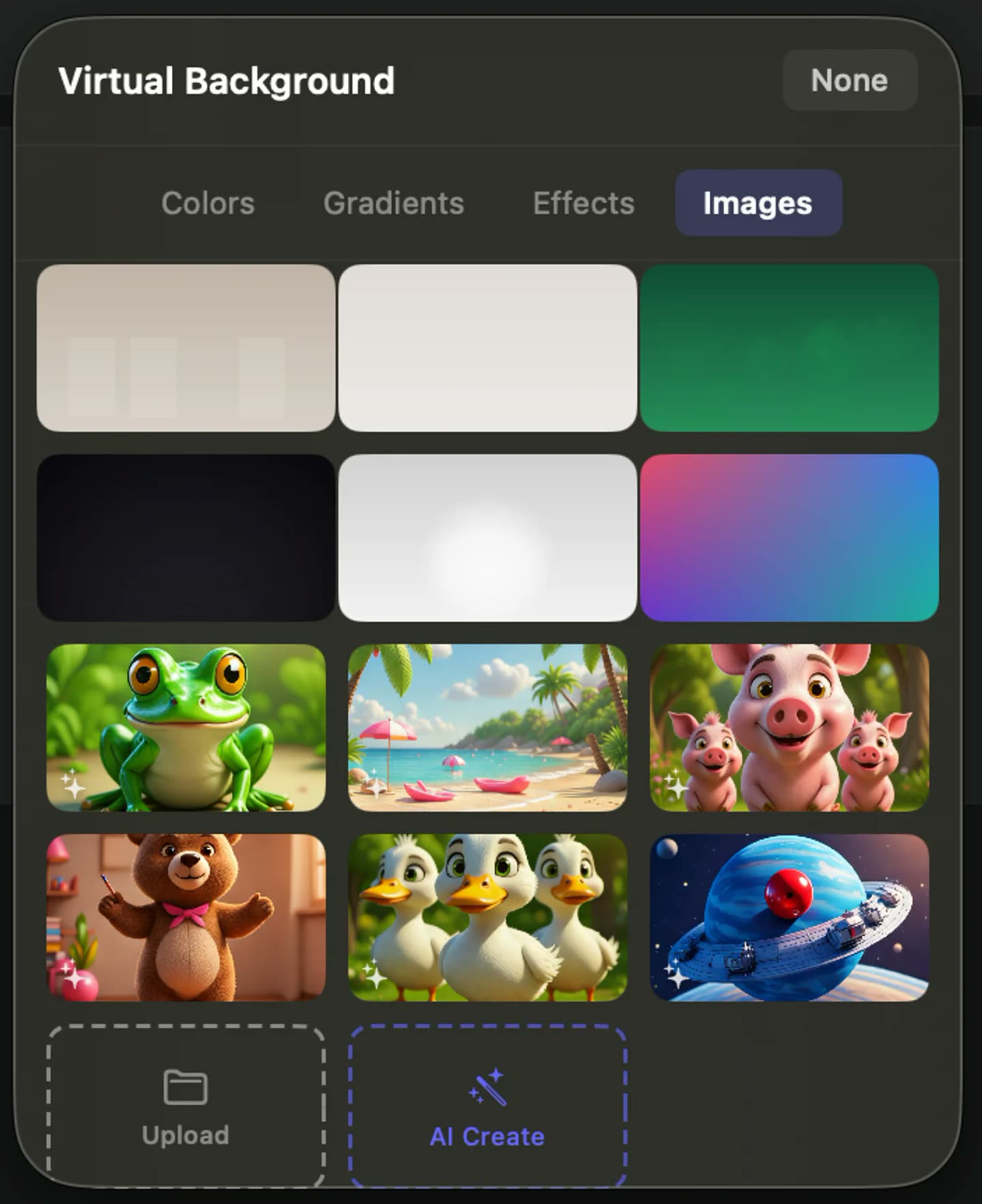
Your face, on its own track.
The camera records separately from the screen, so how big it is and where it sits stay editable afterwards. Background blur, replacement and framing all run on your Mac while you record.
- Five layouts
- On-device effects
- Eye Contact
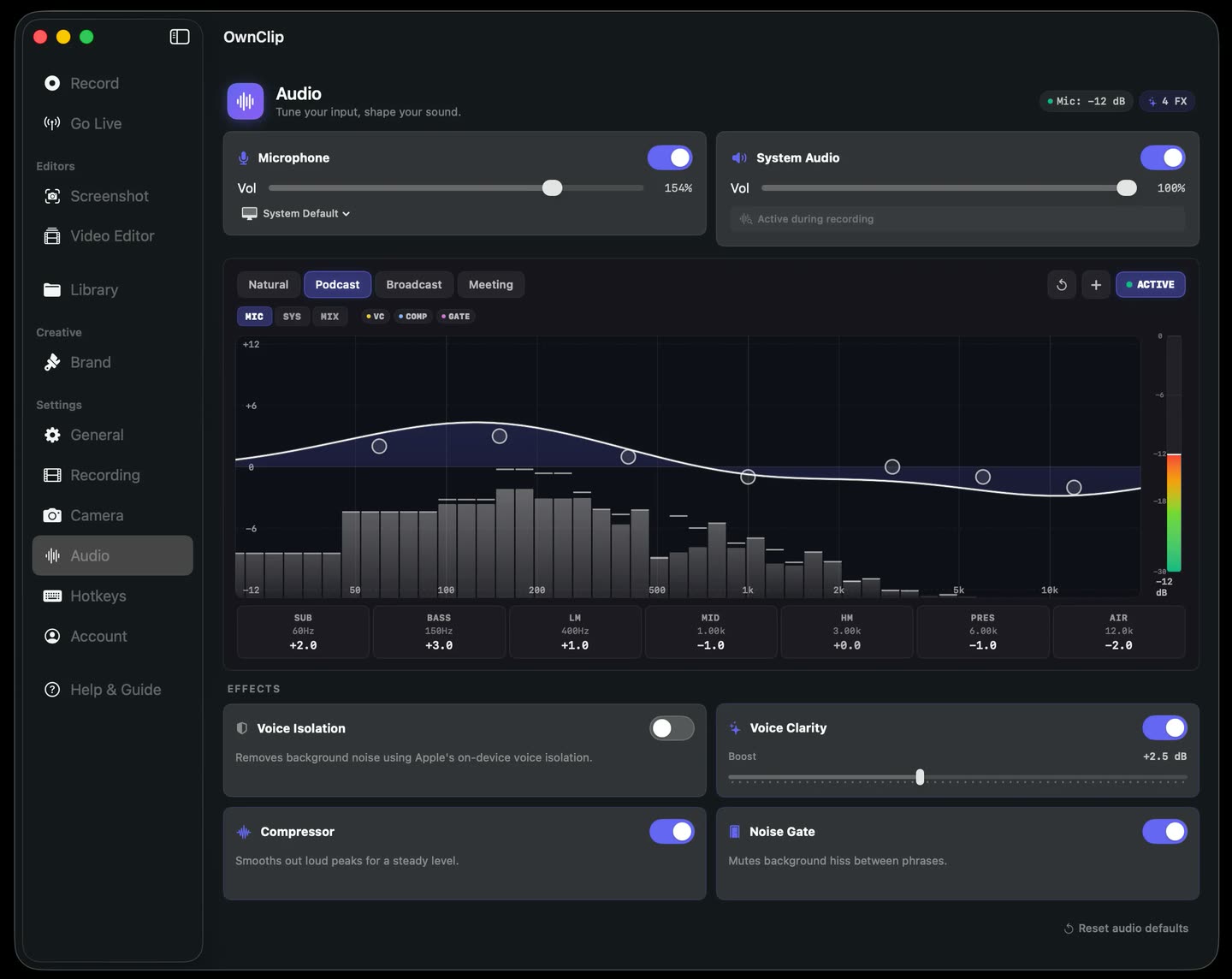
Two sources, kept apart.
Record your voice and what the computer is playing and you get two lossless tracks, not one mixed signal. Noise removal and voice EQ run locally, on the microphone only.
- Separate tracks
- Noise removal
- Voice presets
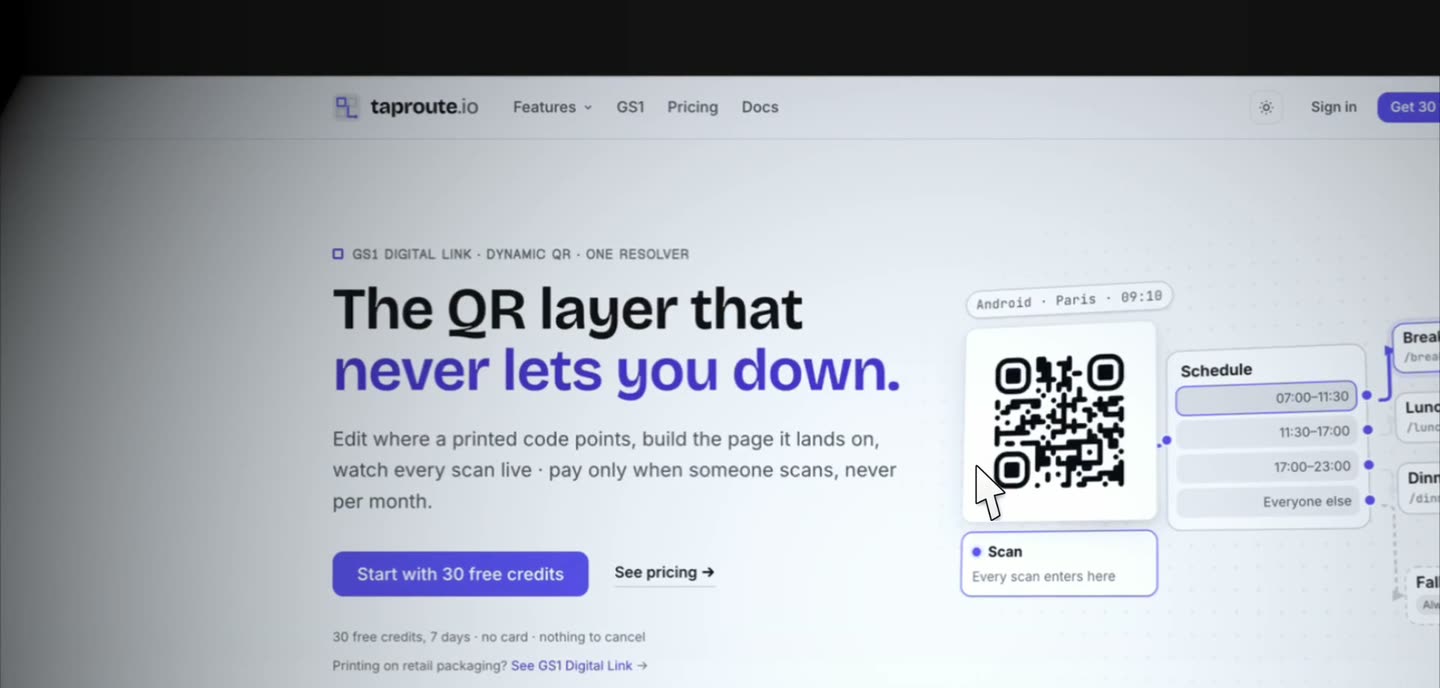
It zooms so you do not have to.
Cursor movement recorded during the take becomes cinematic push-ins on the parts of the screen you actually worked on, then pulls back out. Nothing is keyframed by hand.
What comes with it
Most of this is on the free tier. The paid tiers are noted where they apply.
Screen, window or region
A whole display, one window, or a region you drag — including one spanning two displays.
Camera alongside the screen
Its own track, so size, position and layout are decisions you make after the take.
Microphone and system audio, separately
Two lossless tracks that open pre-split, so one can be fixed without touching the other.
Smart Zoom
Cursor activity from the take becomes zoom moves you can retune per clip.
Captions from the recording
Transcription runs on your Mac and produces timestamped captions you can correct.
Annotations on the video
Arrows, boxes, highlighter, pen and numbered steps, each on its own stretch of timeline.
A link, from your own Drive.
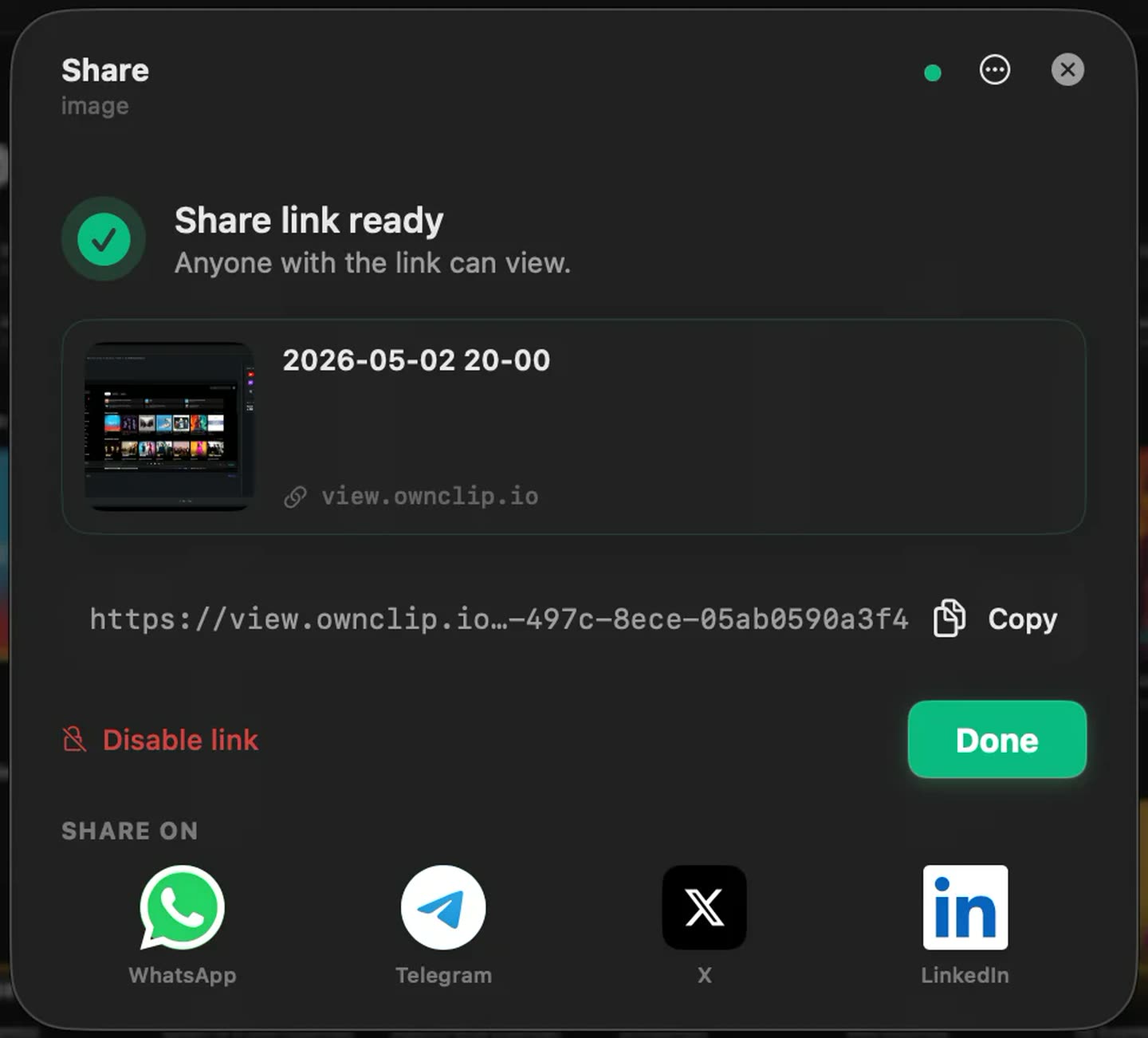
Sharing uploads to storage you already own and hands you a link. The file lives in your Google Drive, not on our servers, and the link can be switched off again from the same dialog that made it.
It stays on your Mac
Recordings are written to your Movies folder as ordinary files. Nothing is uploaded for processing — transcription, camera effects, noise removal and object removal all run on your own machine.
You do need to sign in, so OwnClip is not usable fully offline. Once you are, the work happens locally.
Questions people ask
OwnClip runs on the latest macOS — currently macOS 26 — on an Apple silicon Mac. It is a native Mac app; there is no Windows or web version.
Free includes the whole editor — timeline, Smart Zoom, camera effects, audio cleanup, captions, annotations, and the screenshot and PDF editors. What it caps is the take itself: three minutes, recorded at 720p, with a small watermark recorded into the video. You can keep 25 recordings. A few tools are paid rather than capped — Video Analyst and Batch Beautify are Pro; Brand Studio, Go Live and Step Movie are Studio. Pro is $39 once and lifts every cap for what you record after upgrading; recordings made on Free stay 720p with the mark.
Yes. The camera records to its own track alongside the screen, and you choose how it appears — a bubble, side by side, full frame, or hidden — when you edit. There is no camera-only mode; the camera always accompanies a screen capture.
No. The editor is part of OwnClip and the recording opens in it directly. Editing is non-destructive — your edits live beside the original file, which is never rewritten.
You need to sign in, so OwnClip is not usable fully offline. Once you are signed in, recording, editing and every AI feature run locally on your Mac.
Related
Coming from another tool? See how OwnClip compares with Loom, ScreenFlow and OBS Studio, or browse every comparison.
A screen recorder built for the Mac
Free to start. The latest macOS, Apple silicon. See what Pro and Studio add.