A free screen recorder for Mac with the editor included
A free screen recorder for the Mac that comes with the video editor, the camera effects, the audio tools and the screenshot editor. Free caps the take itself: three minutes, recorded at 720p, with a small watermark in the frames.
Free to use. Recordings are capped at three minutes and recorded at 720p with a watermark.
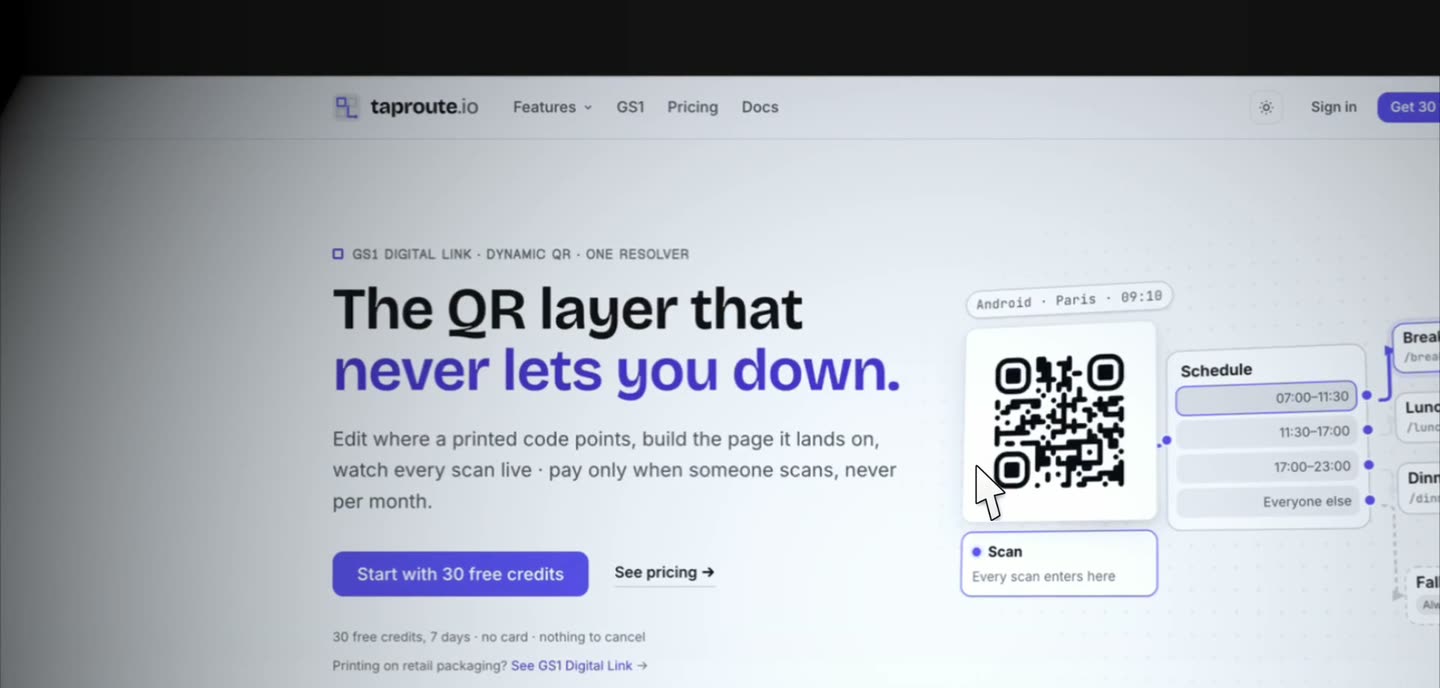
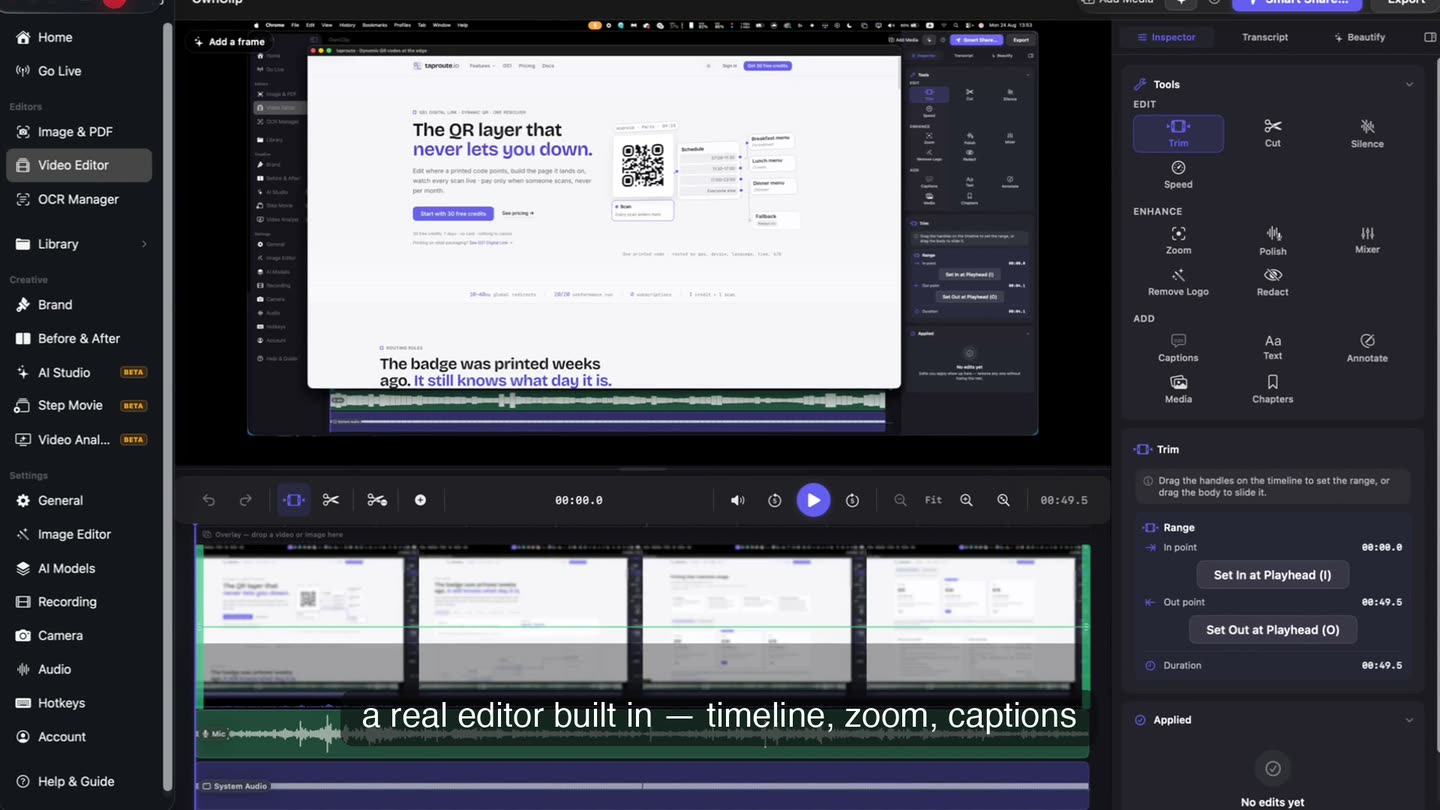
The editor comes with it.
The take you just stopped opens on a timeline in the same app, with its clips, the microphone and system audio on separate tracks, and the tool panel already open. None of the editor is held back for a paid tier.
- Timeline
- Separate audio tracks
- No import step
What the free tier includes
All of this is in the free Mac screen recording app. The five limits are named together, further down.
Whole screen, window or region
A display, a single window, or a region you drag out — including one that spans two displays.
The full video editor
Trim, cut, change speed, work on the audio and export. Editing is non-destructive: edits live in a project beside the original, which is never rewritten.
Camera on its own track
How big it is and where it sits stay editable after the take. The camera always accompanies a screen capture; there is no camera-only mode.
Transcription and captions
The words come out of the recording on your Mac, timestamped and editable, and burn in at export.
Every export format
MP4, HEVC, MOV, ProRes 422 and 4444, and GIF are all on the free tier. Free exports come out at 720p and carry the watermark.
The screenshot editor too
Pen, marker, highlighter, shapes, four arrow styles, text, numbered steps, blur, crop and signatures, in the same download.
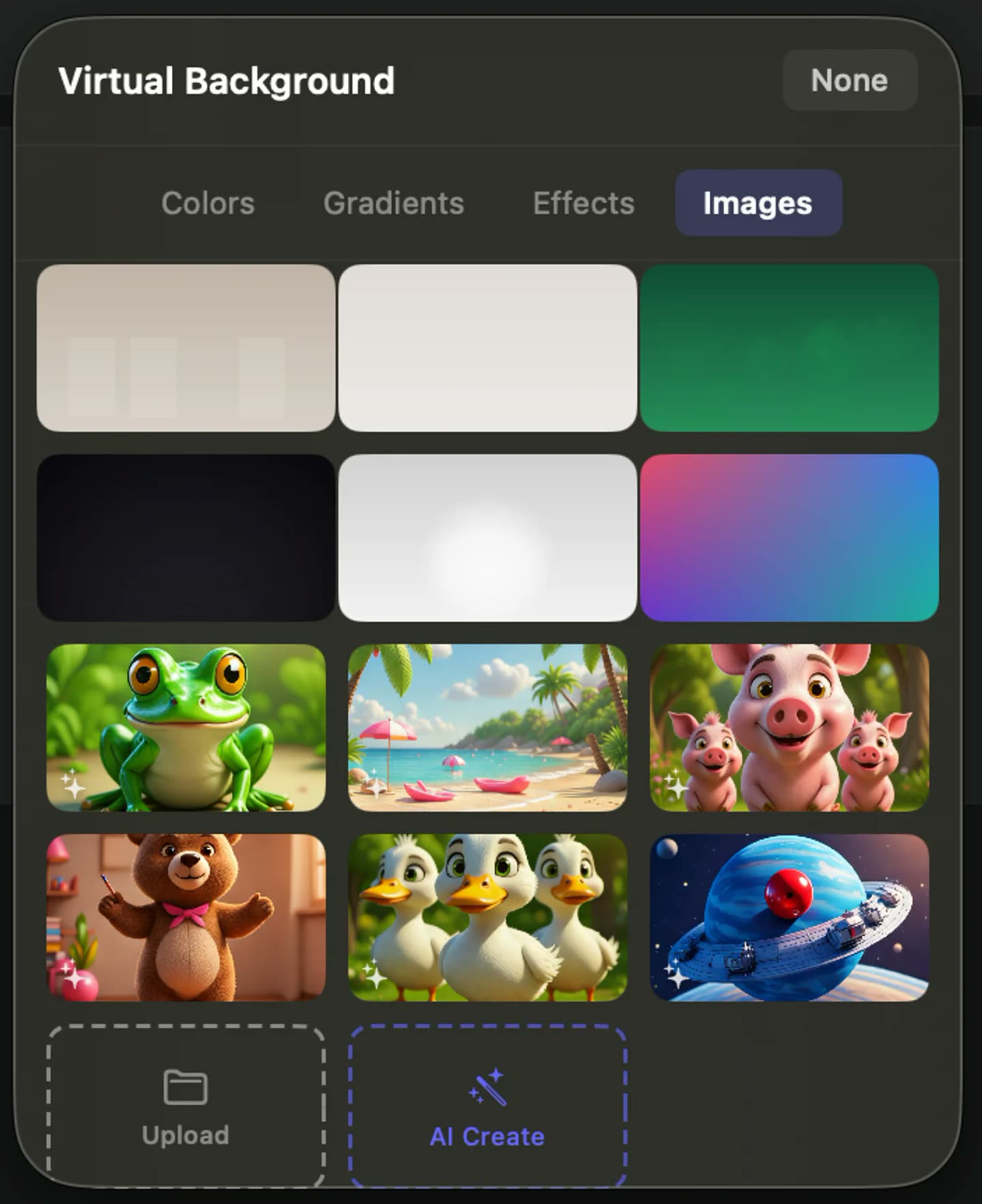
The camera is free too.
Record your face beside the screen with background blur, background replacement, smart framing and auto-light, all running on your own Mac while the take happens. None of it is a paid add-on and none of it uploads.
- On-device
- Blur or replace
- Smart framing
Where the free tier stops
Five caps on the take, not the toolkit: three minutes per recording, recorded and exported at 720p, a small “Made with OwnClip” mark recorded into the video, 25 recordings kept in the library, and five Capture Text extractions a month. Smart Zoom is included.
Pro is $39, paid once, and lifts all five for everything you record after upgrading — unlimited recording length, up to 4K at 60fps, no watermark, an unlimited library and unlimited text extraction. Recordings made on Free keep their 720p and their mark. Studio is $99 once. Neither renews, and the free tier has no clock on it: it does not expire and it does not ask for a card.
Signing in is required before OwnClip will record, so an account is part of the deal. The recording, the editing and the AI work then happen on your Mac.
From download to first take
- 1Install the appThe DMG is about 200 MB. OwnClip runs on Apple silicon Macs on the latest macOS.
- 2Sign in onceRecording needs an account. No card is asked for and there is no trial period attached to it — the free tier stays free.
- 3Pick what to recordA display, a window, or a region you drag, with the camera and the audio sources switched on beside it.
- 4Stop, and keep workingThe take opens in the editor with its clips already on the timeline, ready to trim, adjust and export.
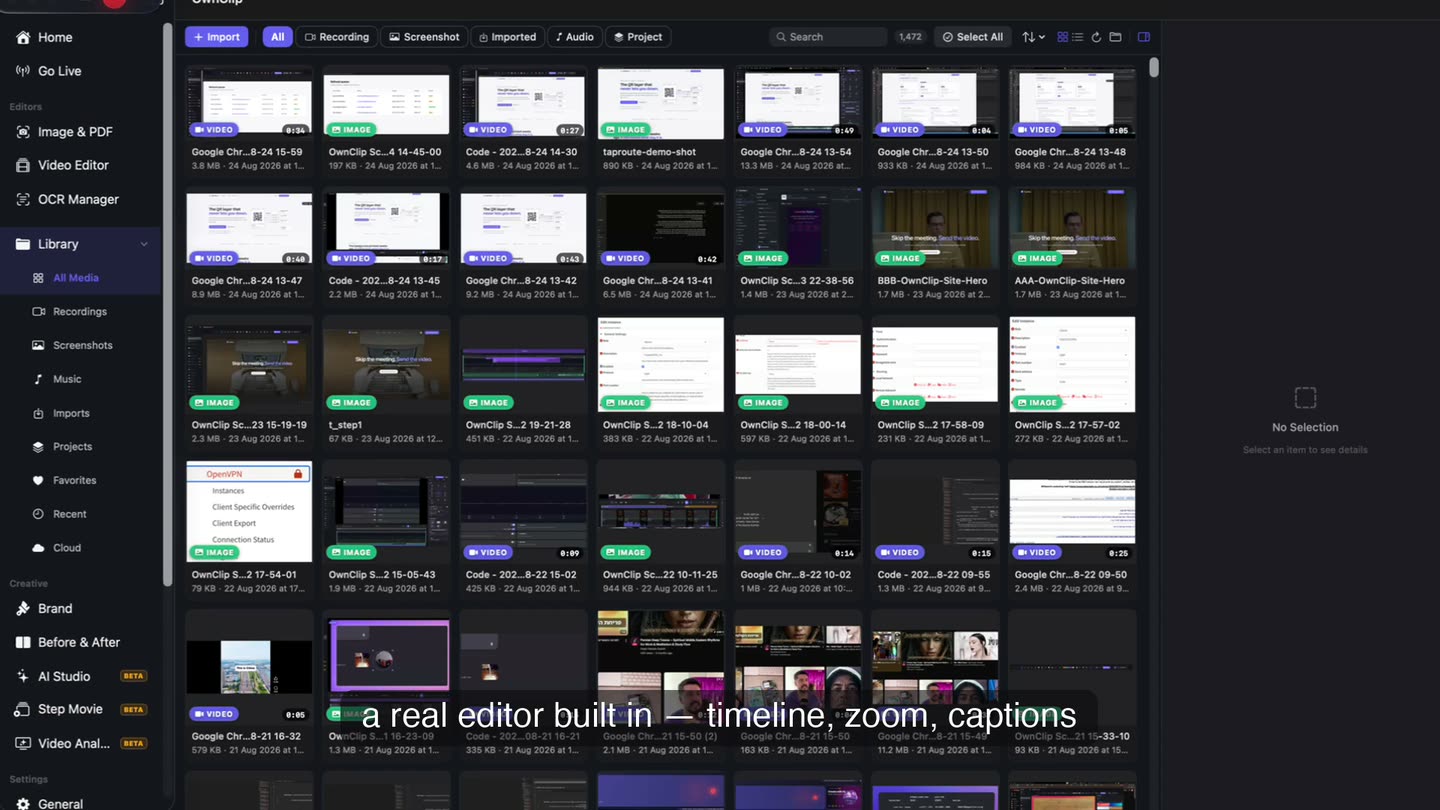
Every take, listed in one place.
Recordings show up in the library the moment you stop, each with its date and its length, on the Mac that recorded them and ready to reopen in the editor.
What free is already enough for
Showing a developer a bug
A minute of screen, a sentence of narration, and the exact steps that reproduce it.
Answering a question once
Recording the answer takes less time than writing it out for the third person who asks.
Marking up a screenshot
Capture, arrow, a line of text, done. The drawing tools carry no monthly count.
Deciding without a countdown
The free tier does not expire and does not ask for a card, so you can judge it on real work.
Questions people ask
Free includes the whole editor — timeline, Smart Zoom, camera effects, audio cleanup, captions, annotations, and the screenshot and PDF editors. What it caps is the take itself: three minutes, recorded at 720p, with a small watermark recorded into the video. You can keep 25 recordings. A few tools are paid rather than capped — Video Analyst and Batch Beautify are Pro; Brand Studio, Go Live and Step Movie are Studio. Pro is $39 once and lifts every cap for what you record after upgrading; recordings made on Free stay 720p with the mark.
Yes, and it is the same editor. Trimming, cutting, speed changes, noise removal, transcription and captions, the screenshot editor, and HEVC, ProRes and GIF export are all on the free tier. Editing is non-destructive, so the original recording is never rewritten.
No. Signing in is required before OwnClip will record, so a free account is part of using it. No card is asked for and the free tier does not expire. Once you are signed in, recording, editing and every AI feature run on your Mac.
OwnClip runs on the latest macOS — currently macOS 26 — on an Apple silicon Mac. It is a native Mac app; there is no Windows or web version.
Pro is $39 paid once: unlimited recording length, exports up to 4K at 60fps, no watermark, an unlimited library and unlimited text extraction, plus Video Analyst and Batch Beautify. Studio is $99 once and adds Brand Studio, Go Live and Step Movie. Pro and Studio each activate up to two Macs, and neither renews.
Related
Coming from another tool? See how OwnClip compares with QuickTime Player, or browse every comparison.
A free screen recorder for Mac with the editor included
Free to start. The latest macOS, Apple silicon. See what Pro and Studio add.