Screen recording that zooms in on its own
A full-screen recording asks the viewer to hunt for the thing you are talking about. Smart Zoom uses the cursor movement recorded during the take to push in on the part of the screen that matters, then pull back out.
Free to use. Recordings are capped at three minutes and recorded at 720p with a watermark.
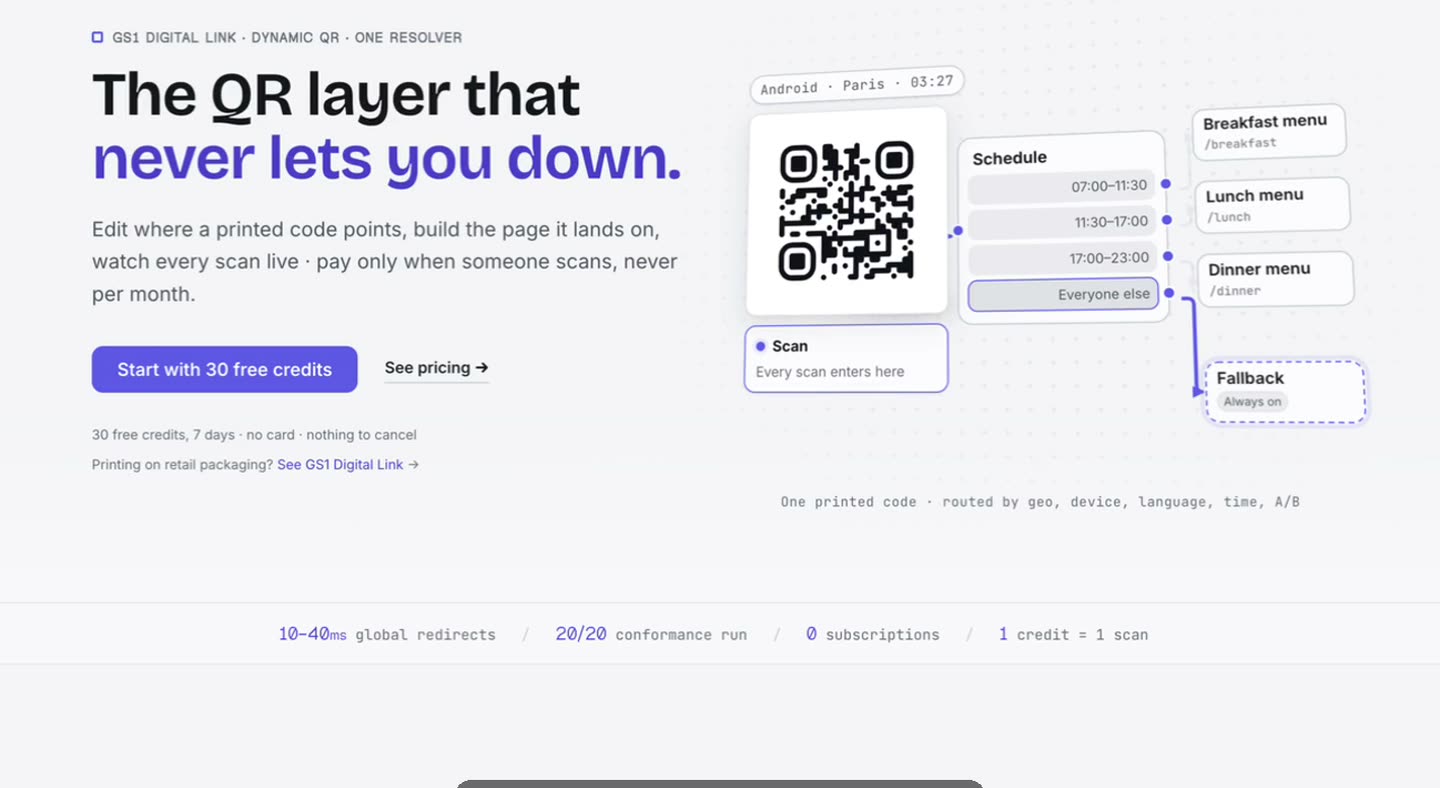
Why full-screen recordings are hard to watch
A 27-inch display recorded end to end and played back in a small embedded player turns a menu item into a few pixels. The viewer knows something happened; they cannot see what.
The usual fix is to zoom by hand in an editor — find the moment, set a keyframe, set another, tune the easing, repeat for every click. It works, and it is why most people simply do not do it.
The controls are yours.
Zoom sits in the editor’s tool grid beside trim, captions and the rest. Generate the moves from the take, then set how far each one goes, how long the transition runs, how often it moves and which easing it uses — and re-run it.
- Zoom amount
- Transition duration
- Frequency
- Easing
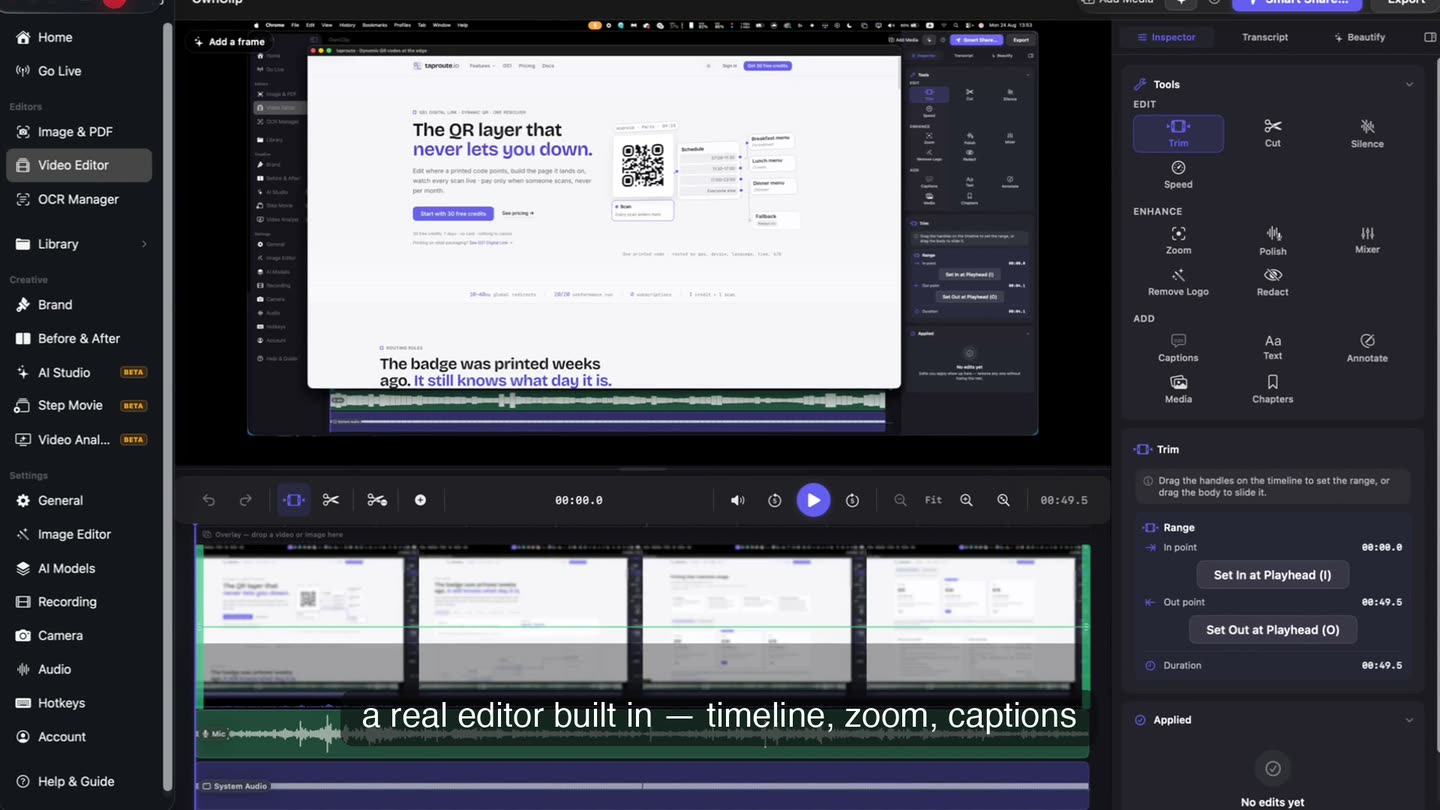
What it is doing under there
- 1The take records the cursorPosition and clicks are stored alongside the video while you record.
- 2Clusters become movesWhere the cursor settled and clicked is what was worth looking at.
- 3Moves become an editThe zoom is stored beside the file, not written into the frames.
- 4Turn it off and it is goneThe recording underneath is exactly the one you made.
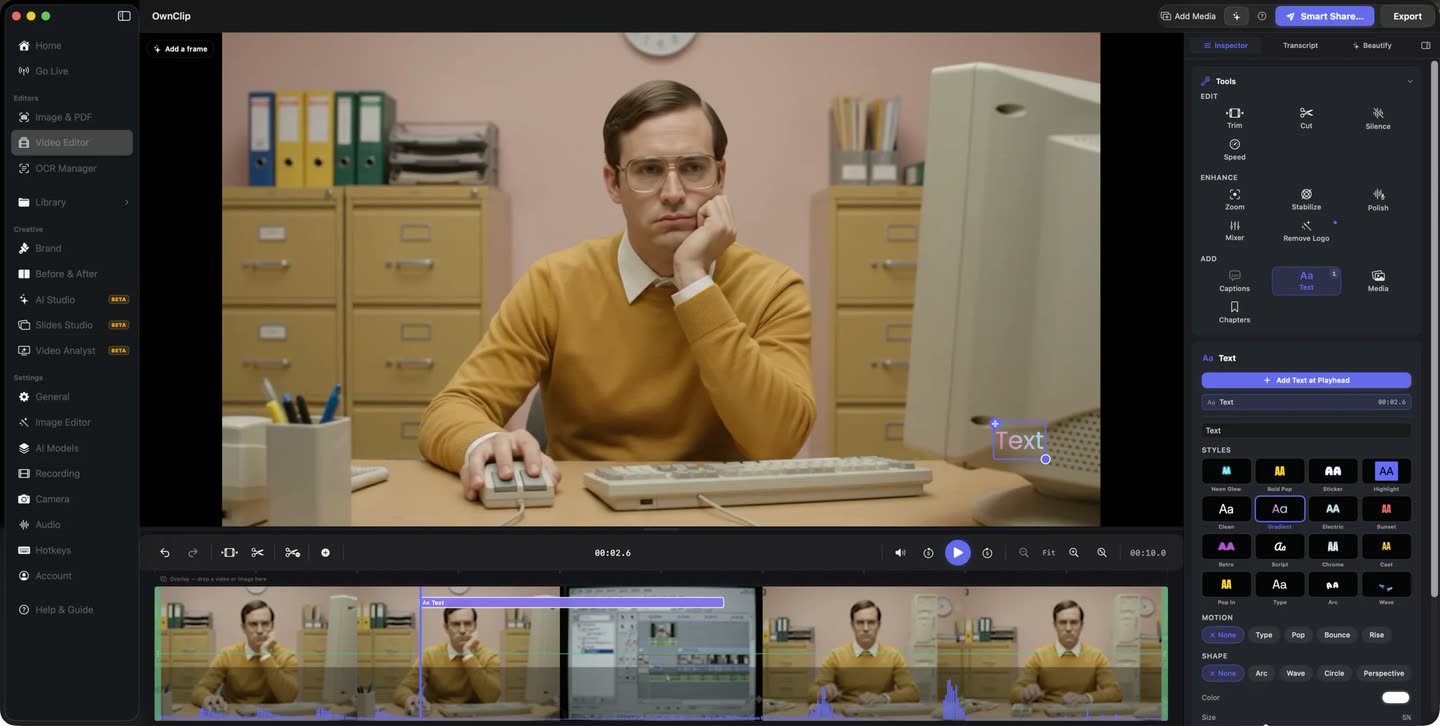
The original is untouched.
The zoom is an edit on top of the recorded frames, stored beside the file rather than written into it. Turn it off and the take you made is still exactly there.
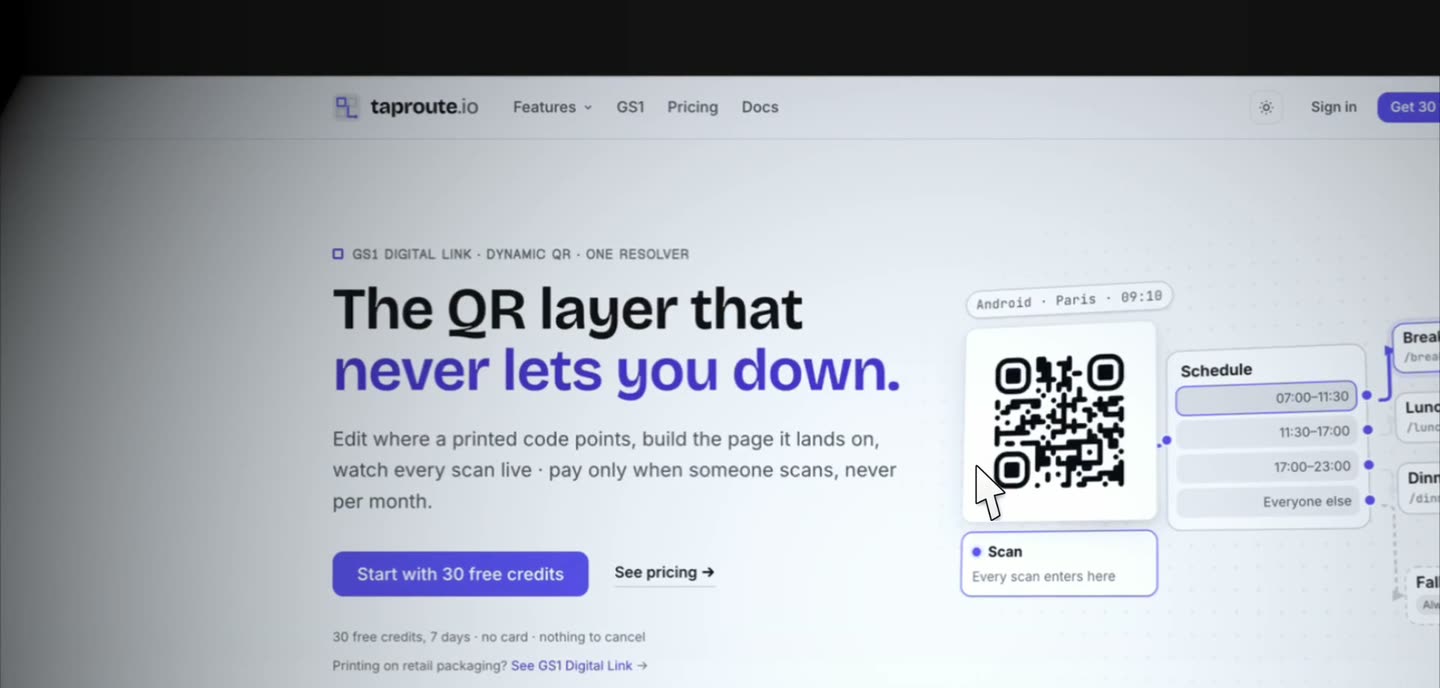
Where it earns its keep
Product demos
Walking through a dense interface where the important control is small and the viewer has never seen it before.
Software tutorials
Following a sequence of clicks through menus and dialogs without narrating coordinates.
Bug reports
Making it obvious which field misbehaved, without cropping the recording and losing context.
Code walkthroughs
Small text at full resolution is unreadable in an embed. A push-in makes a specific function legible.
Questions people ask
Yes. Smart Zoom works on every tier, including Free, where recordings and exports are 720p with a small watermark recorded into the video. Pro, $39 once, records and exports up to 4K with no watermark for everything you record after upgrading. The editor, captions, annotations, camera effects and audio tools are free too.
Yes. Zoom amount, transition duration, how frequently it moves and the easing curve are all adjustable per clip, and you can regenerate the moves after changing them. You can also delete individual moves.
It works on recordings that captured cursor movement. That data is recorded during the take, so a video imported from elsewhere, or a take recovered after a crash, has nothing to build the moves from.
No, and that is deliberate — a camera that tracks every twitch is unwatchable. It moves to places where the cursor settled and clicked, and the default frequency is roughly two moves a minute. You can raise it.
Zooming crops into the recorded frame, so record at the highest resolution you can. Free records and exports at 720p; Pro goes up to 4K, which leaves considerably more room to push in.
Related
Coming from another tool? See how OwnClip compares with Screen Studio, or browse every comparison.
Screen recording that zooms in on its own
Free to start. The latest macOS, Apple silicon. See what Pro and Studio add.