Create product demos without becoming a video editor
A good demo shows one thing clearly. The work is not the recording — it is the zooming, labelling and trimming that turn a screen capture into something a prospect will actually watch.
Free to use. Recordings are capped at three minutes and recorded at 720p with a watermark.
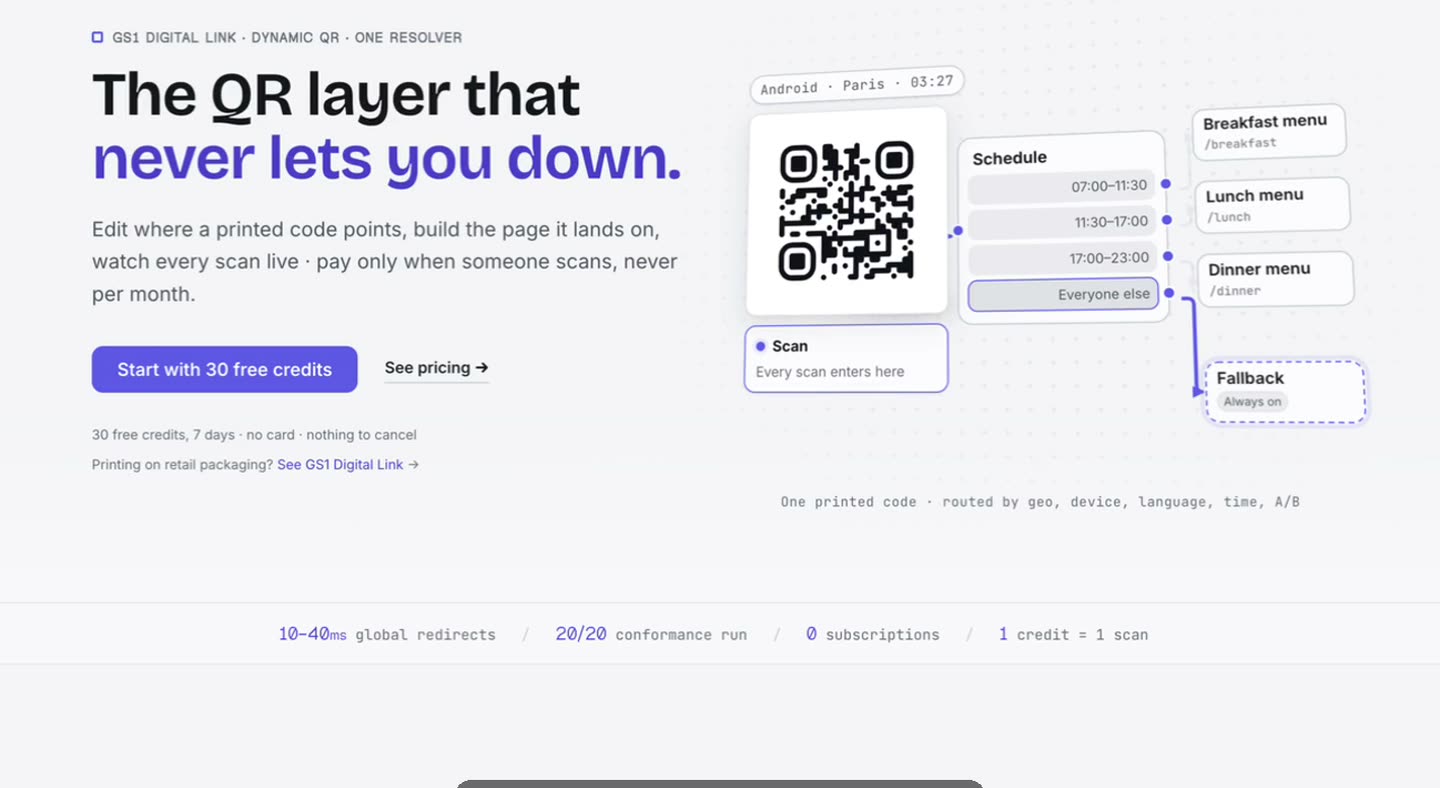
The demo you keep not making
Everyone agrees the product would be easier to sell with a two-minute demo. The reason it does not exist is that recording it takes ten minutes and making it watchable takes an afternoon in an editor nobody on the team knows.
Collapsing that into one app is the difference between a demo per release and a demo per year.
No round trip to an editor.
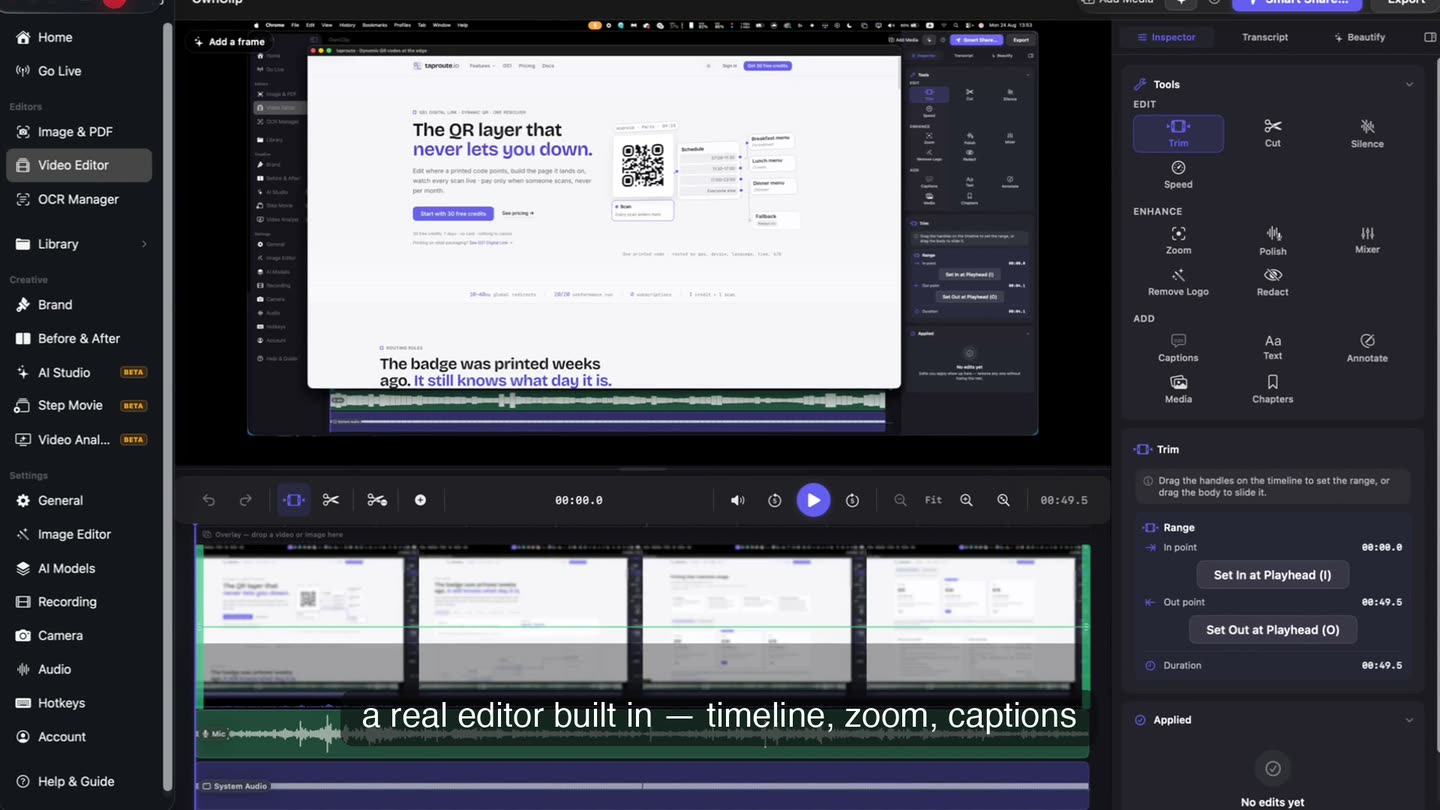
The take lands on a timeline in the same app that recorded it, with the tools that make a demo watchable — trim, zoom, captions, annotations — down one side.
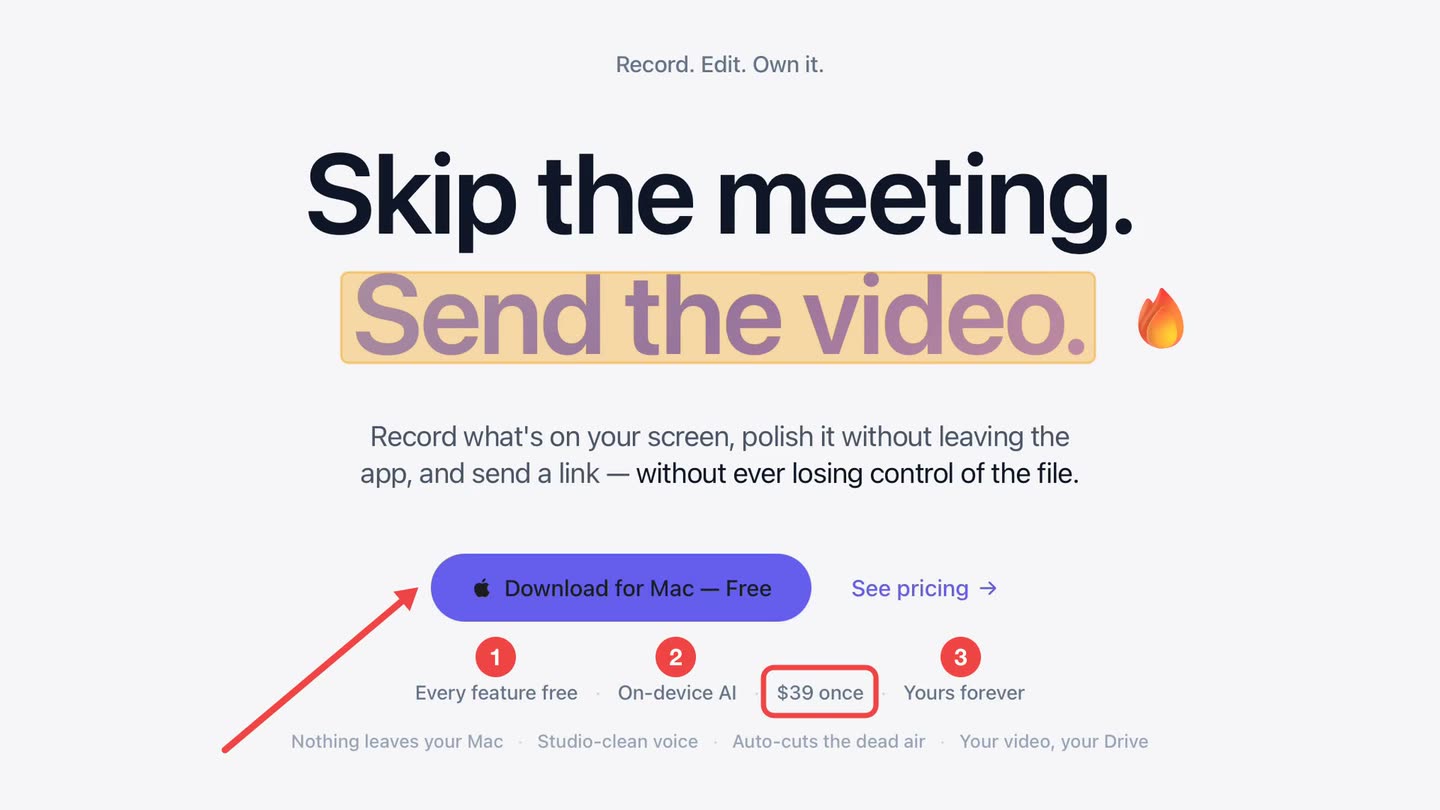
Point at it, do not describe it.
Arrows, boxes and numbered steps mark exactly what you are talking about, each for as long as you need and no longer. Nothing is burned in until export.
- Eight tools
- Time-ranged
- Emoji stickers
A face at the open.
On camera for the framing and the ask, then out of the way for the walkthrough. Switching layout partway through is an edit, not something you had to plan.
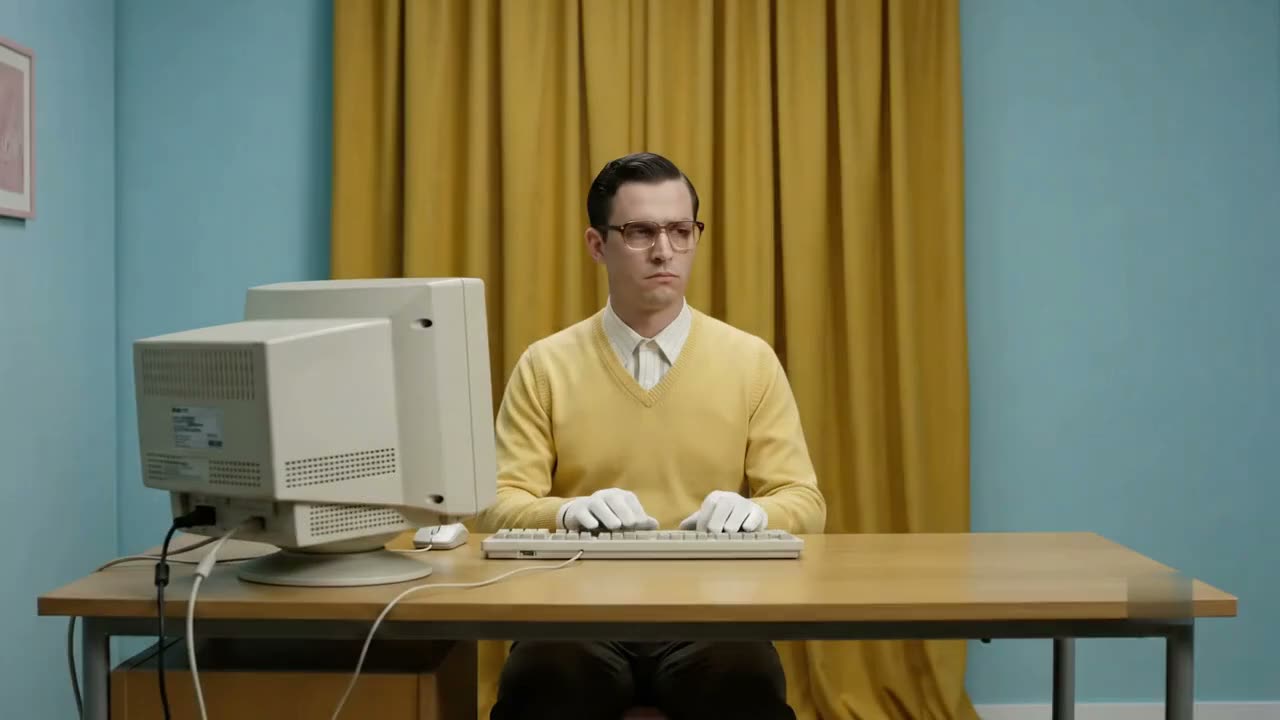
Recorded at the desk you already have
No studio, no crew, no booking. The polish comes from what happens to the take afterwards, which is the part that used to need an editor.
A person seated at a desk in front of a computer, photographed straight on
Record, polish, send.
One window from the first take to the share link, so a demo can be remade when the product changes instead of aging on a landing page.
Questions people ask
Three minutes, which is longer than most good demos. Pro removes the limit and raises exports from 720p to 4K.
No. The zoom moves are generated from the recording, captions come from the narration, and trimming is dragging the ends of a clip.
Yes. Export MP4 or HEVC and host it wherever you like. Free exports carry a small watermark; Pro removes it.
Edits are non-destructive and stored as a project beside the recording, so re-exporting after a tweak is quick. A changed interface still means re-recording that part.
Related
Coming from another tool? Browse every comparison.
Create product demos without becoming a video editor
Free to start. The latest macOS, Apple silicon. See what Pro and Studio add.