What OwnClip does, by the job you need doing
OwnClip records your screen, then gives you the editing, markup and document tools that usually live in four other apps. Each of the 27 pages below covers one job, and shows the real app doing it.
Recording
What OwnClip captures, and how the take is set up before you press record.
A screen recorder built for the Mac
Record your screen, your camera and your audio, then keep working in the same app. The recording opens in an editor instead of landing in a folder as a file you still have to deal with.
See how it works
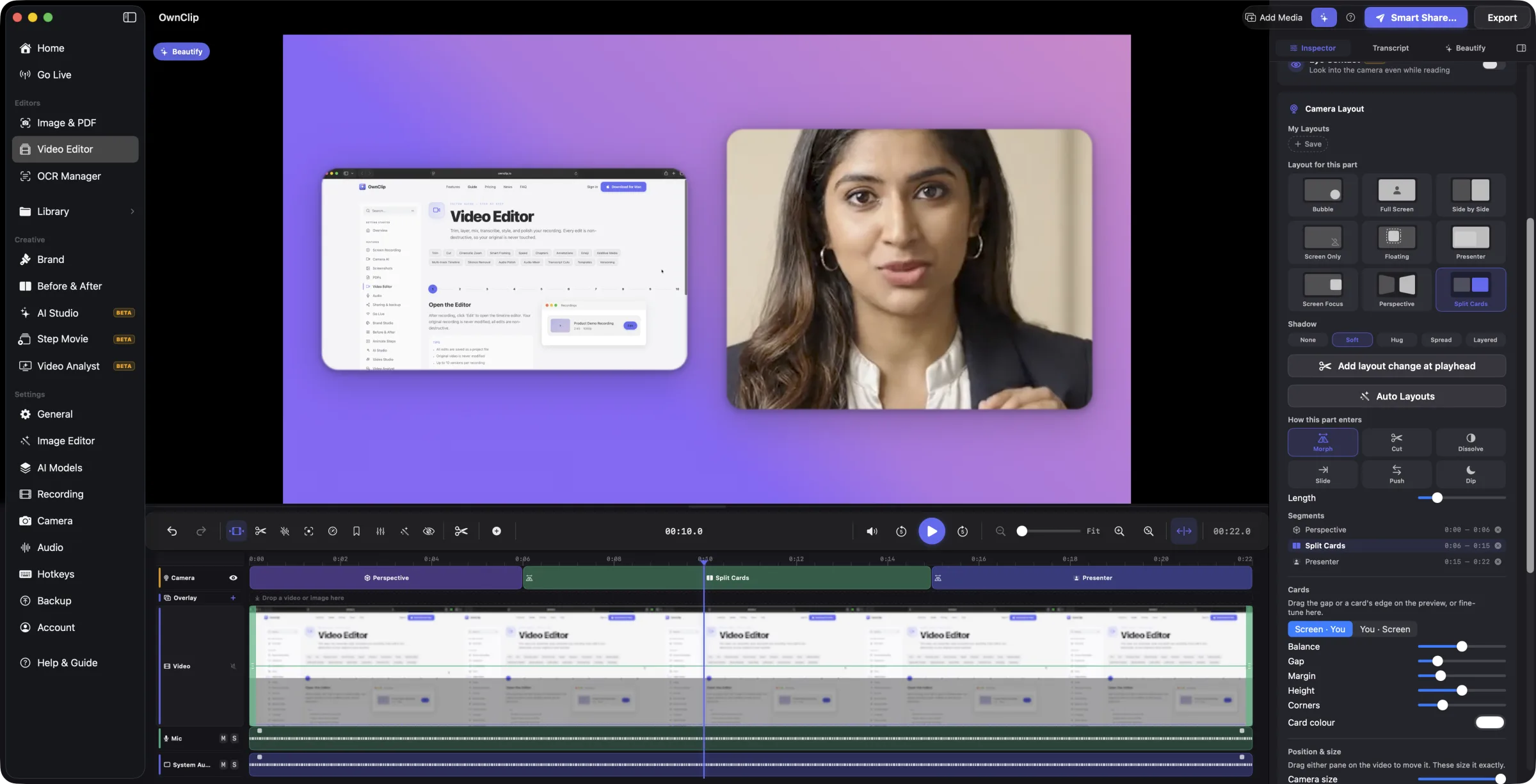 Record your screen and your camera togetherScreen and camera on separate tracks, with layout decided later.
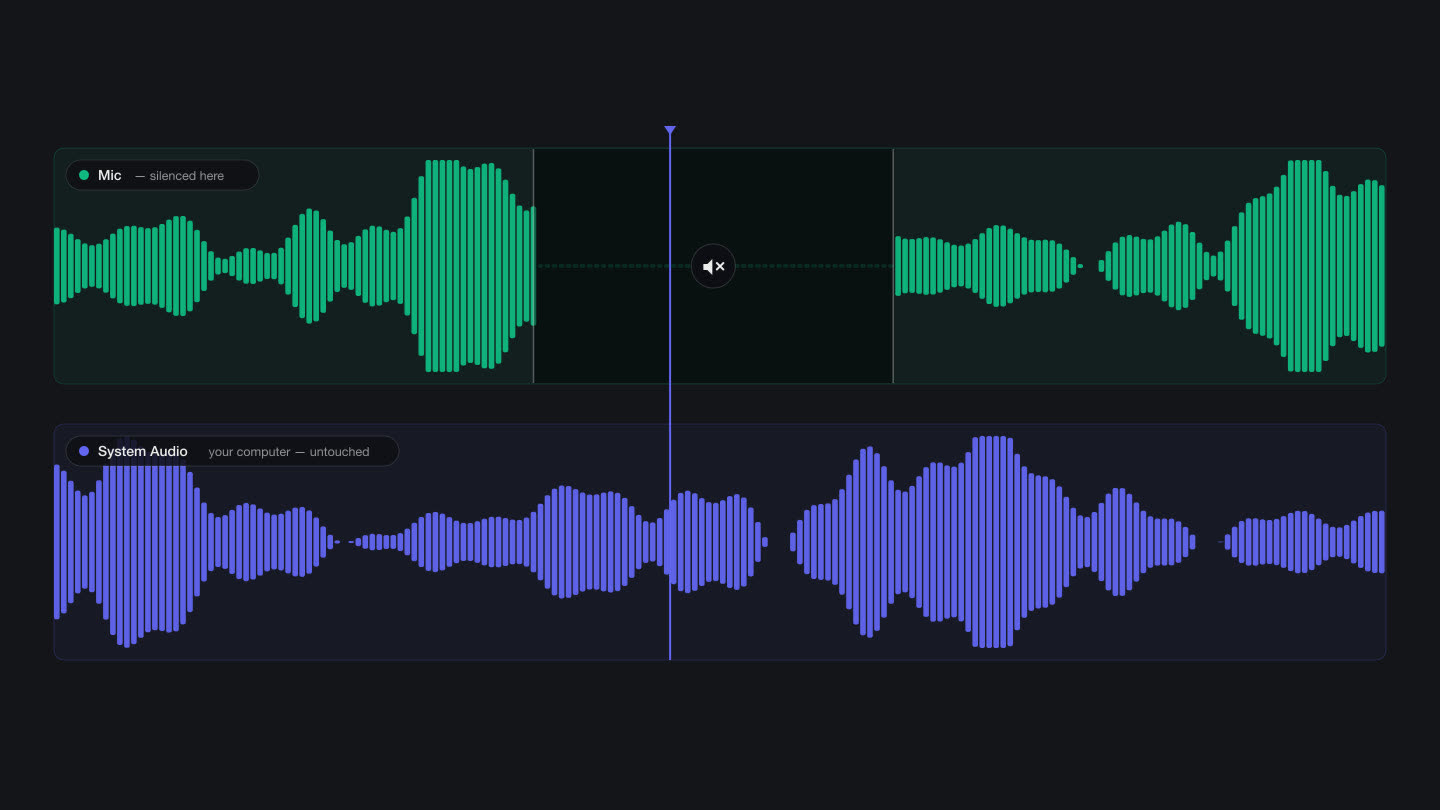 Record your screen with system audio and your micSystem audio and microphone as separate tracks, with on-device voice cleanup.
 A free screen recorder for Mac with the editor includedEverything the free tier includes, and the five places it stops.
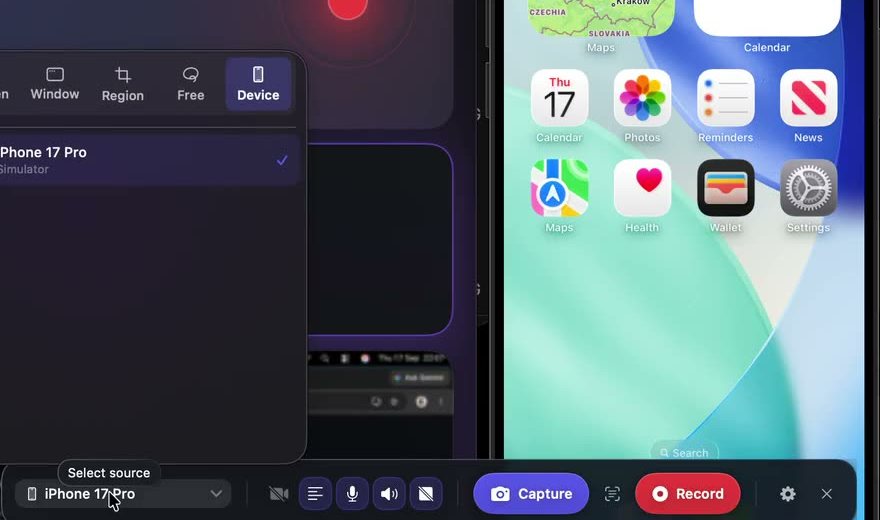 Record your iPhone or iPad screen on a MacAn iPhone or iPad over a cable, recorded like any other source.
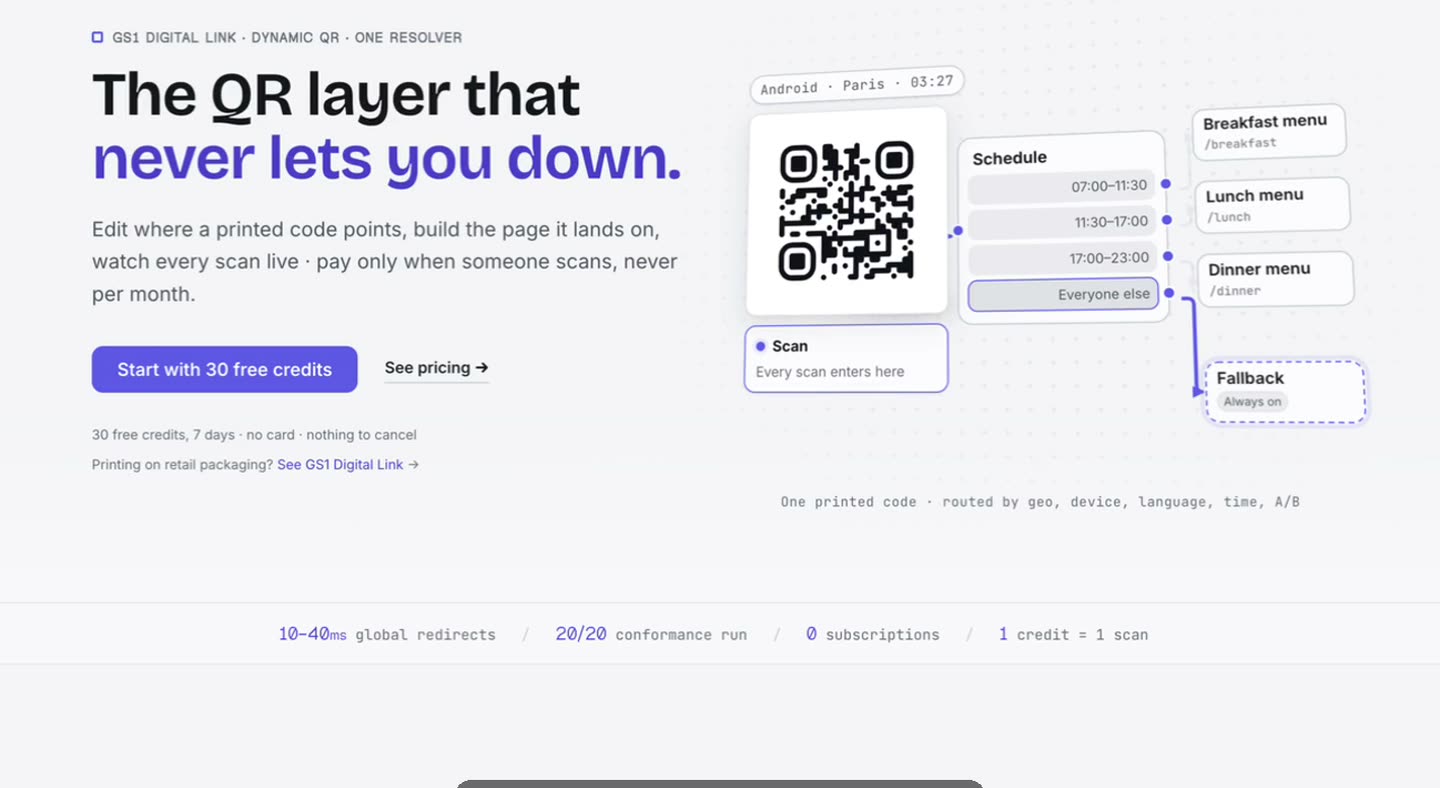 Screen recording that zooms in on its ownCursor-driven zoom moves generated from the recording itself.
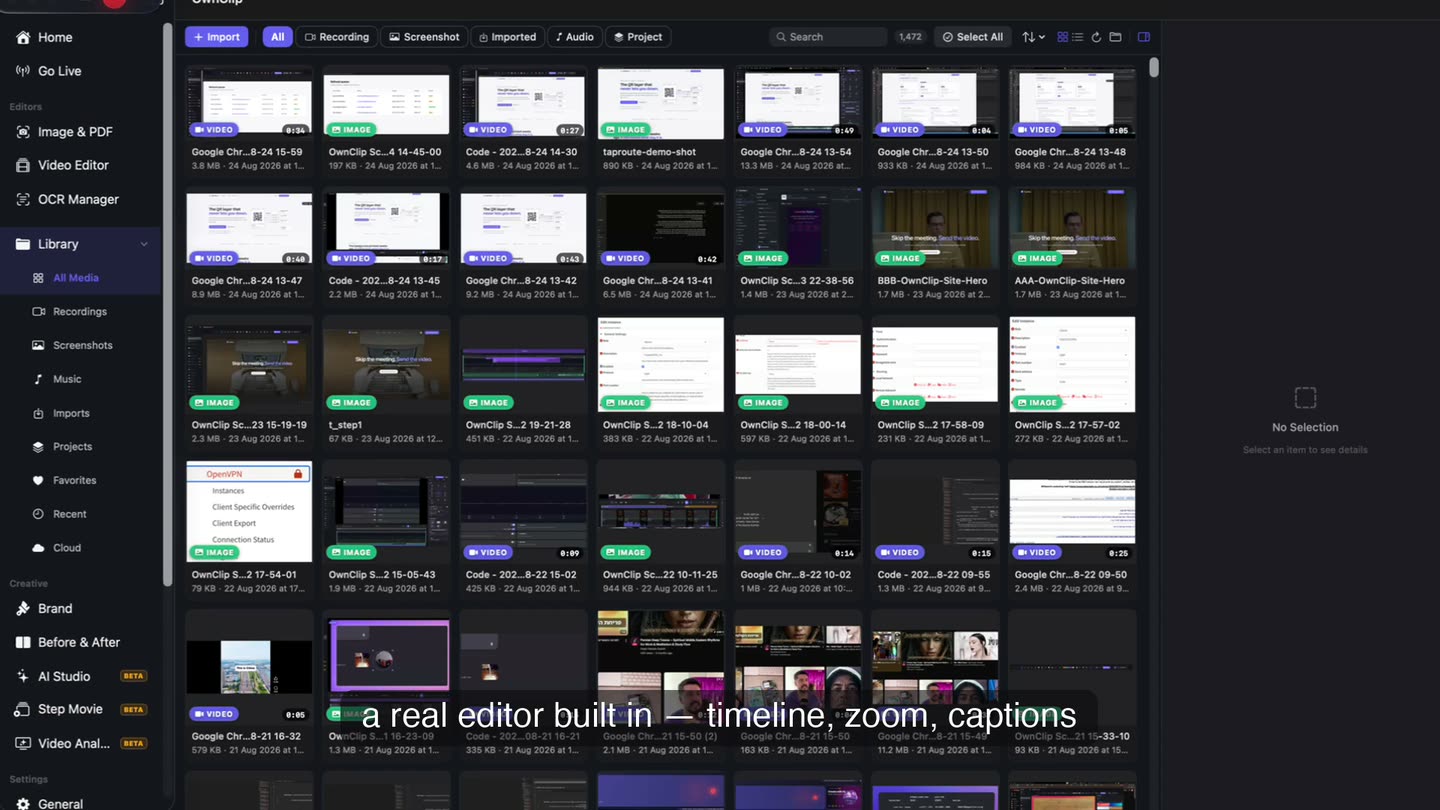 A screen recorder that keeps your work on your MacWhere recordings live, what runs locally, and what touches the network.
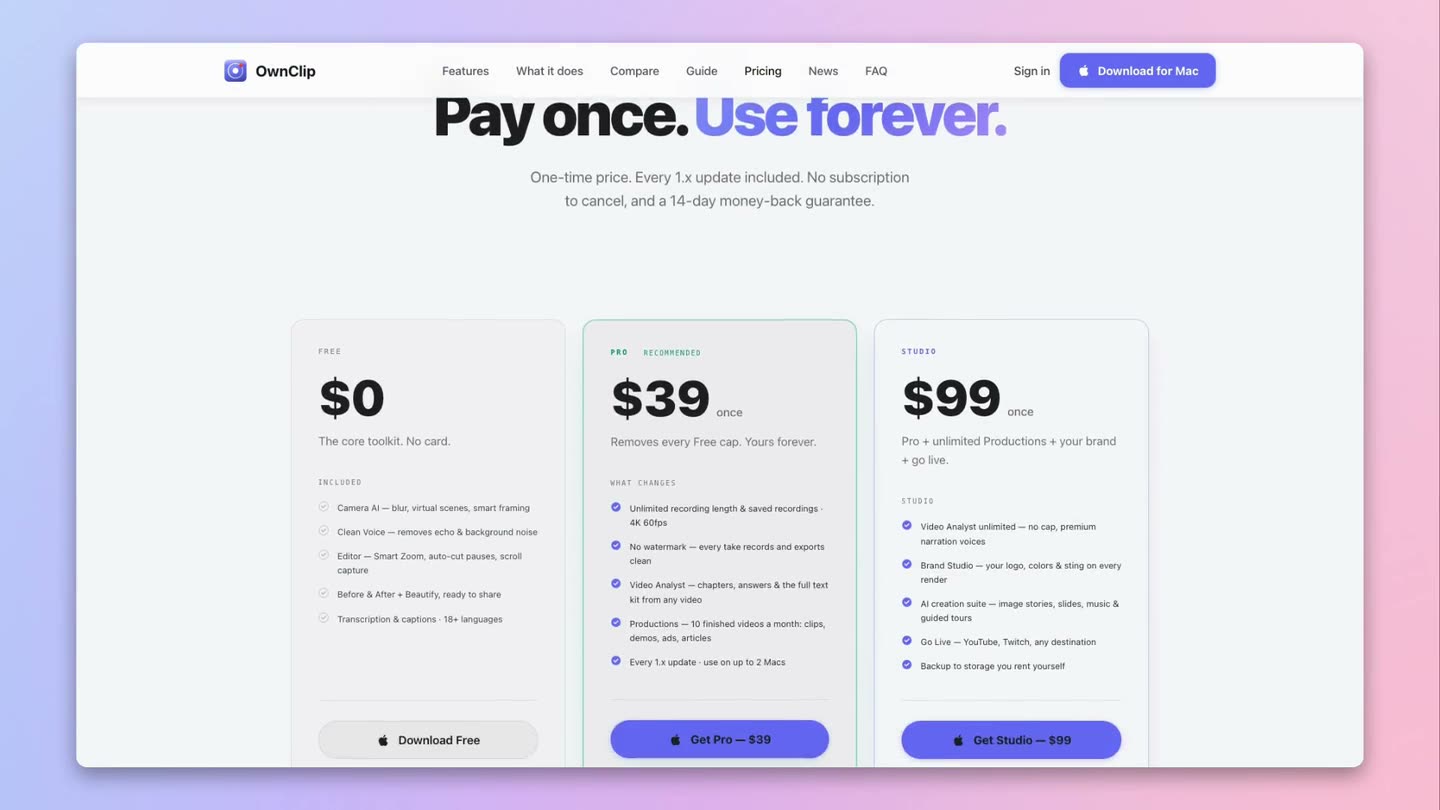
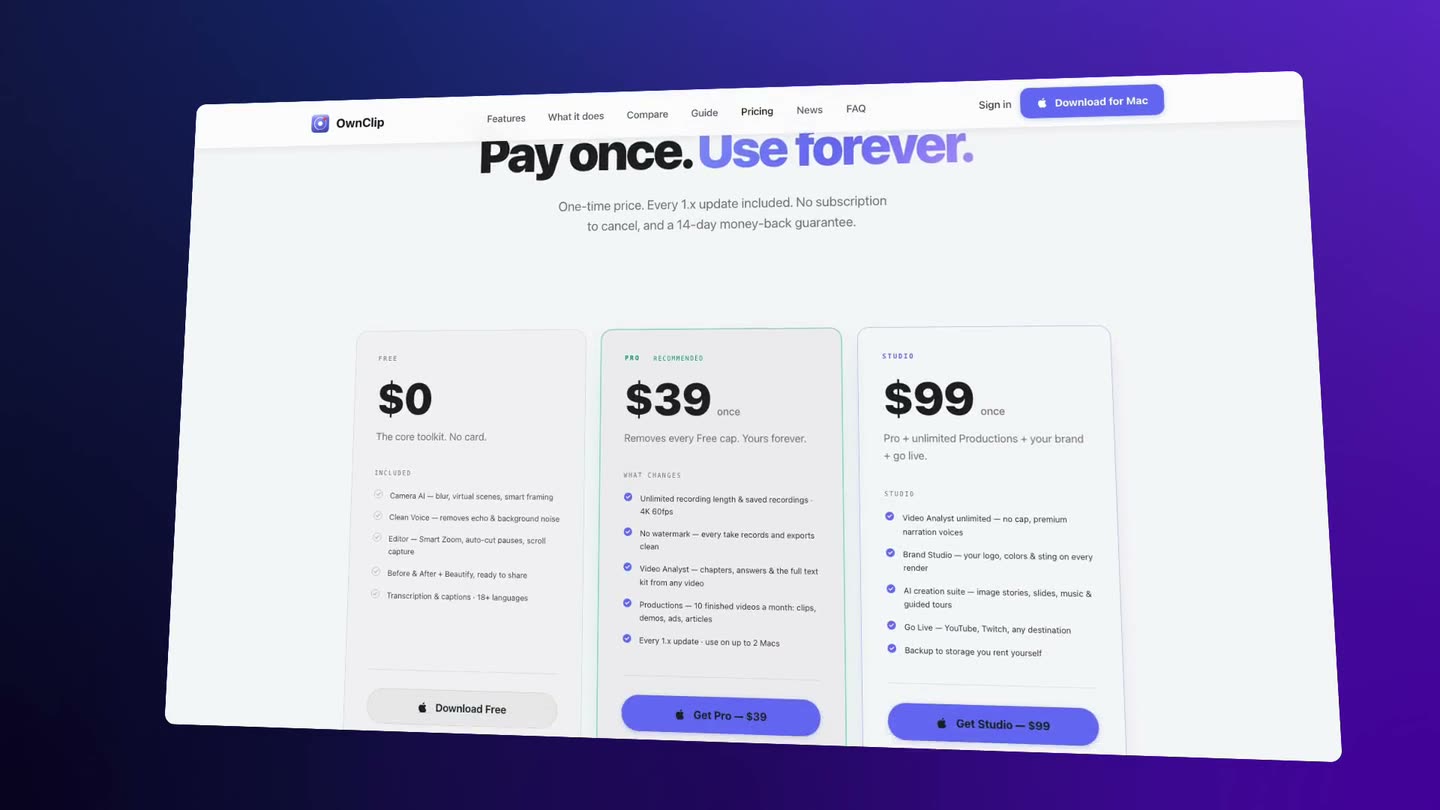
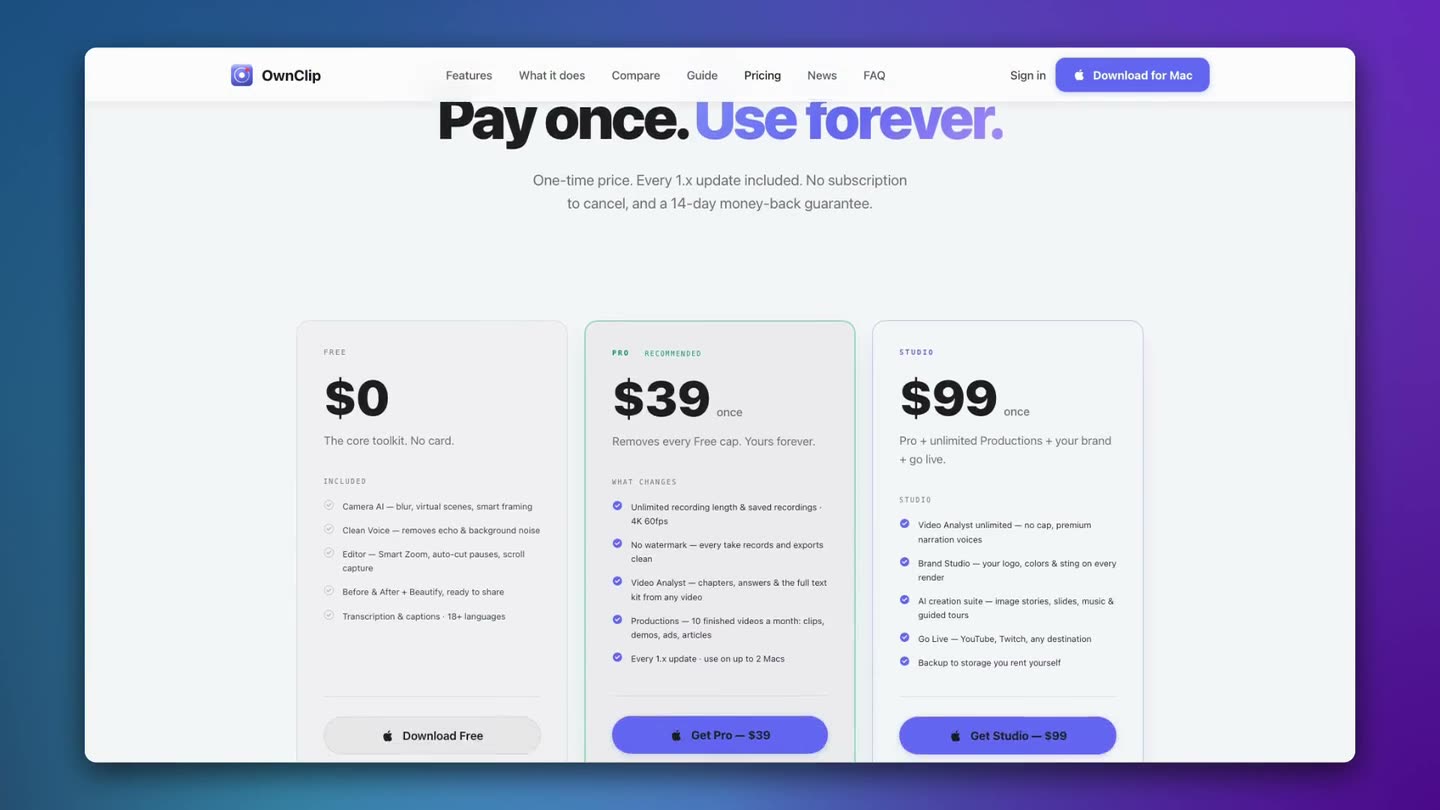
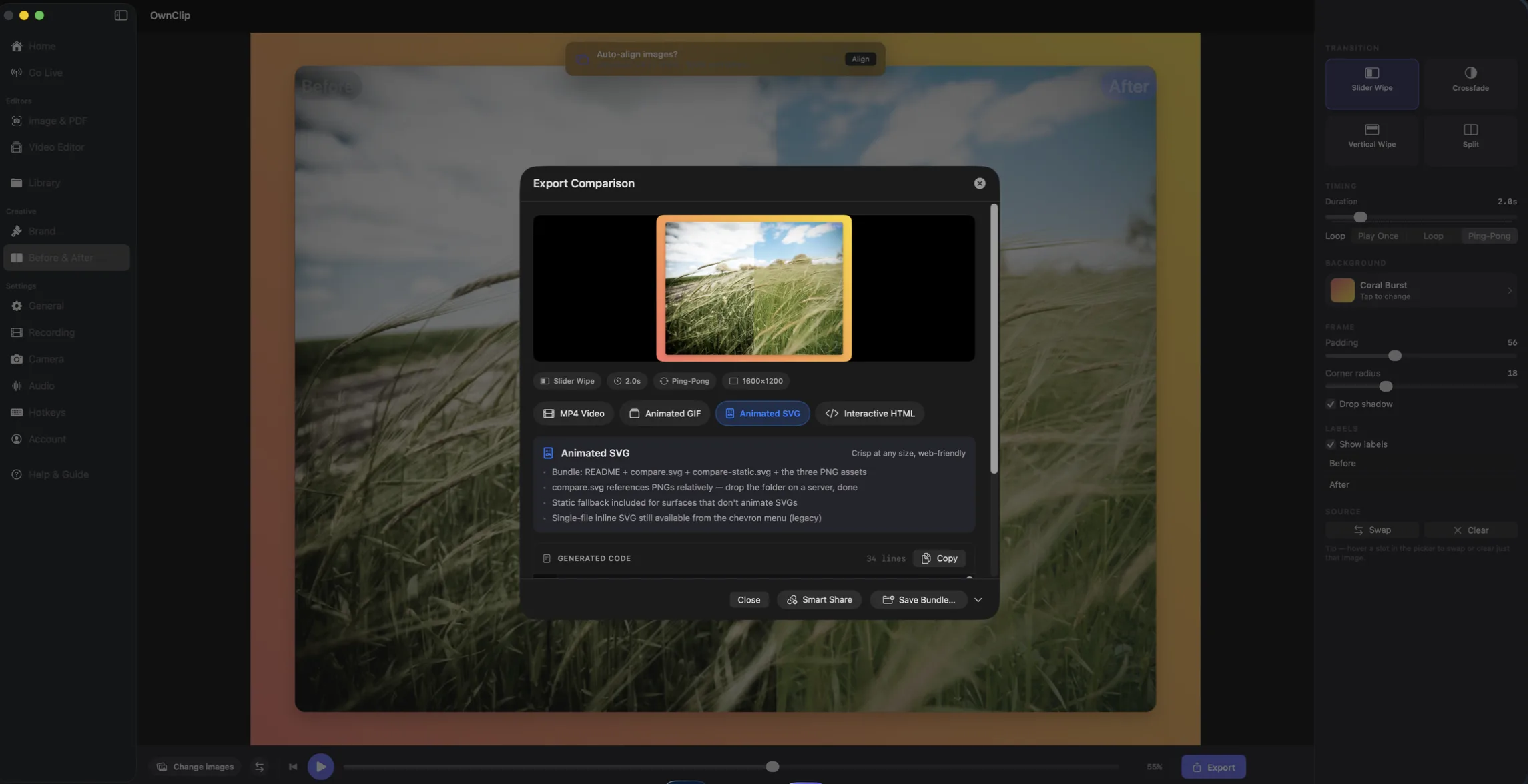 The watermark comes off with Pro — $39, onceFree recordings carry a small watermark; Pro is $39 once and every take after that is clean.
 Record and export your Mac screen in 4KThe real 4K ceiling, and which format to export into.
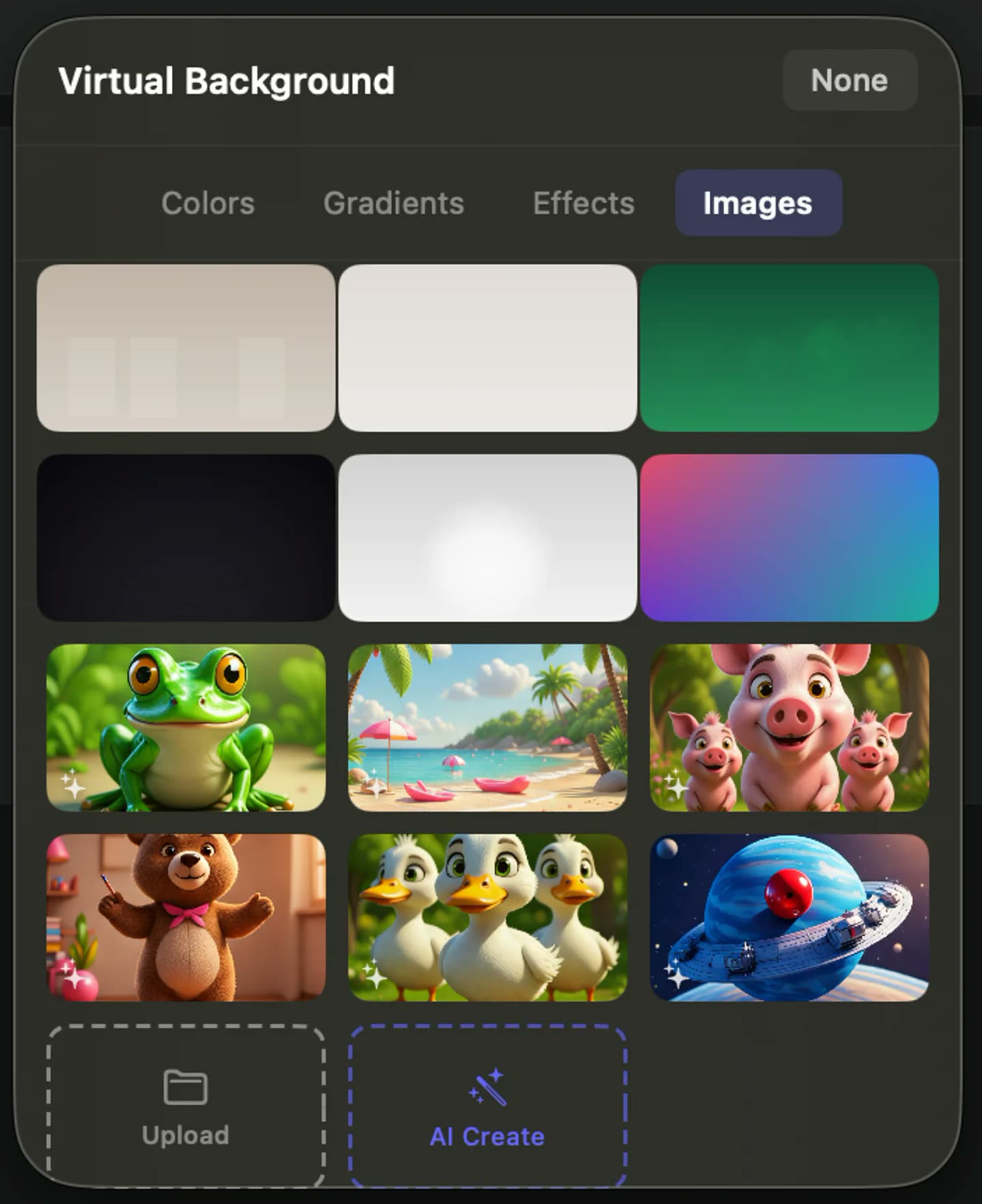 Blur the room behind you while you record your screenBlur, replace or reframe the room behind you while you record.
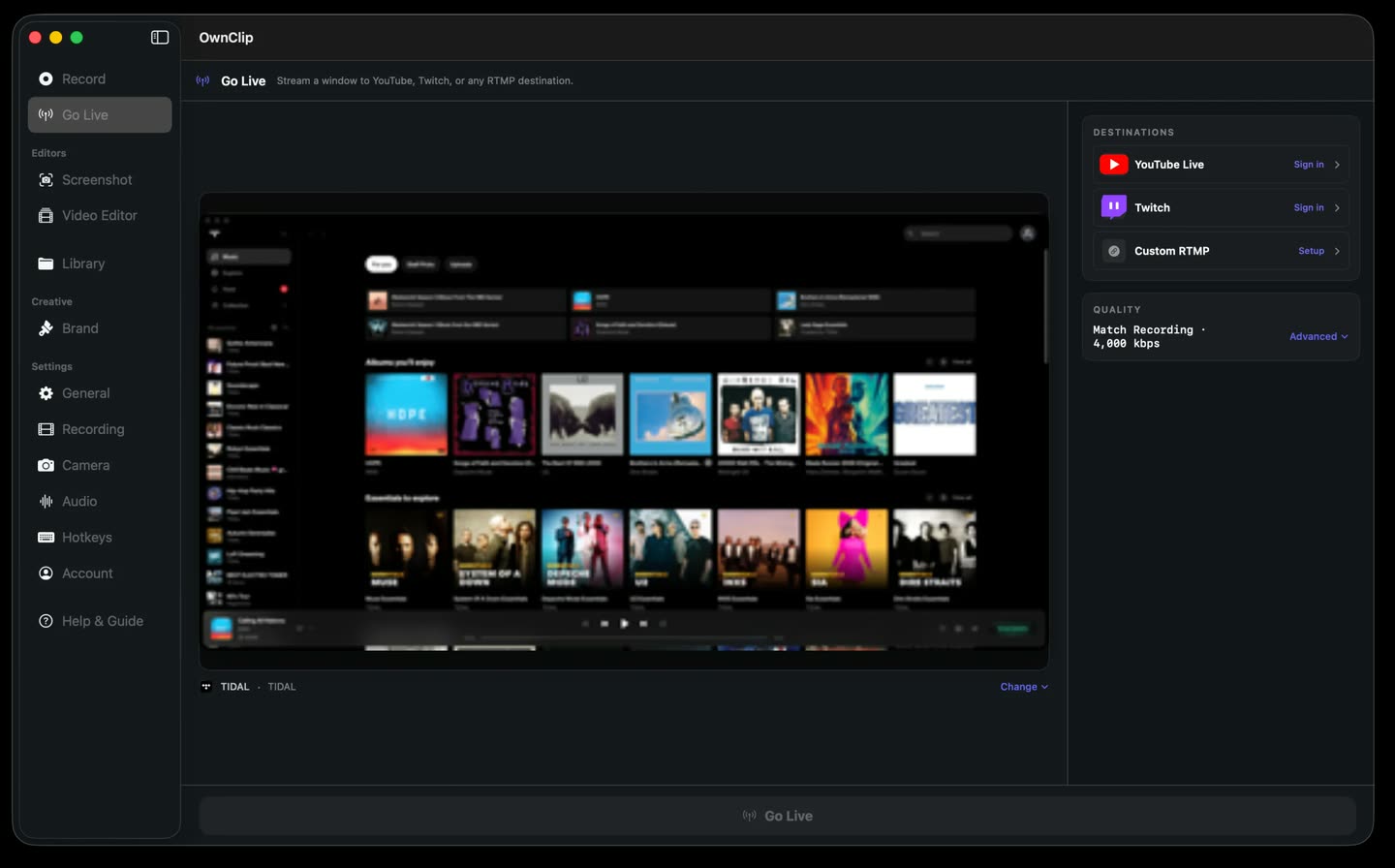 Live streaming from a Mac, with no scene to buildGo live to several destinations at once, with a local recording running underneath.
Use cases
The jobs people actually reach for a screen recorder to do.
Onboarding videos you only record once
You have given the same onboarding walkthrough four times already. Recording it pays off only if next quarter’s change is an edit to the project rather than another afternoon of filming.
See how it works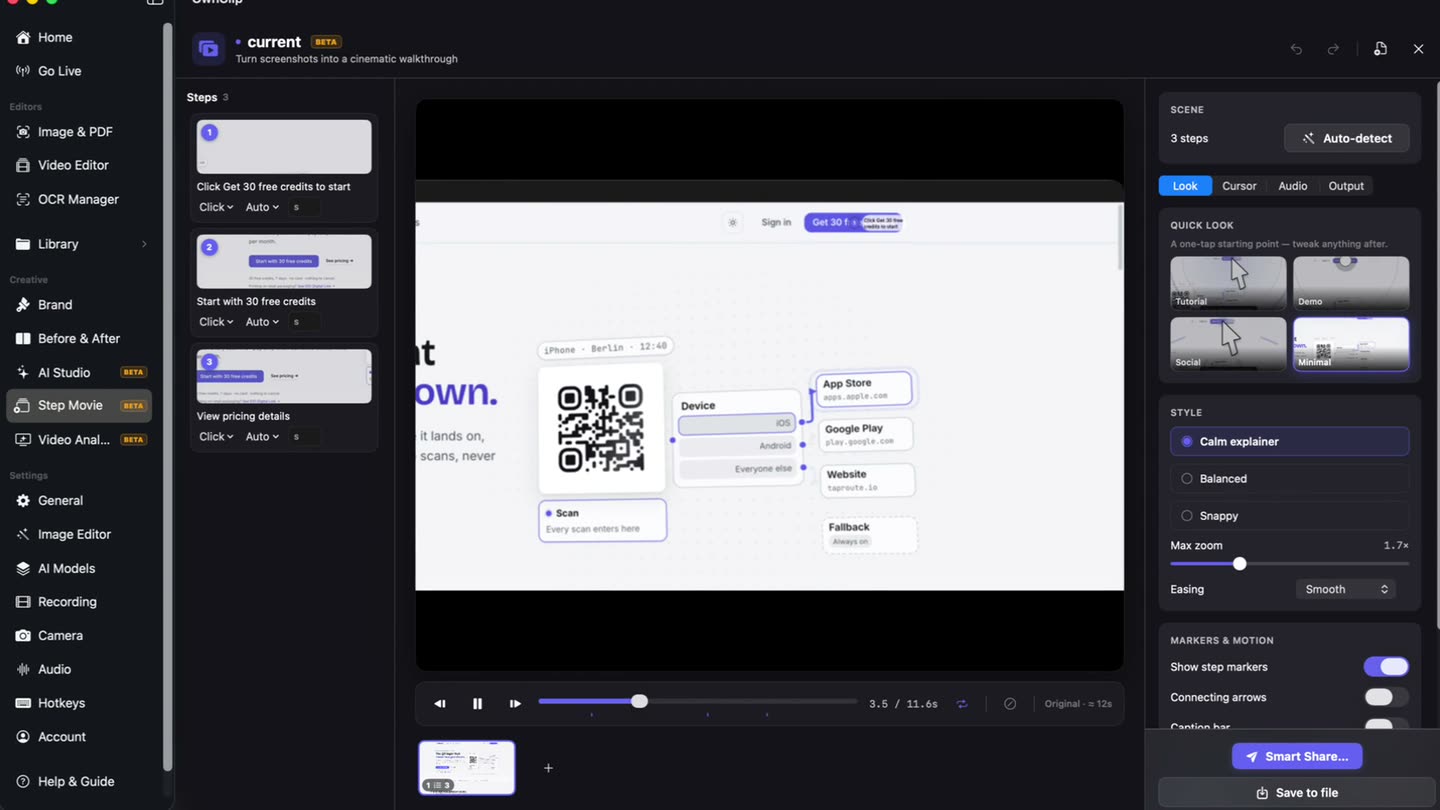
 Create product demos without becoming a video editorRecord, zoom, label and share a demo in one pass.
 Make software tutorials people can followStep-by-step walkthroughs with zoom, labels and captions.
 Record a sales demo that holds up without youA recorded demo for the follow-up, with a link you can retire.
 Send the update instead of booking the meetingRecorded updates that replace a status meeting.
Editing, screenshots and documents
What happens to a capture after it is made.
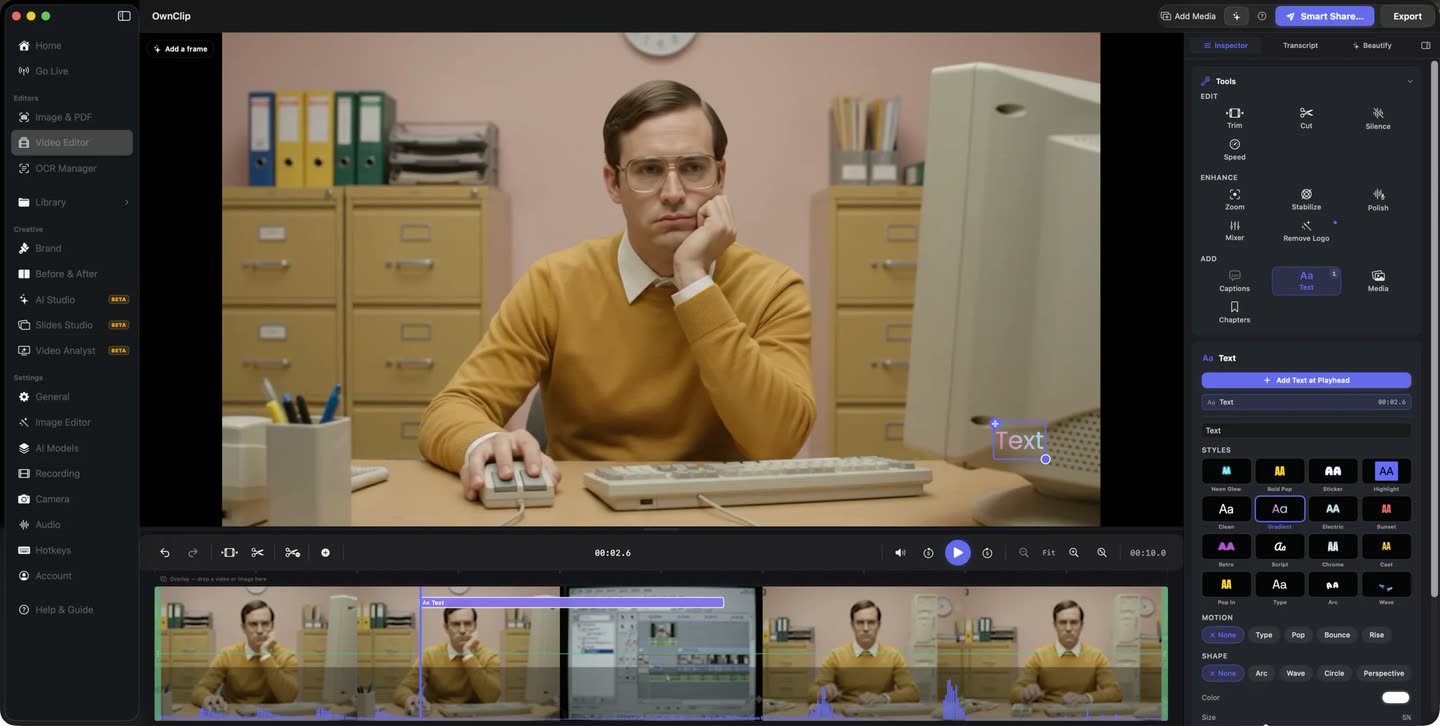
A Mac video editor that opens on your recording
A video editor for Mac normally opens empty and waits for an import. This one opens on the take you just stopped — already on the timeline, its tools down one side, and nothing you do written back into the original file. Choose Combine Recordings to put several takes in one project and cut them into one video, clip by clip.
See how it works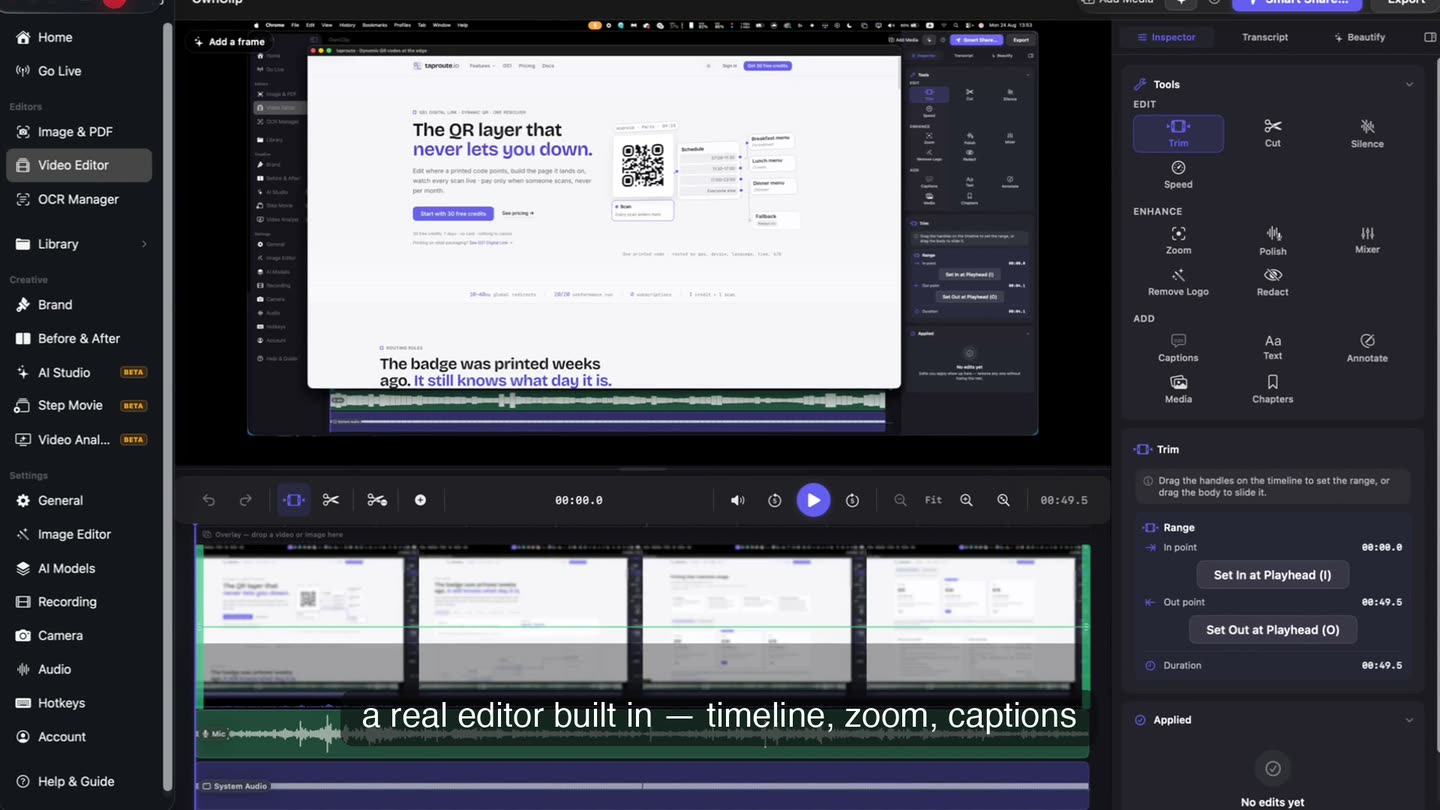
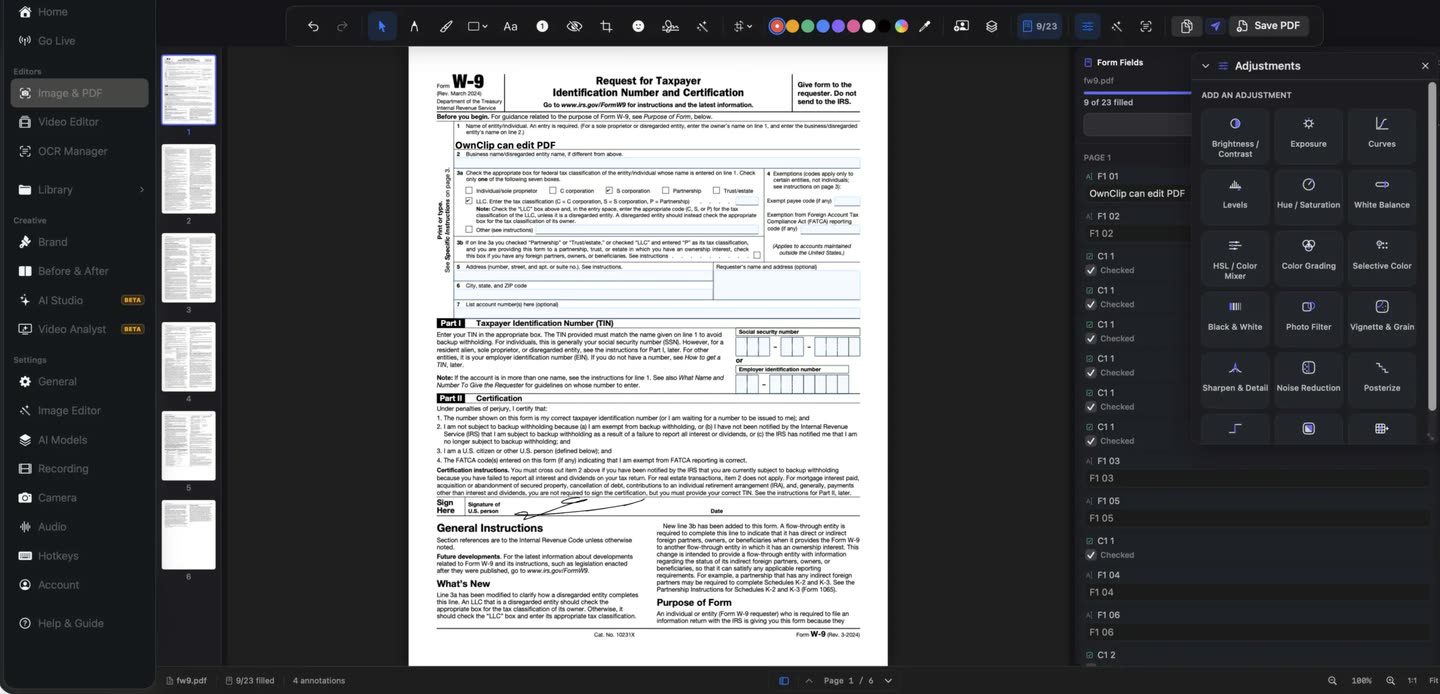 Fill and sign PDFs on your MacReal AcroForm field filling, signatures and OCR.
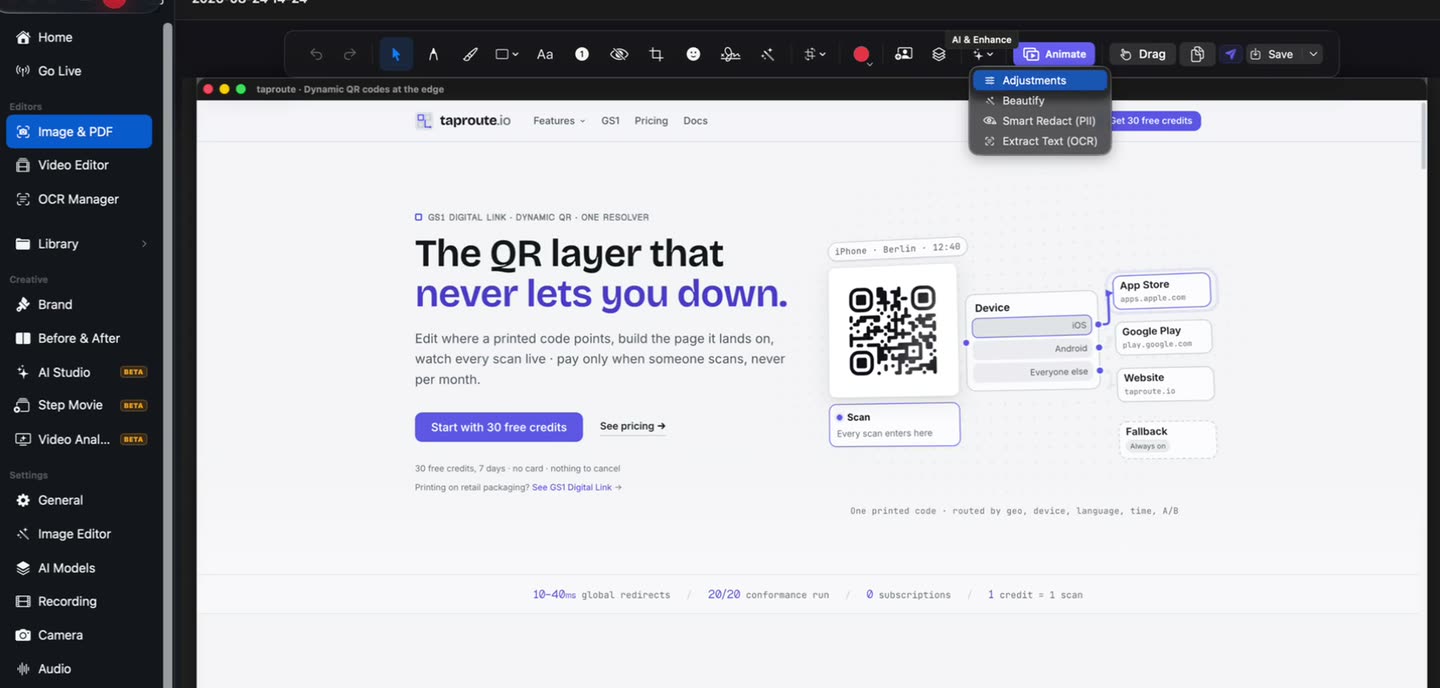
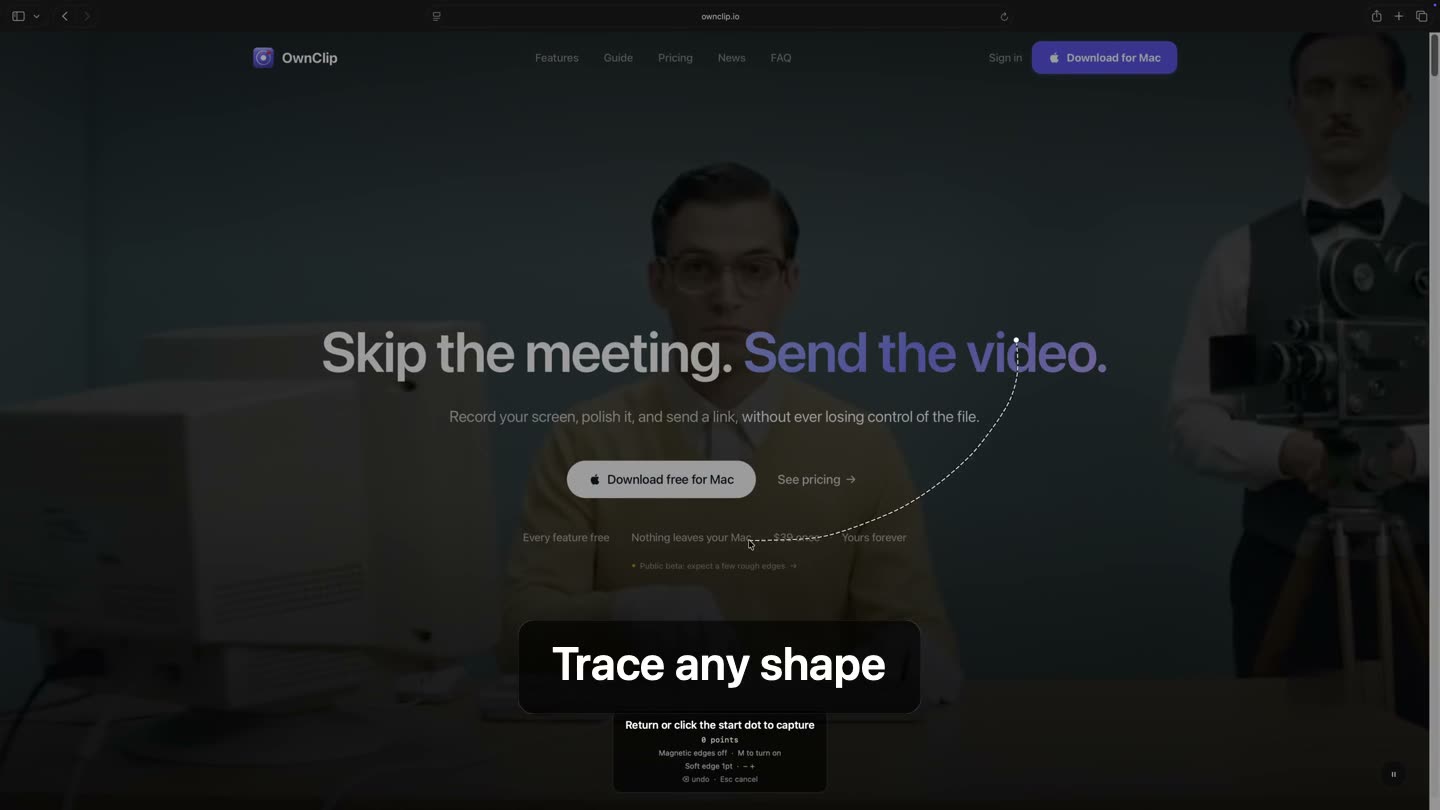 A screenshot tool that does not stop at the captureEvery capture mode on the Mac, and the editor each shot opens into.
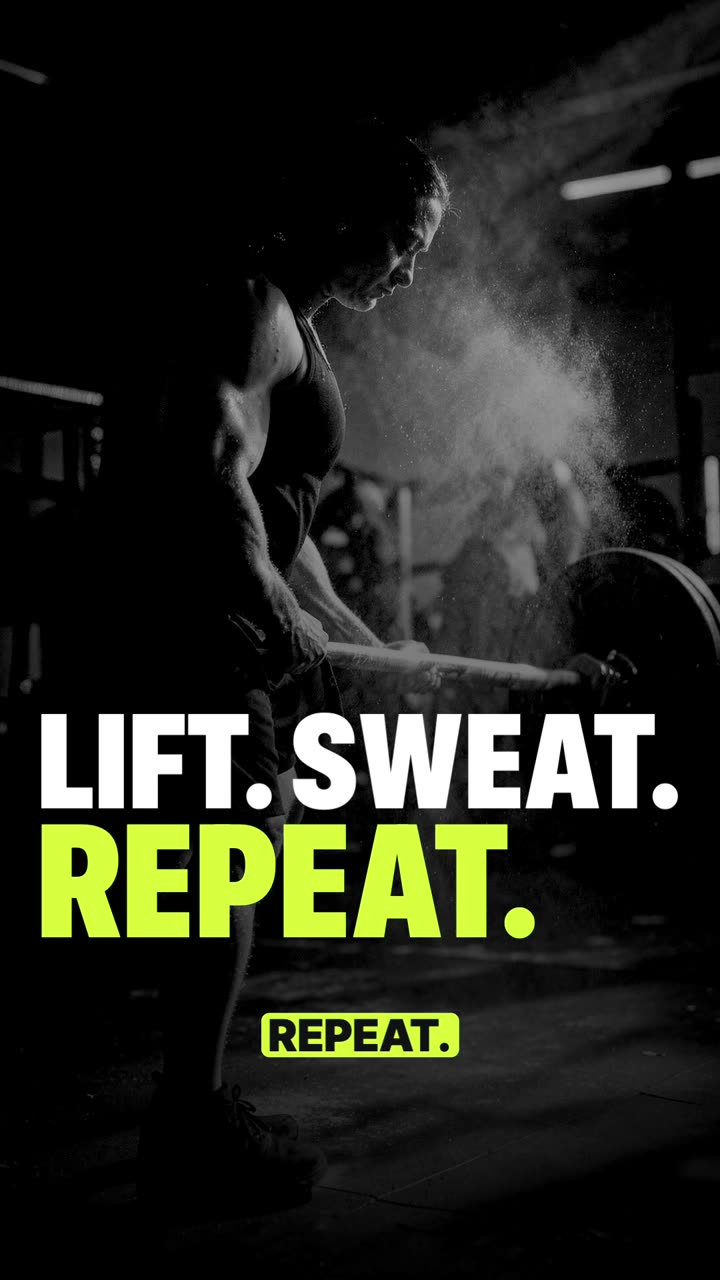 Make a vertical promo video on your MacA vertical promo Short from a template, with voice, music and captions made on the Mac.
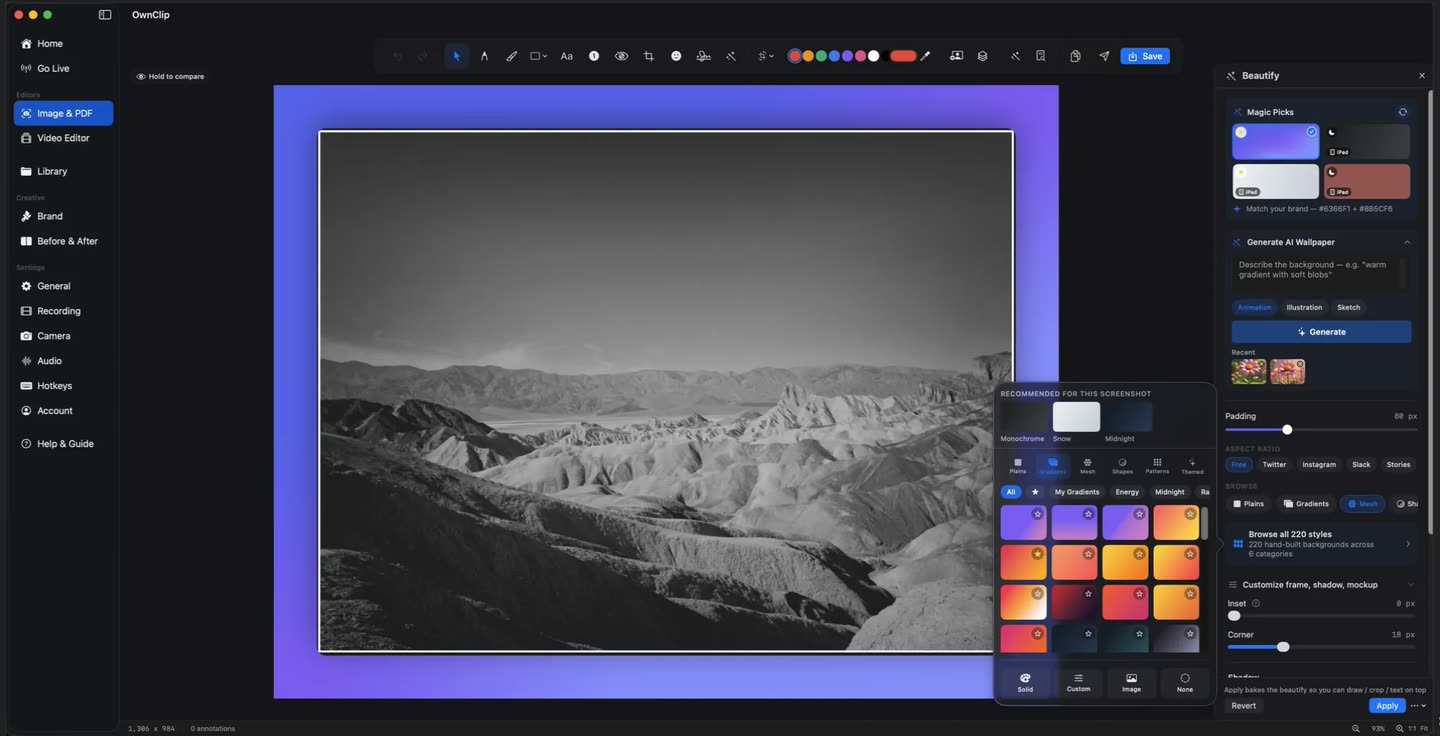
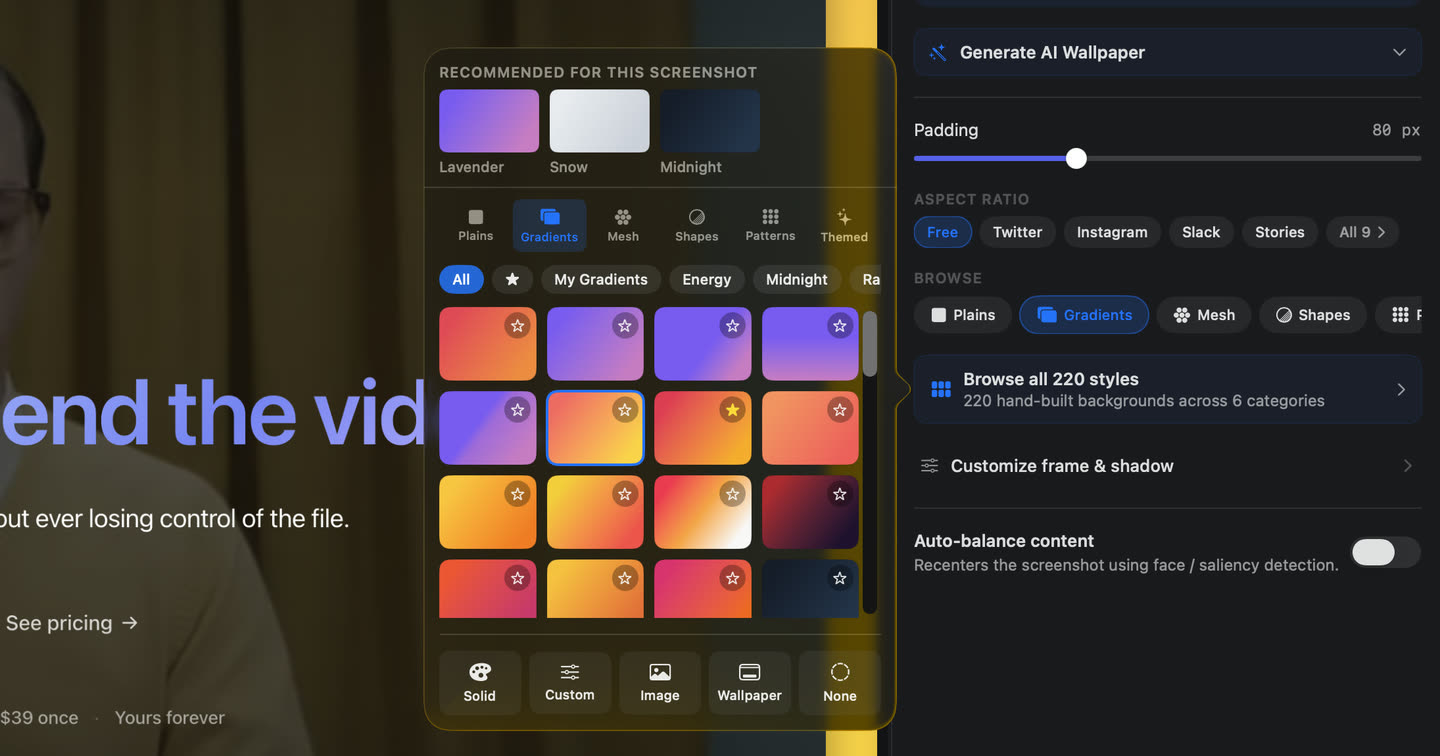 Beautify a screenshot on your MacBackgrounds, padding, adaptive shadows and 3D tilt on a flat screenshot.
 Put a background behind your screen recordingA background, padding, rounded corners and a shadow around a recording.
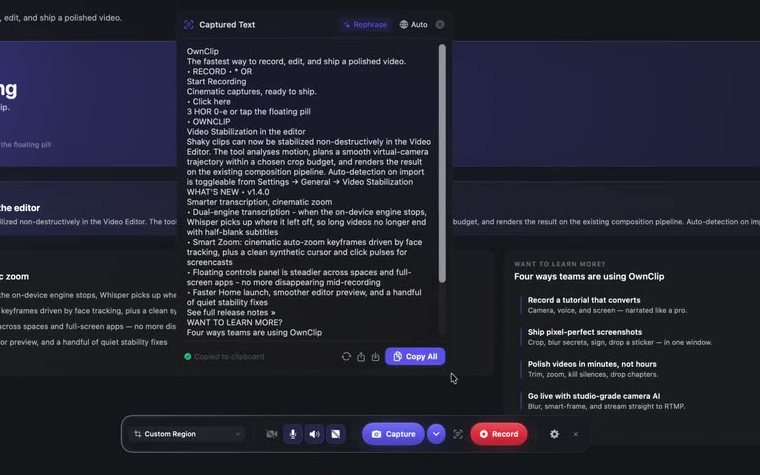 Get the text out of a screenshot on your MacDrag over anything on screen and get editable text back.
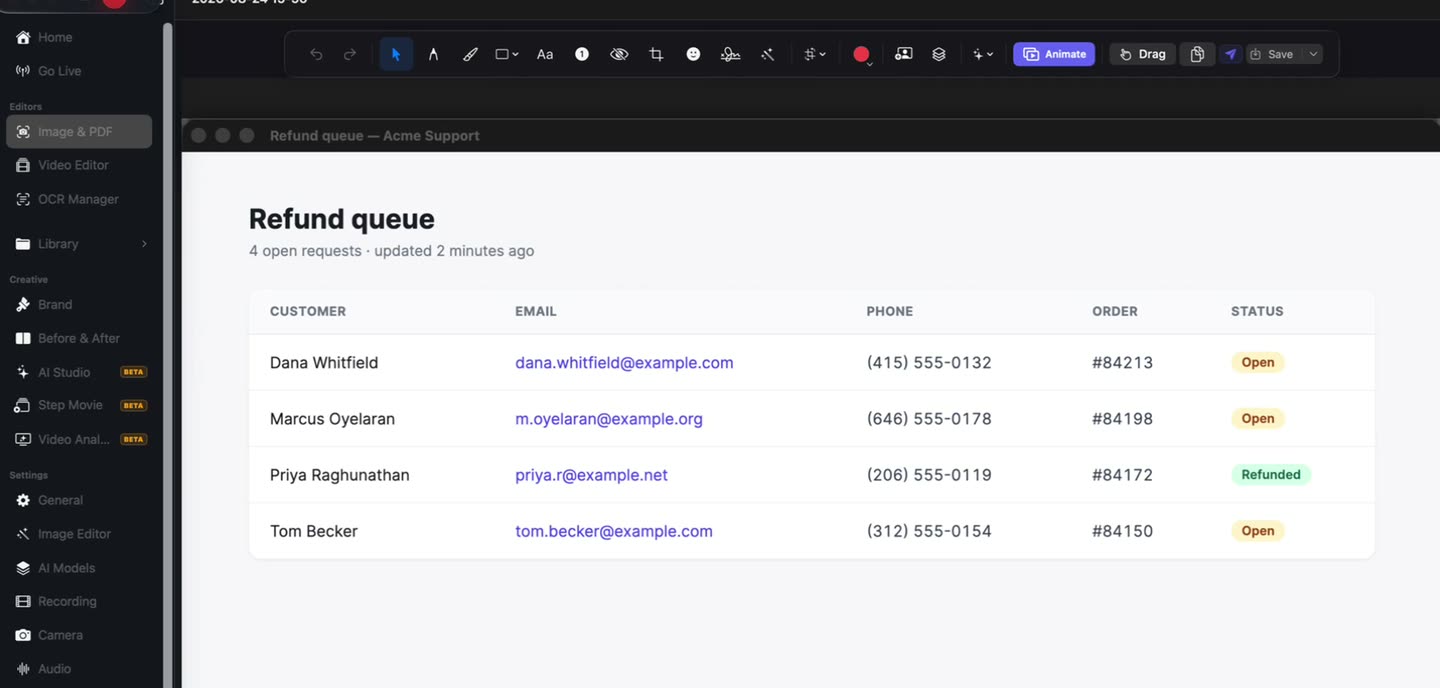
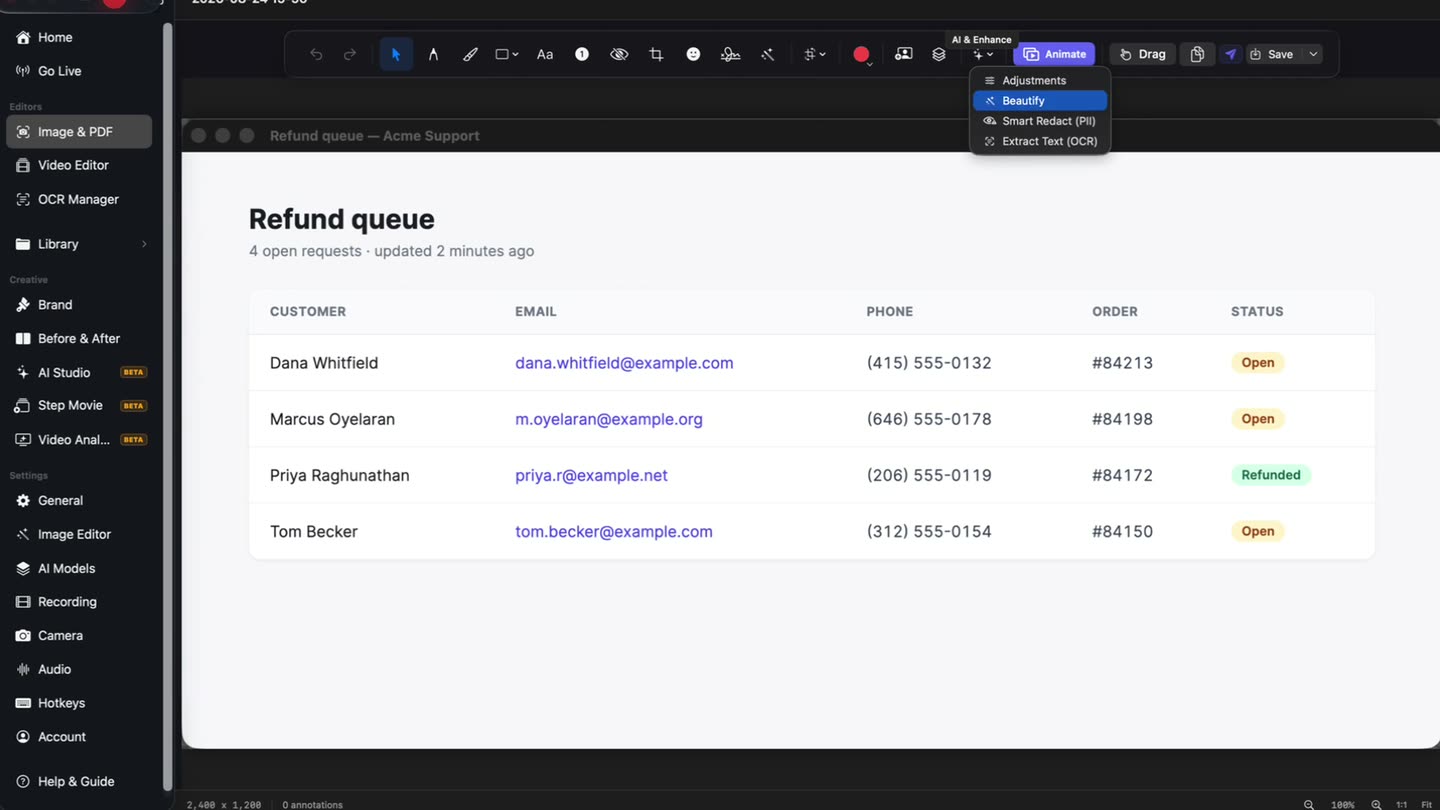 Blur sensitive information out of a recordingA scan proposes the personal data in a take; you decide what gets blurred.
Try it on your own Mac
Free to start. The latest macOS, Apple silicon.