Make a vertical promo video on your Mac
Pick a template, drop in a recording or a few photos, and OwnClip makes a 1080×1920 promo Short with a voice-over, music and captions. The voice, the music and the edit are all made on your Mac, and nothing is uploaded.
Promo Shorts is part of Studio, a one-time $99 purchase. Everything else on this page is free.
A Short without a production team
A promo for a new product, a weekly special or an open house usually means a script, a voice, a soundtrack and an edit, in four different tools. Promo Shorts does those steps for you from a template. You choose the template, fill in a few details about your business, and add a recording or some photos if you have them.
Choose Make a Short on any recording in the Library, the editor or the Home screen, or open Promo Shorts from More Tools. The finished video is saved to your Library, ready to post.
Each template is its own design.
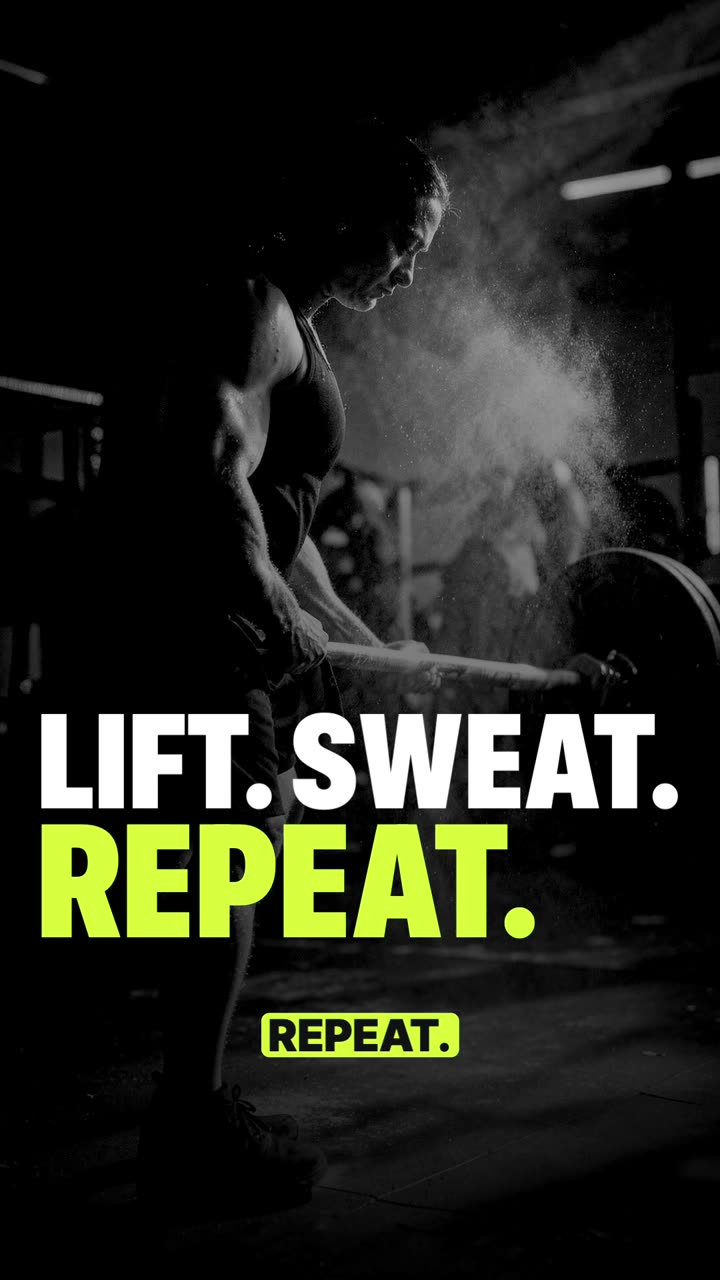
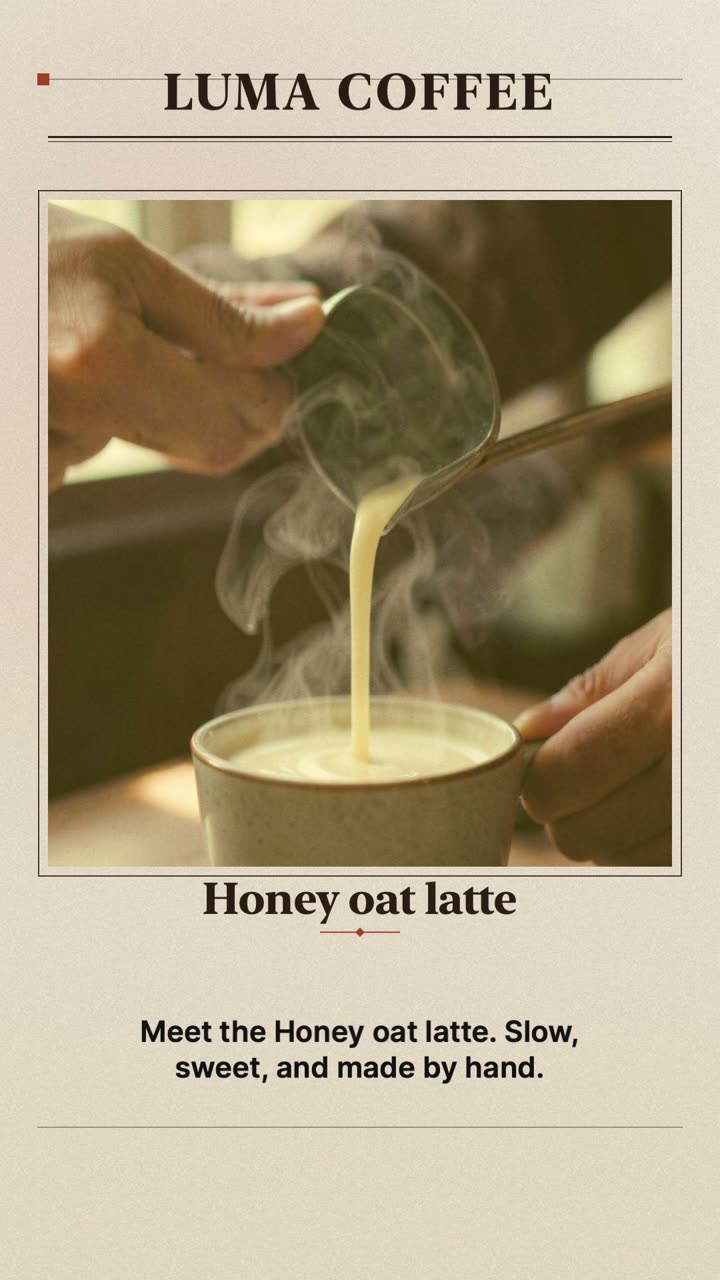
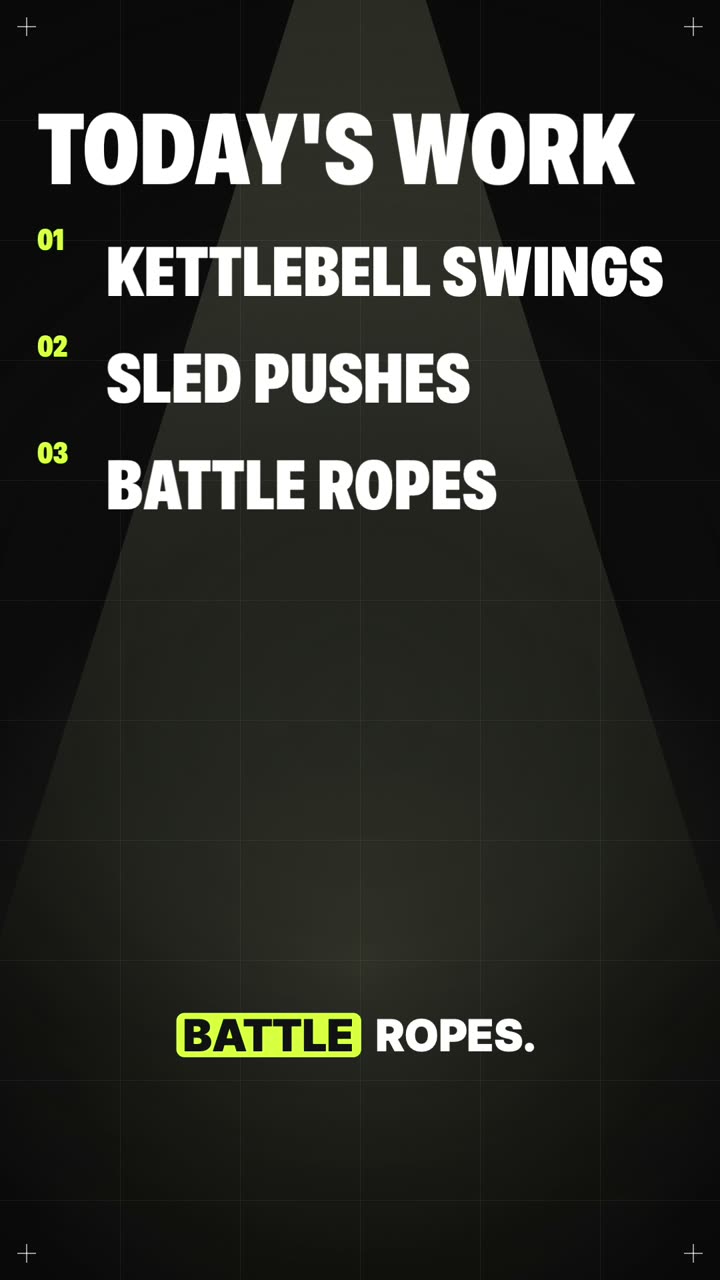
The Short at the top of this page is the Fitness class template: condensed type, a neon accent and black-and-white pictures. This one is the Café special: a serif masthead, warm photos and slow fades. Both were made from each template's own sample details with no photos added, so OwnClip painted every picture. Nothing was edited afterwards.
- 1080×1920
- Voice-over
- Music
- Captions
What goes into a Short
20 templatesStudio
From a café special or a home listing to an app tour, a class, an event or a hiring post. Each has its own layout, type, colours, motion and music.
Your recordings and photosStudio
Add a screen recording, a video or photos to any scene. Pick the moment of a recording a scene should show.
A voice-overStudio
Each scene line is read aloud in the voice the template suggests, or one you choose.
Music made for itStudio
A music bed is composed for each Short and dips under the voice.
CaptionsStudio
The spoken lines appear as captions, in a colour picked to read against the picture behind them.
Pictures for empty scenesStudio
On a Mac with 16 GB of memory or more, OwnClip can paint a picture for any scene you leave empty, after a one-time download.
From template to finished Short
- 1Choose a templateBrowse the templates by kind of business, or describe your business in one line and let OwnClip draft the text.
- 2Fill in the detailsYour business name, what you are promoting, your web address. Add recordings or photos to the scenes you want them in.
- 3GenerateThe run sheet shows how long it will take before you start. Painting pictures takes longer than using your own.
- 4Post itThe Short lands in your Library as a vertical video, ready for any app that plays vertical video.
Questions people ask
In OwnClip, choose Make a Short on a recording, or open Promo Shorts from More Tools. Pick a template, fill in your details, add a recording or photos if you have them, and choose Generate. OwnClip writes a vertical 1080×1920 video with a voice-over, music and captions to your Library.
No. The voice, the music, the pictures and the edit are all made on your Mac, and the finished video is saved to your Library. Nothing leaves the Mac unless you share it.
Studio, $99 once with no subscription. It activates up to two Macs, and every 1.x and 2.x update is included. Promo Shorts is not part of Free or Pro.
Not on a Mac with 16 GB of memory or more: OwnClip can paint a picture for every scene you leave empty, after a one-time download. On other Macs, add a recording or a photo to each picture scene.
A few minutes with your own recordings and photos. Painting pictures adds time for each one. The run sheet shows an estimate before you start.
OwnClip runs on the latest macOS — currently macOS 26 — on an Apple silicon Mac. It is a native Mac app; there is no Windows or web version.
Related
Coming from another tool? Browse every comparison.
Make a vertical promo video on your Mac
Free to start. The latest macOS, Apple silicon. See what Pro and Studio add.