Live streaming from a Mac, with no scene to build
Live streaming from a Mac, using the window, camera and microphone you already record with. Go Live sends the same picture to YouTube, Twitch and any RTMP destination at once, and writes the take to your Mac while it goes out. It is part of Studio.
Video Analyst is part of Pro, a one-time $39 purchase. Go Live, Brand Studio, Step Movie are part of Studio, a one-time $99 purchase. Everything else on this page is free.
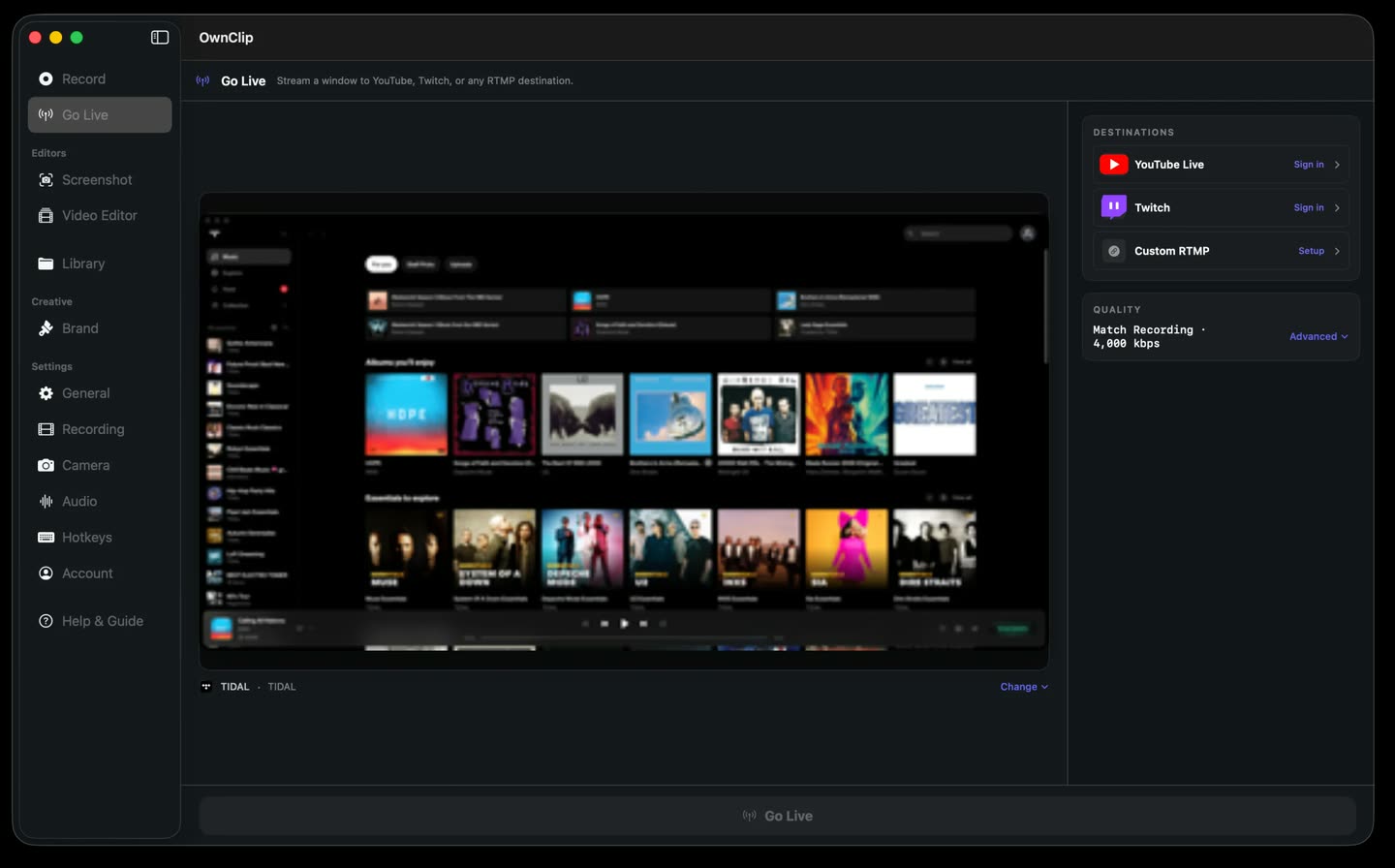
Nothing to assemble first
Most streaming setups want a scene built before you have said a word: sources stacked on a canvas, an audio bus wired up, a layout saved and named. That is a second craft, and it stands between you and the thing you sat down to do.
OwnClip broadcasts what it already knows how to record. You pick a window and paste your stream keys; the camera, the microphone and the effects are the ones you set up for recording. It is a native Mac app, so the capture and the encode run on the machine in front of you.
The camera comes with you.
The camera panel you set up for recording is the one that goes on air. Background blur, a replaced background and framing keep running on your Mac for the whole broadcast, so there is no second camera to configure before you connect.
- Same settings
- Runs on your Mac
- Stays on while live
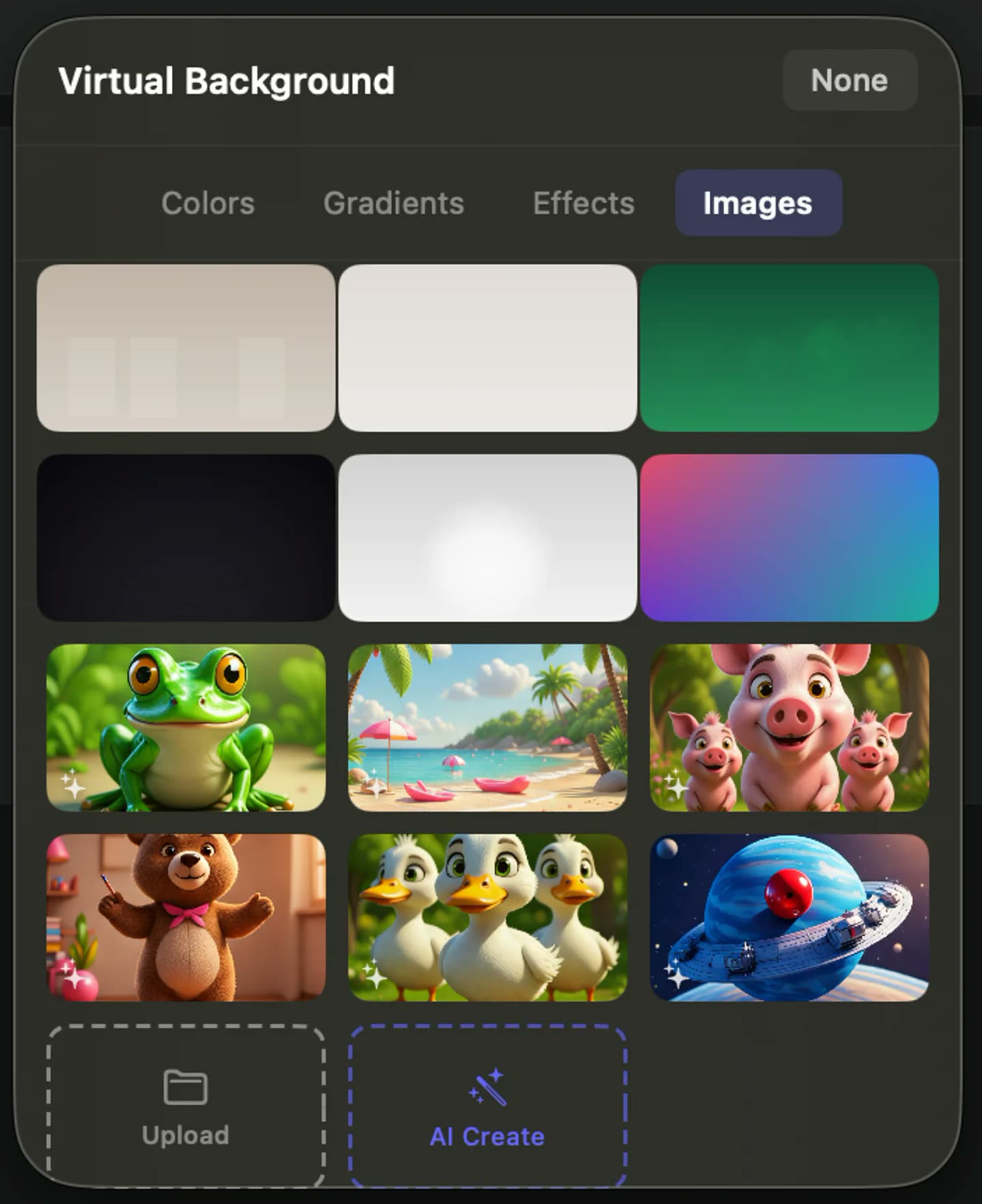
What goes out with the stream
Go Live is a Studio feature. What it puts on air is assembled from the recording tools every tier already has.
YouTube, Twitch and RTMP togetherStudio
YouTube Live, Twitch and a custom RTMP server run from one broadcast, so you are not choosing a platform before you start.
One window, not your desktop
You choose the window that goes out, so notifications and everything else on screen stay off the stream.
Camera over the top
The webcam is an overlay on the window you are streaming, at the size and position you use when you record.
Effects run on your Mac
The camera effects are computed locally while you are live, so nothing about your room is uploaded to be processed.
Your voice and the app audio
The microphone you record with goes out with the stream, along with the audio coming from the app whose window you picked.
Stream health while you talkStudio
Bitrate, frame rate and dropped frames update while you are live, so a connection going bad is something you see rather than discover afterwards.
Live from the desk you already have
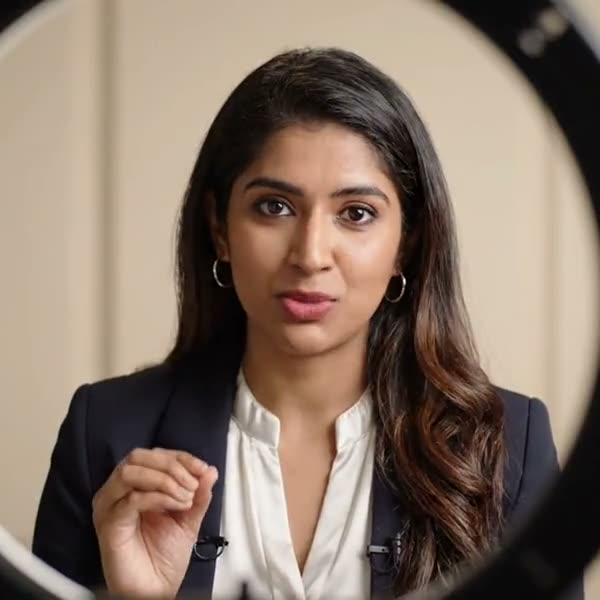
A window, a camera, a microphone and the room you are in. Going live becomes a decision you make in the afternoon rather than a session you book.
A presenter with a lapel microphone talking to camera, lit by a ring light
The stream leaves a recording behind.
A local recording runs underneath the broadcast the whole time. When you stop, the take lands in your library and opens on the timeline, so the stream you just finished becomes the video you post next.
The rest of the Studio tier
Studio is one purchase, not a per-feature unlock, so the $99 covers all of this rather than only the part that brought you here.
Brand StudioStudio
Your logo, colours, fonts and CTA on the page recipients open, plus a watermark engine that puts your mark on exports instead of ours.
Go LiveStudio
Broadcast to YouTube, Twitch and custom RTMP at once, with the camera effects and audio chain you already use, and a local copy kept on disk.
Step MovieStudio
Turn a run of captures into a numbered walkthrough with narration, and export it as a video or as a written HTML guide.
Video Analyst, uncappedPro
The Analyst opens at Pro; Studio removes its 10-a-month render cap and adds premium narration voices, so turning recordings into clips, demos and articles never hits a ceiling.
How a broadcast starts
- 1Paste your stream keysYouTube and Twitch each take a stream key. A custom destination takes a server address as well, and the platform presets fill that part in.
- 2Choose the windowThe window you select is the only thing that goes out. A live preview of it runs beside the settings before you connect.
- 3Connect everything at onceEvery enabled destination goes live together, and a confidence monitor shows the frame your viewers are getting.
- 4Stop and editThe local recording is waiting in your library, ready to trim, caption and export as an ordinary video.
Before you rely on it
Go Live is a Studio feature. Studio is $99 once, with no subscription, and activates up to two Macs. The free and Pro tiers record and edit but do not broadcast.
OwnClip needs the latest macOS on an Apple silicon Mac, and you have to be signed in to record or broadcast. Everything after that happens on your own machine.
Questions people ask
No. Go Live is part of Studio, a one-time $99 purchase that activates up to two Macs. The free and Pro tiers record and edit but do not broadcast.
Yes. YouTube Live, Twitch and one custom RTMP destination run together from a single broadcast, and you enable the ones you want before you connect.
Yes. The custom destination takes any RTMP server address and key. It also has one-tap presets for eight platforms, which fill the server address in so you only paste a key.
Yes. A local recording runs underneath the broadcast and lands in your library when you stop, so the take can be trimmed and exported like any other recording. It is written to your Mac, not to our servers.
OwnClip runs on the latest macOS — currently macOS 26 — on an Apple silicon Mac. It is a native Mac app; there is no Windows or web version.
Free includes the whole editor — timeline, Smart Zoom, camera effects, audio cleanup, captions, annotations, and the screenshot and PDF editors. What it caps is the take itself: three minutes, recorded at 720p, with a small watermark recorded into the video. You can keep 25 recordings. A few tools are paid rather than capped — Video Analyst and Batch Beautify are Pro; Brand Studio, Go Live and Step Movie are Studio. Pro is $39 once and lifts every cap for what you record after upgrading; recordings made on Free stay 720p with the mark. Broadcasting is not one of those caps — Go Live is a separate Studio feature.
Related
Coming from another tool? See how OwnClip compares with OBS Studio, or browse every comparison.
Live streaming from a Mac, with no scene to build
Free to start. The latest macOS, Apple silicon. See what Pro and Studio add.