Record your screen and your camera together
Your face makes a walkthrough easier to follow. OwnClip records the camera to its own track alongside the screen, so where it sits and how big it is stay editable after the take.
Free to use. Recordings are capped at three minutes and recorded at 720p with a watermark.
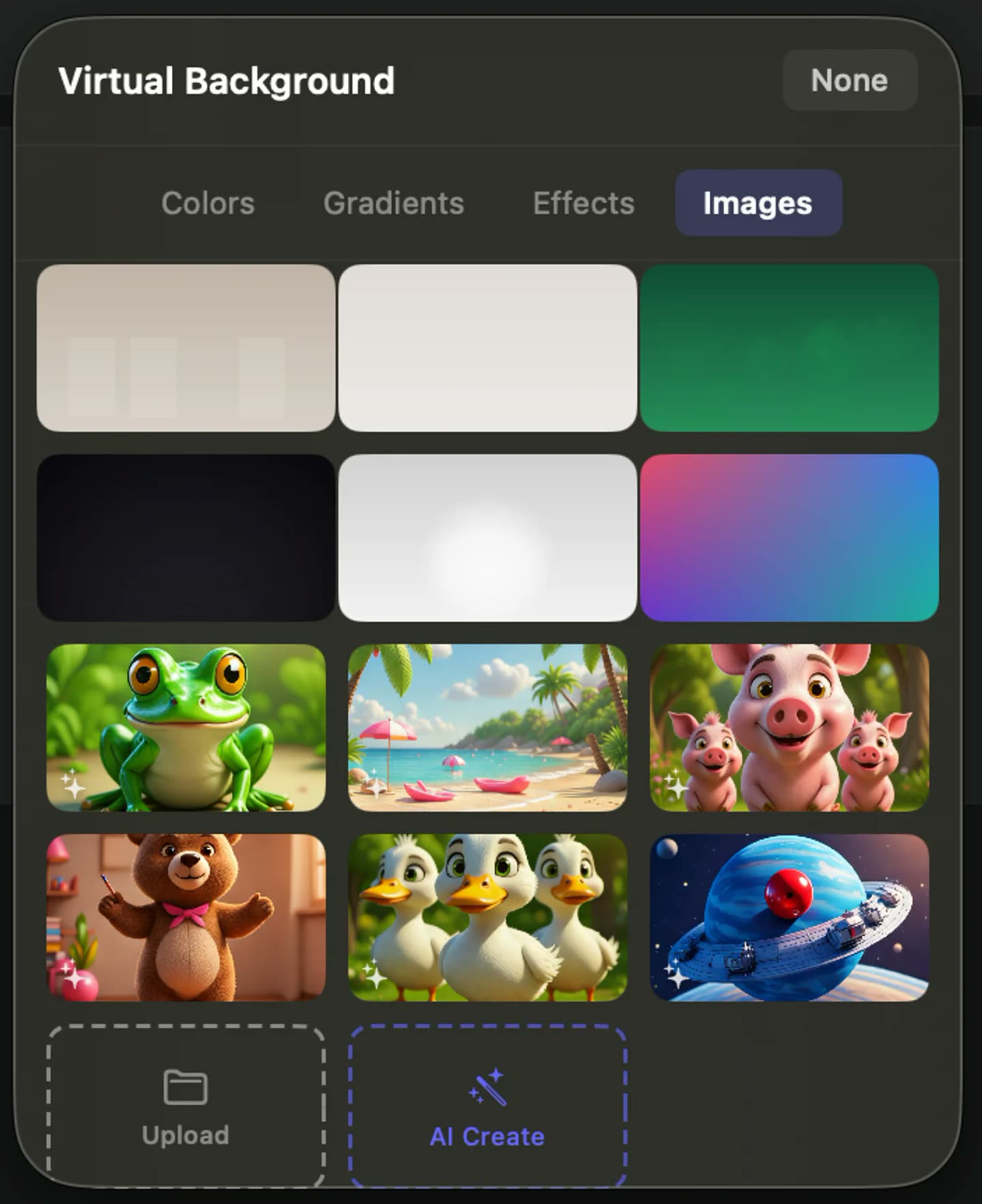
The camera is a track.
Because it records separately, the camera arrives in the editor as its own clip — which is why its size, position and layout are things you set afterwards rather than decisions you had to get right before recording.
- Own track
- Five layouts
- Switch mid-recording
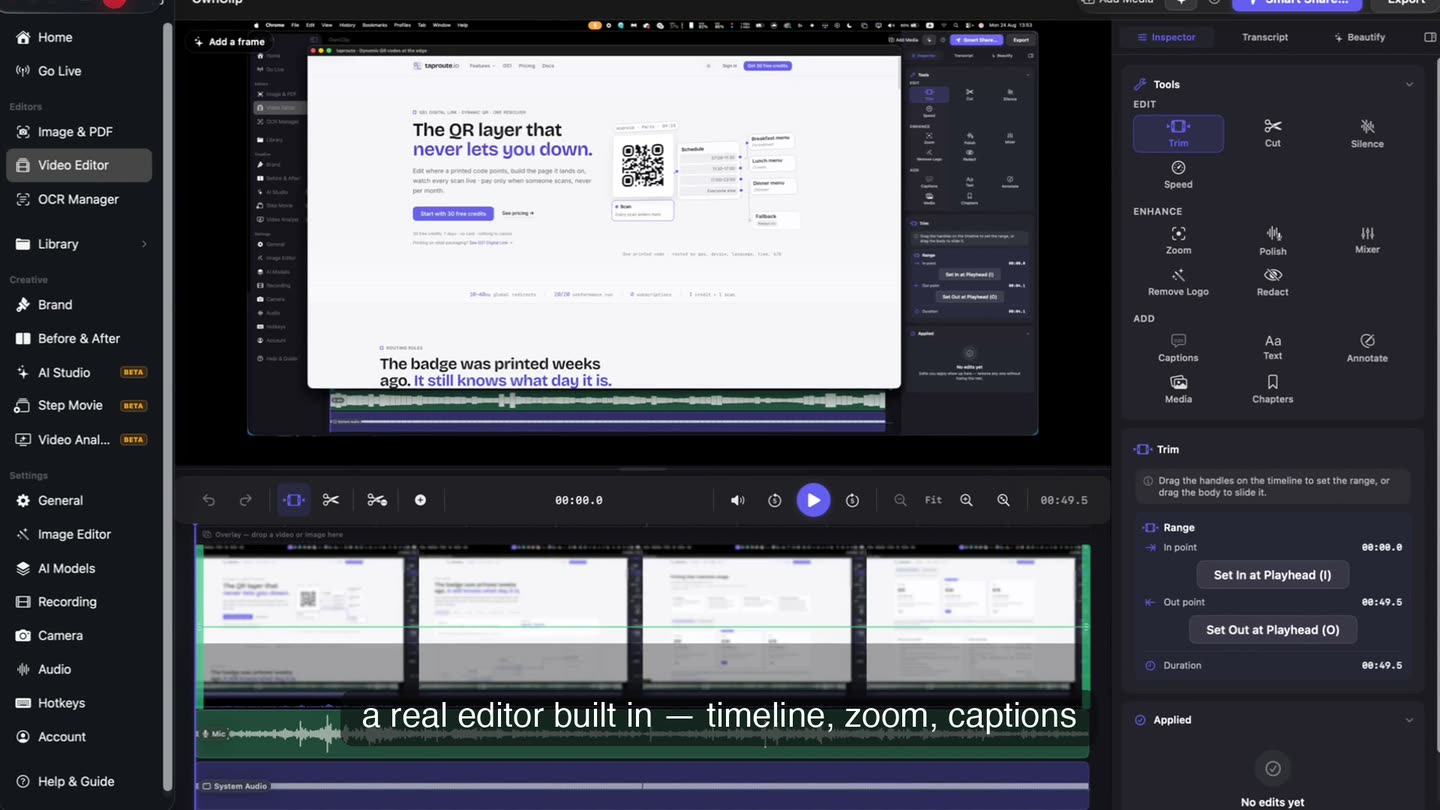
What you can change afterwards
Five layouts
A bubble, side by side, full frame, screen only, or floating — and you can switch partway through.
Background effects
Blur at any strength you like, or a solid, gradient or image background. Segmentation runs on your Mac.
Center Stage
The frame follows your face when you move, so you stay centred without sitting rigidly still.
Eye Contact
Corrects your gaze towards the lens when you were reading the screen instead. Applied at export.
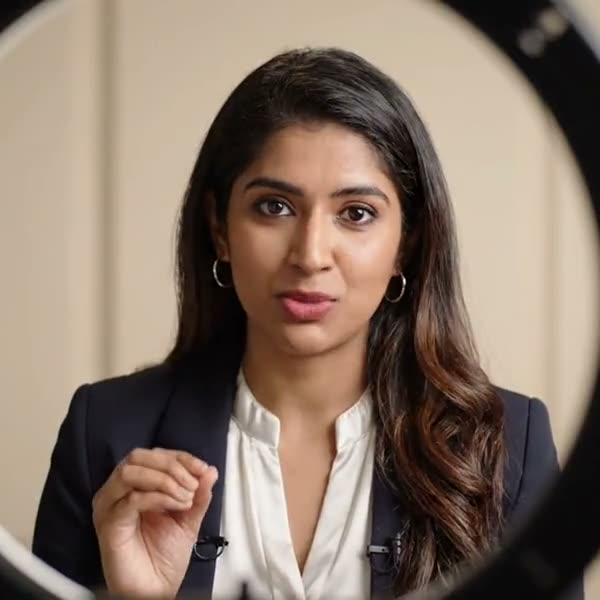
It is one take, at your desk
No studio, no second device, no crew. A lapel microphone and whatever light you already have is enough, because the parts that usually need fixing get fixed after the take rather than during it.
A presenter with a lapel microphone talking to camera, lit by a ring light
Layout is an edit.
Because the camera is a separate track, moving it, resizing it or changing the layout is something you do on the timeline — not a setting you had to get right before you pressed record.
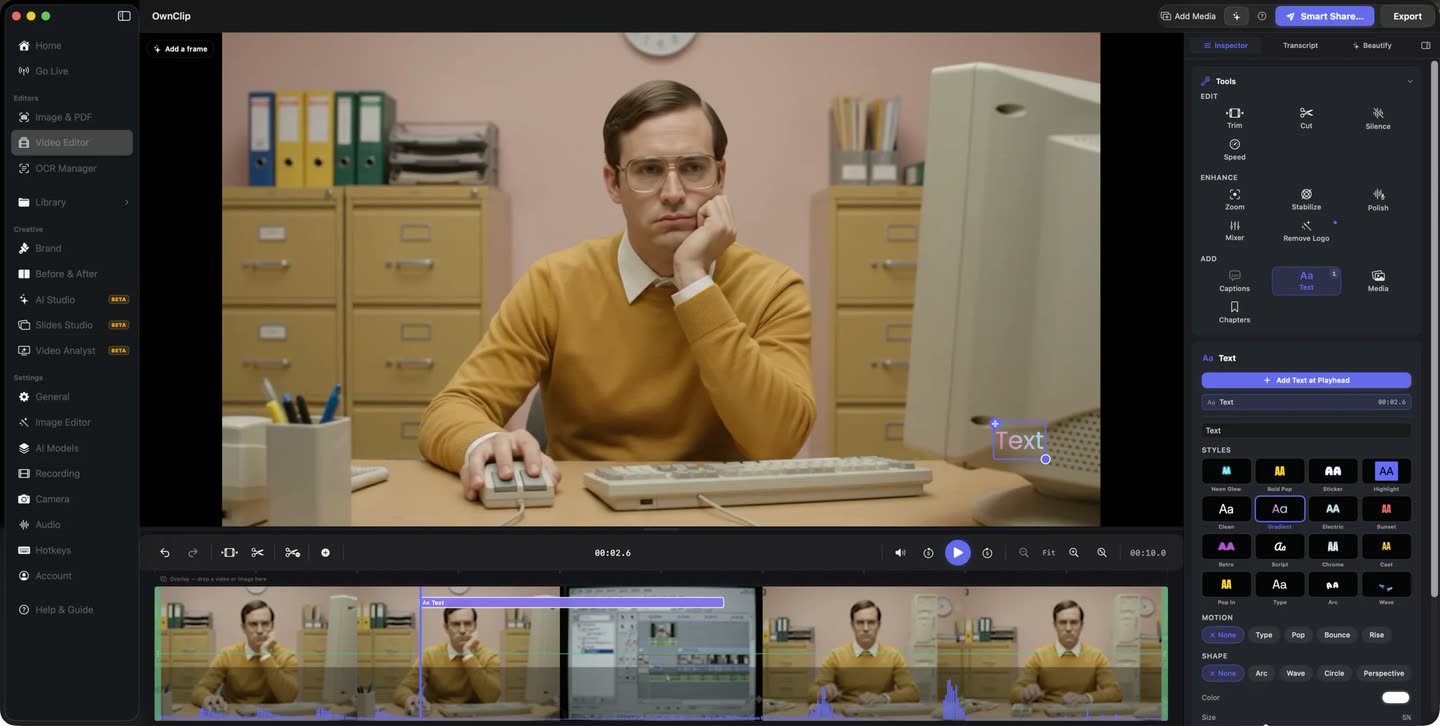
Record, edit, send.
Screen and camera captured together, edited in the same window, and shared as a link from your own Drive.
What people record this way
Product demos
A face at the start builds enough trust to carry the rest of the walkthrough.
Async updates
Tone survives on camera in a way it does not survive in a written status update.
Teaching and onboarding
Switching to full-frame camera for the explanation, then back to the screen for the demonstration.
Feedback on work
Reacting to a design or a document while the viewer watches you look at it.
Questions people ask
No. The camera always accompanies a screen capture — it is an additional track, not a separate recording mode. You can hide the screen in the final composition by using the full-frame camera layout.
Yes. Position, size and layout are edits, not capture settings, because the camera is stored as its own video track. You can also change the layout partway through a recording.
No. Background blur, virtual backgrounds, smart framing and auto-light all run on your Mac using its GPU and Neural Engine. No video is sent anywhere.
No, it is available on every tier including free. It runs at export rather than in the live preview, and downloads a model once the first time you use it.
Yes, along with all the camera effects. Free recordings are limited to three minutes and export at 720p with a watermark.
Related
Coming from another tool? See how OwnClip compares with Loom, ScreenFlow and QuickTime Player, or browse every comparison.
Record your screen and your camera together
Free to start. The latest macOS, Apple silicon. See what Pro and Studio add.