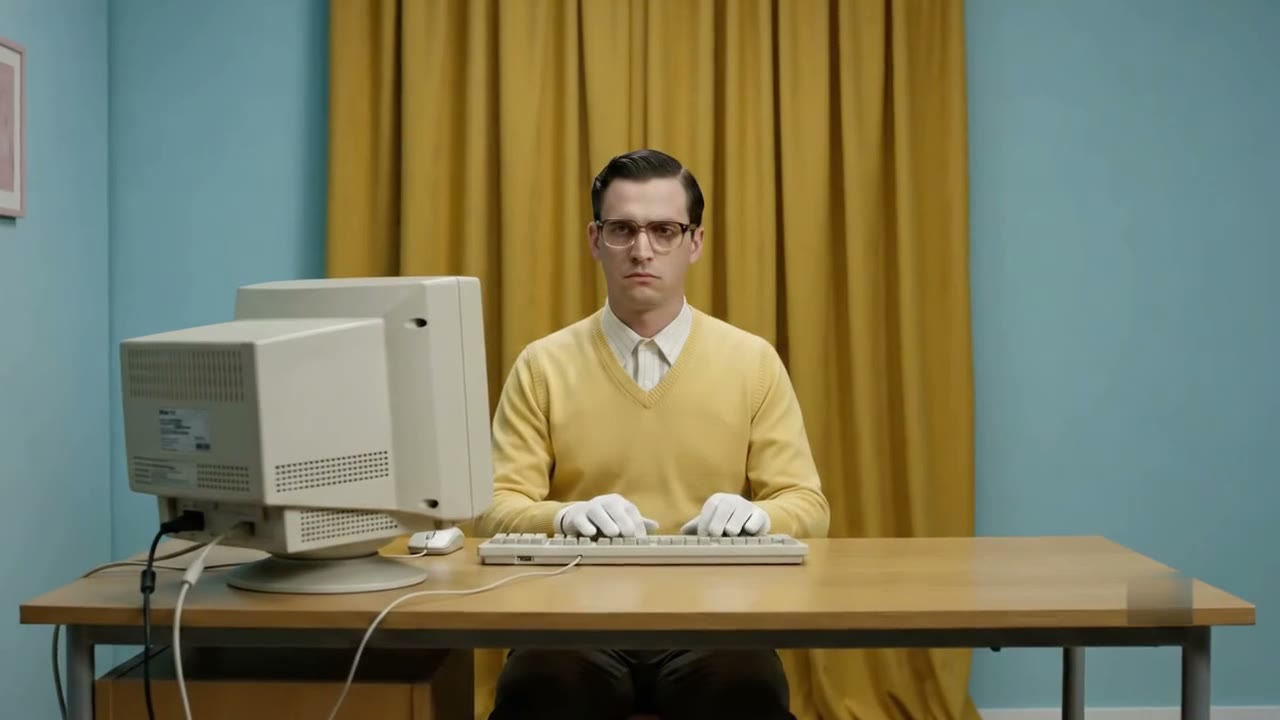
Private by default$39 onceYours forever
The private media studio for Mac.
Record, edit and export on your Mac. Nothing is uploaded unless you choose to share it.
Signed and notarized · every 1.x and 2.x update included · no subscription
From keystroke to recording.
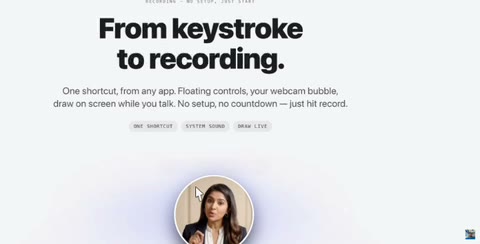
One shortcut, from any app. Floating controls, your webcam bubble, draw on screen while you talk. There is no setup and no countdown. You just hit record. Plug in an iPhone or iPad and you can record that too. And if something ends the take before you do — the window closes, the lid shuts, you quit by mistake — the recording is saved, not lost.
- One shortcut
- Draw live
- iPhone & iPad
- Never loses a take
Go further. Your photos, filmed in 3D.
Pick a few photos and a style. OwnClip lifts each one into layers, cuts the people out, fills in the room behind them and films it with a moving camera, cut on the beat of the music.
- ✦18 styles, from a slow cinematic push to neon and film looks
- ✦Your title stands in the scene, behind you
- ✦Made on your Mac. Nothing is uploaded.
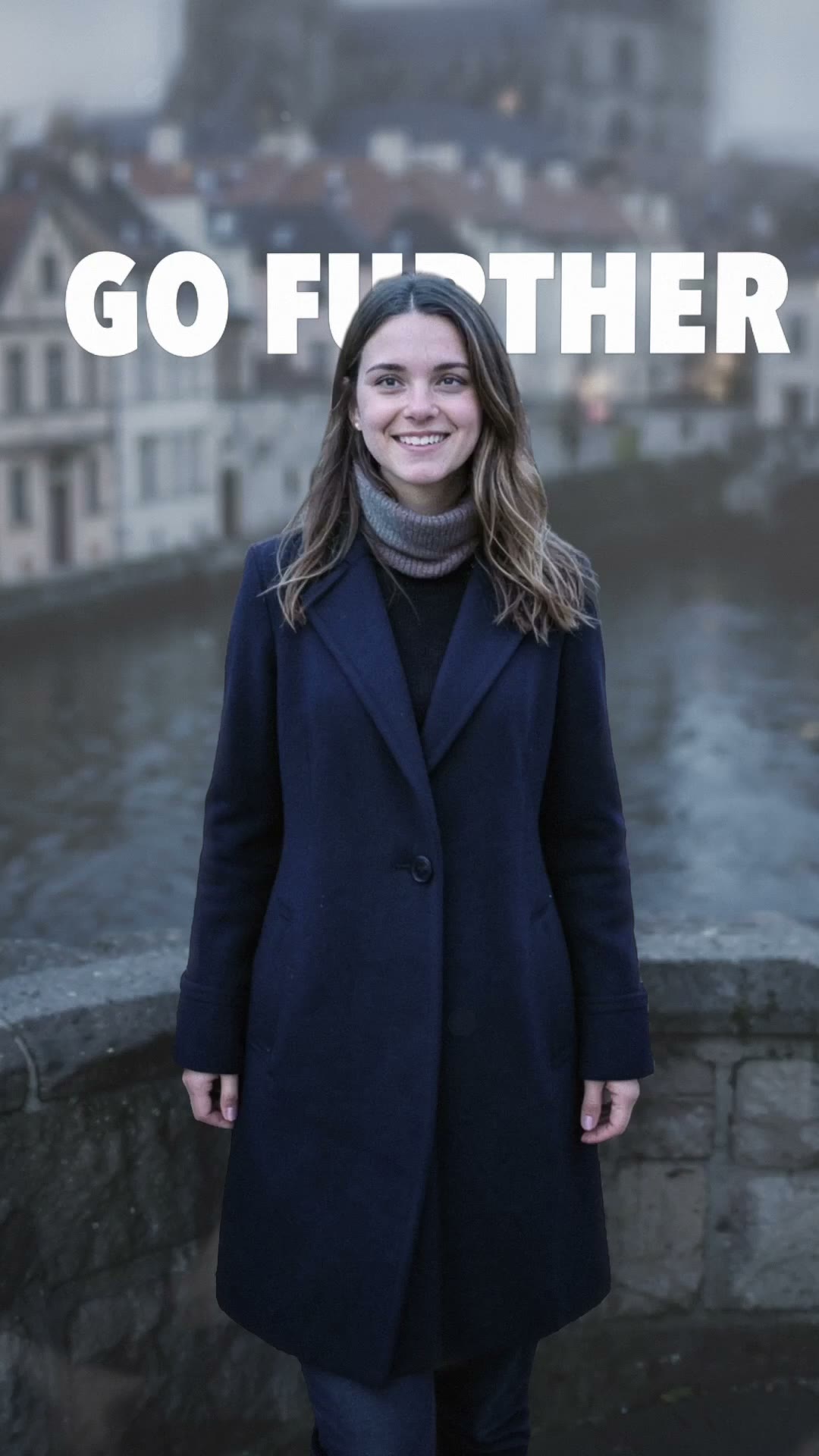
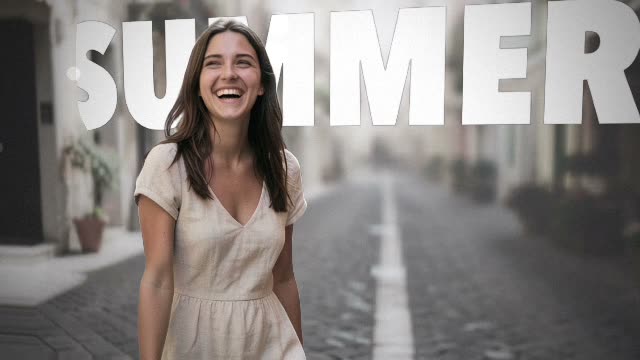


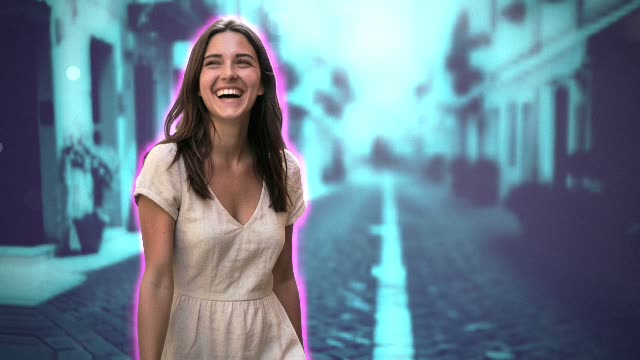
Hover a style to play it · all 18 on the Depth Motion page
Edits like a senior editor sat next to you.
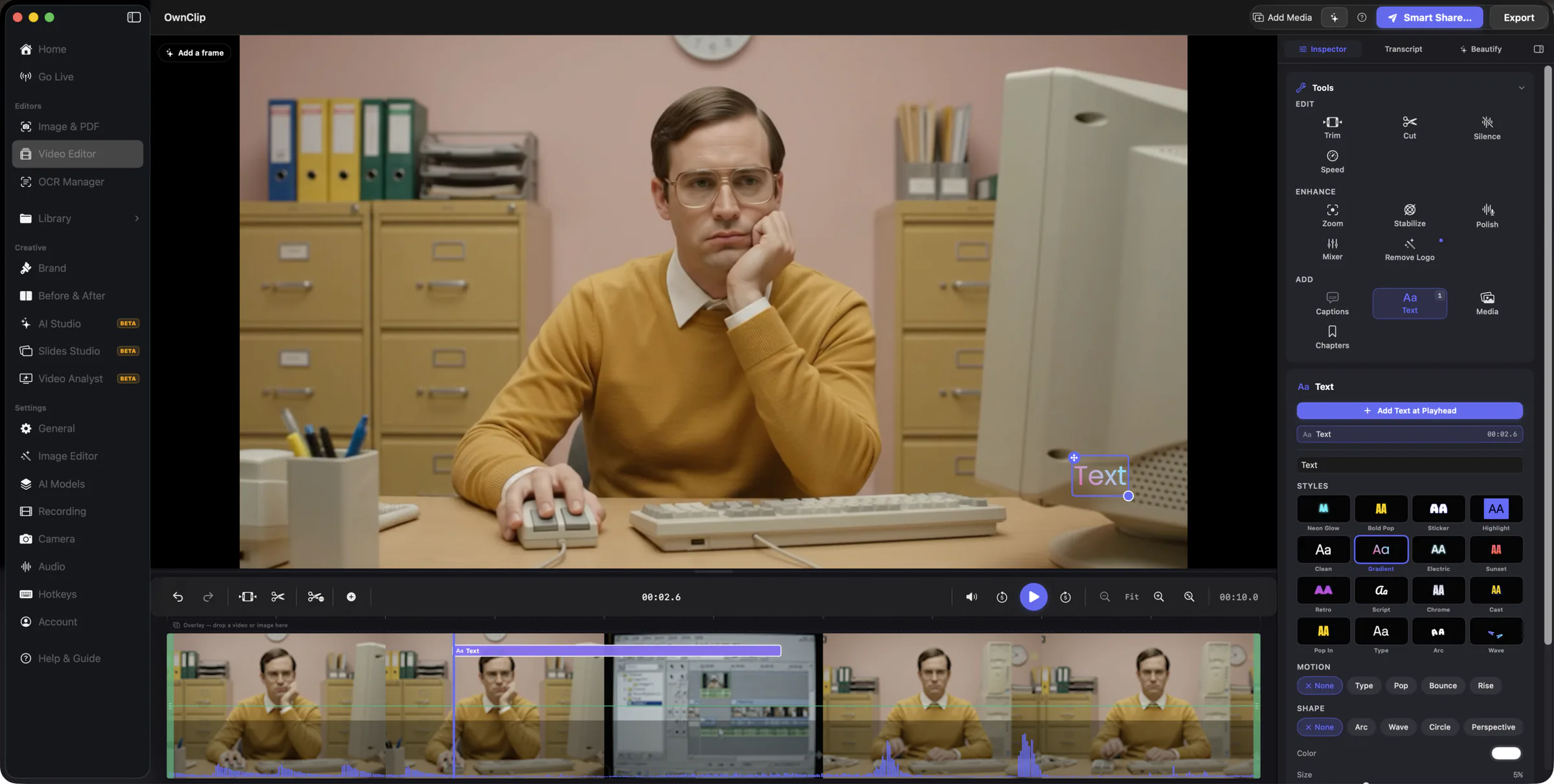
The dead air and 'umm' pauses cut themselves. The zoom lands on the click that matters. Captions come straight from your own transcript, text goes right on the frame, and a music bed ducks under your voice. Your original file is never touched.
- Auto-cut pauses
- Cinematic Zoom
- Captions & text
Every click looks intentional.
OwnClip zooms in right where you click and glides with your cursor, so the moment that matters fills the frame instead of getting lost in a full-screen blur. Recordings come out looking directed, like you planned every move.
- Auto-zoom on click
- Smooth cursor
- Looks directed
Make every capture look designed.
Put a screenshot or a recording on one of 220 backdrops, round the corners and give it a shadow that suits the background. Tilt it in 3D if the post needs it. No design tools required.
- 220 backdrops
- Adaptive shadows
- 3D tilt
- Recordings too
Everything a browser tab can't do.
Six things you only get from a real Mac app.
Record for an hour without the fan kicking in.
Your Mac stays cool and quiet. Your battery barely notices.
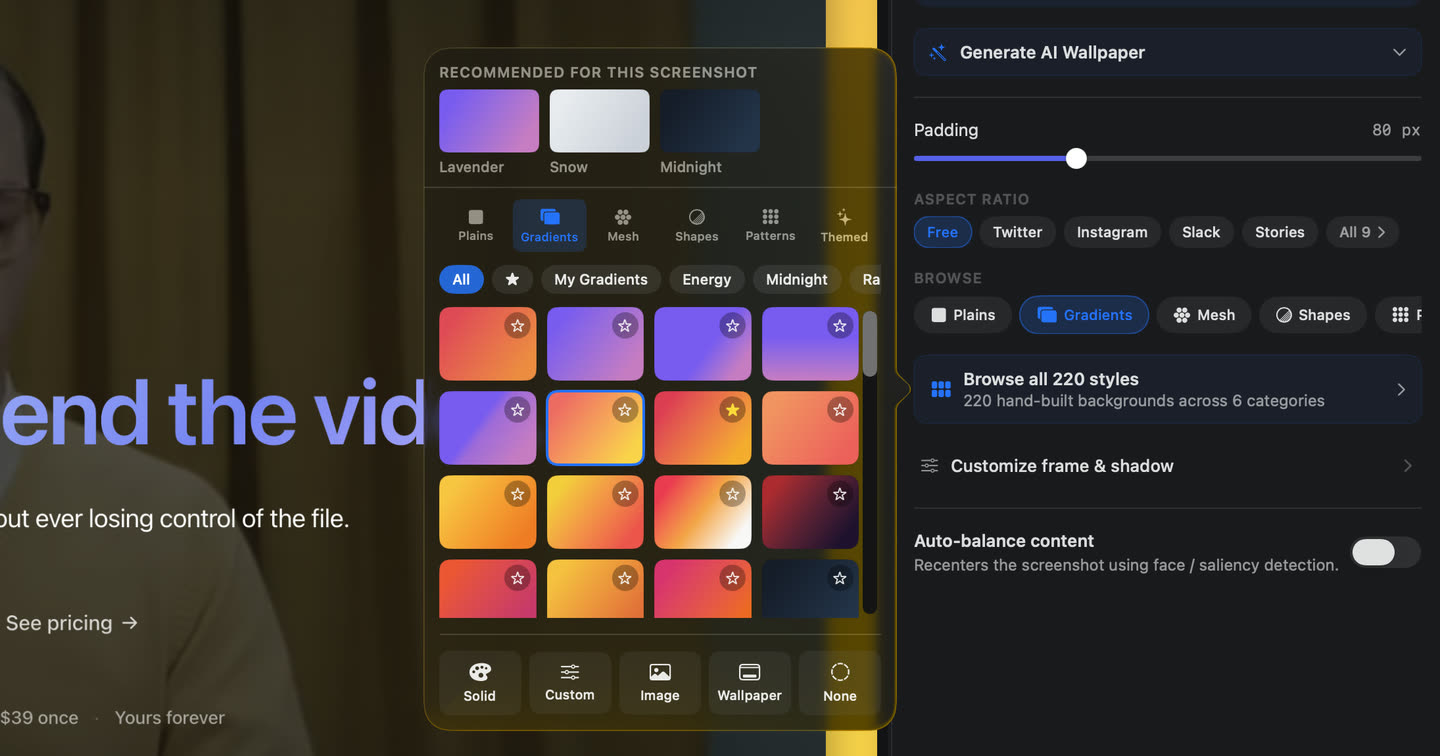
Send a screenshot people stop to look at.
220 backdrops, adaptive shadows, and brand palettes built in: two clicks, no extra app.
Look like a pro on every recording.
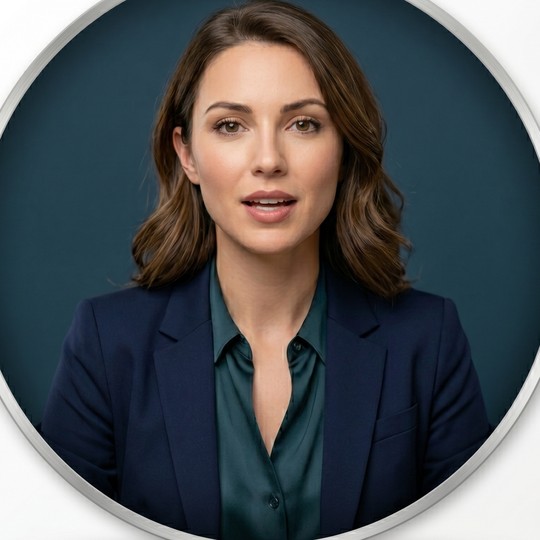
Blurred background, framed face, flattering light, applied live. Nothing to fix after.
Grab a screenshot from two minutes ago.
Your last shots wait one tap away in a small panel. No folder dive.
Find that one moment from yesterday.
Every recording writes its own transcript on your Mac. Search by word, jump to it.
Hand the footage to Final Cut as-is.
It opens ready to edit, exactly as recorded. No conversion, no surprises.
One screenshot becomes a walkthrough.
Point at what matters, or let OwnClip find the steps for you. It glides a cursor between them, zooms into each one, reads your script out loud, and renders a finished video. No timeline, no keyframes, no editing software.
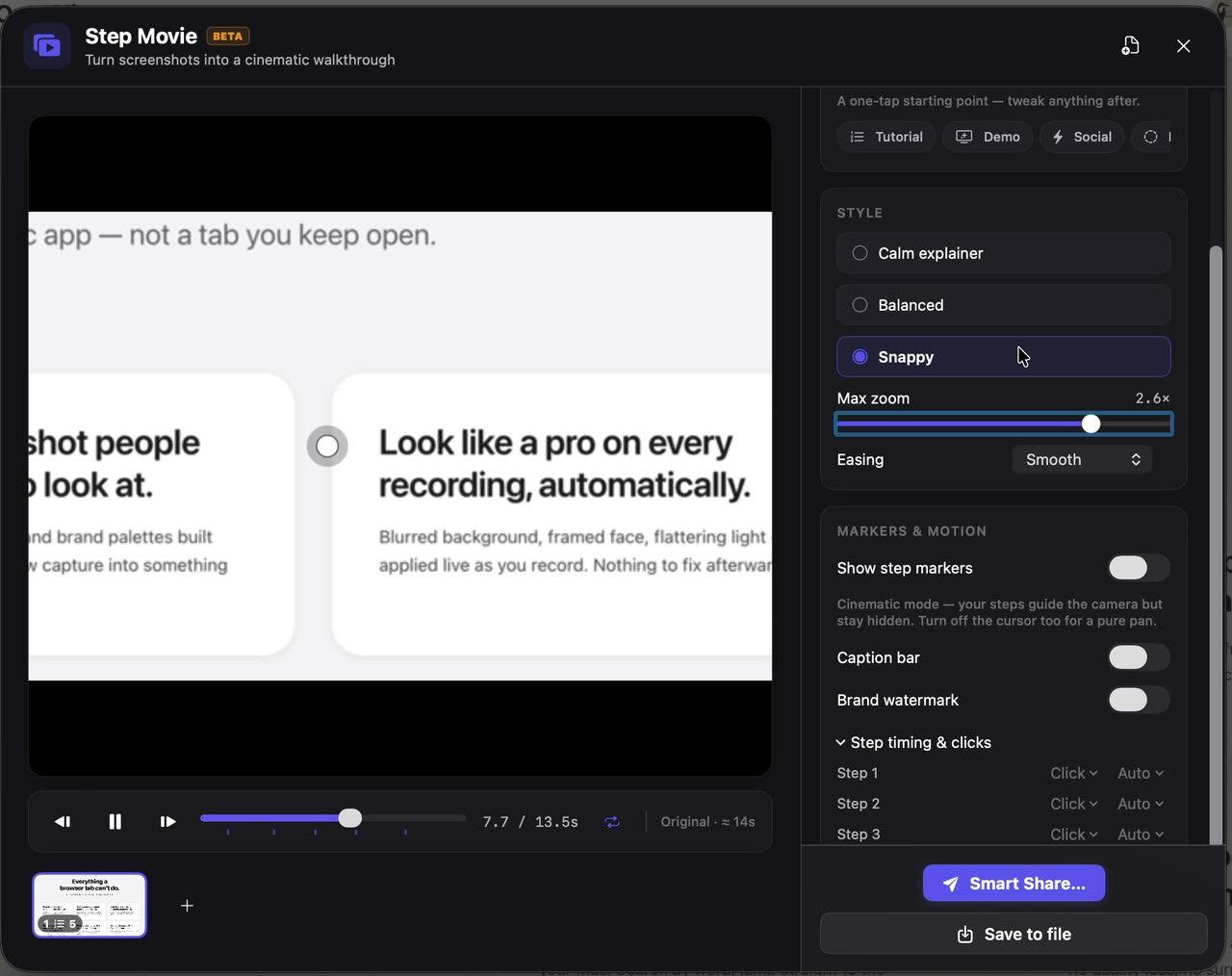
That movie was made from this page: the six cards you just scrolled past, in five steps.
Steps found for you
It reads the image and proposes the stops. Move, rename, or skip any of them.
A cursor that means it
Pointer styles, click ripples, and real timing between each step.
Voice and score
Narrate every step, then lay in music generated to the exact length.
Ships as anything
MP4, GIF, or a share link people open in a browser.
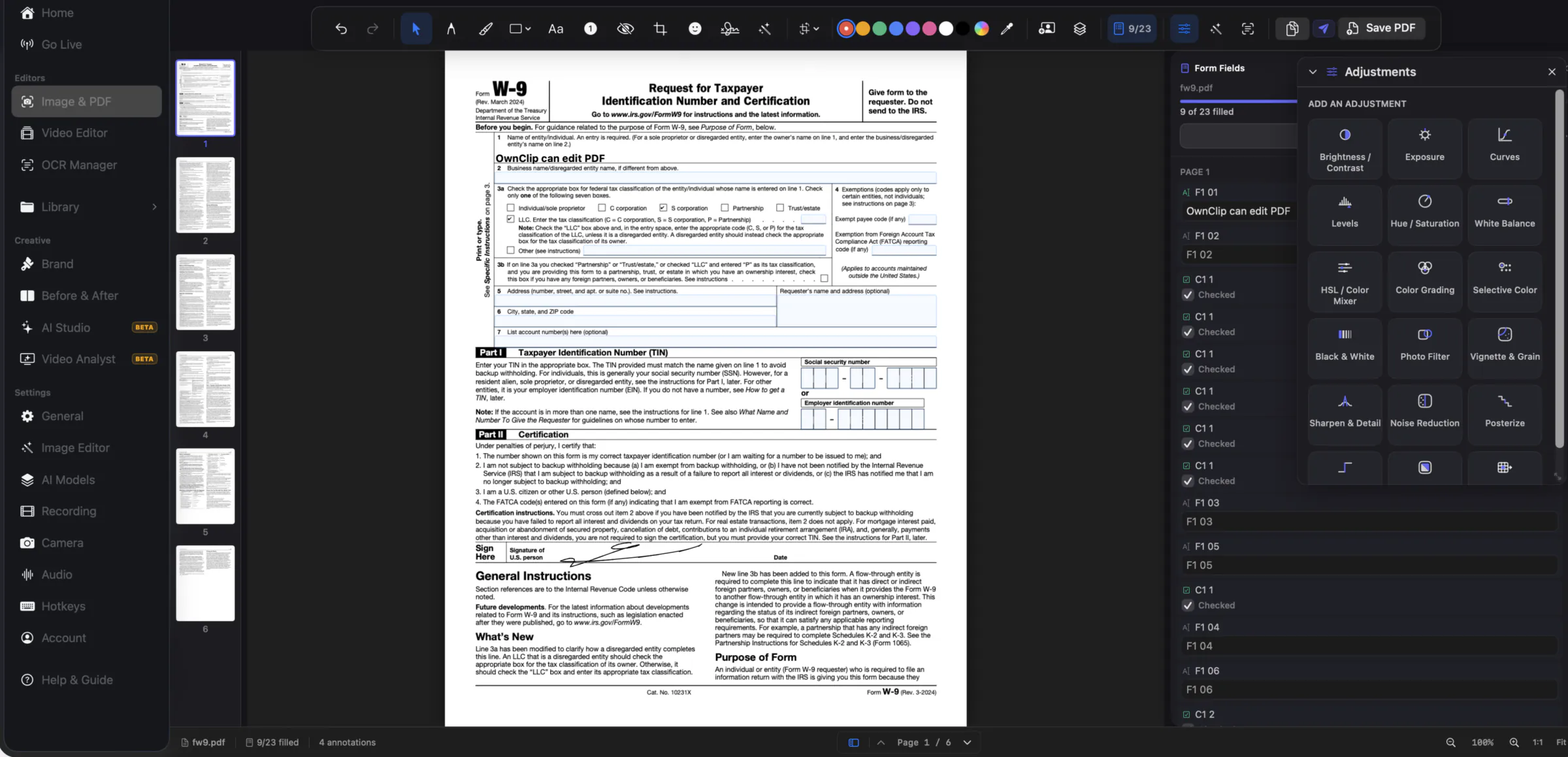
Fill the form. Sign it. Never upload it.
Open a PDF and its fields light up: type, tick, pick, sign. OwnClip fills the real form, so what you send back is still a form, not a picture of one. Only got a scan? It finds the lines to write on. The same editor takes screenshots and images too: OCR to lift text, adjustment layers, curves and masks, your own LUTs, non-destructive, and never off your Mac.
- PDF Forms
- Signatures
- OCR Capture
- Adjustment Layers
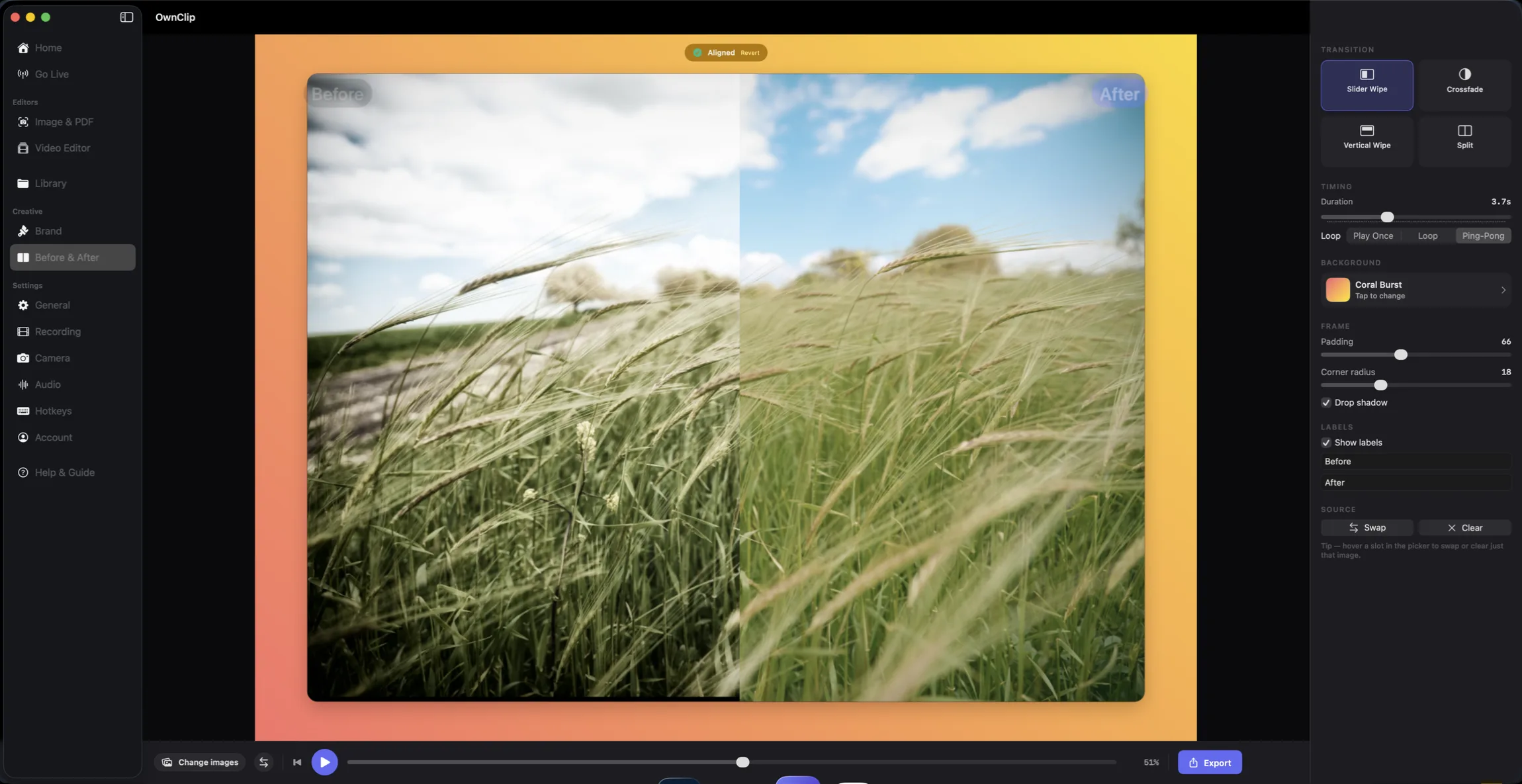
Show the change. Then ship it.
Your last shots, always one tap away.
A floating overlay keeps your most recent captures right where you're working. Mark one up, swap between them, drag one out to share. No folder digging, no breaking your flow.
- Recent shots, on tap
- Mark up instantly
- Pin the ones you keep
- Drag straight into a chat
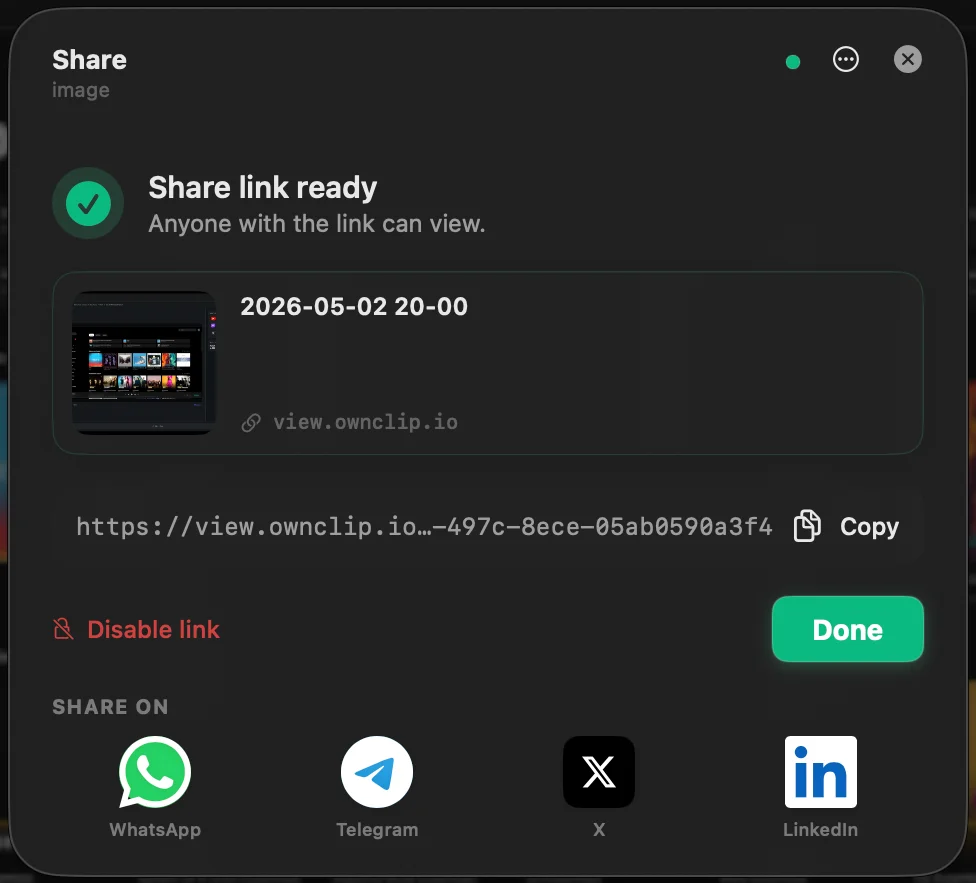
Nothing leaves your Mac unless you share it.
Recording, AI, editing, transcription: all local. When you share, the file lives in your Drive, not ours.
There's no cloud in this loop. Nothing to hack, nothing to subpoena, nothing to leak.
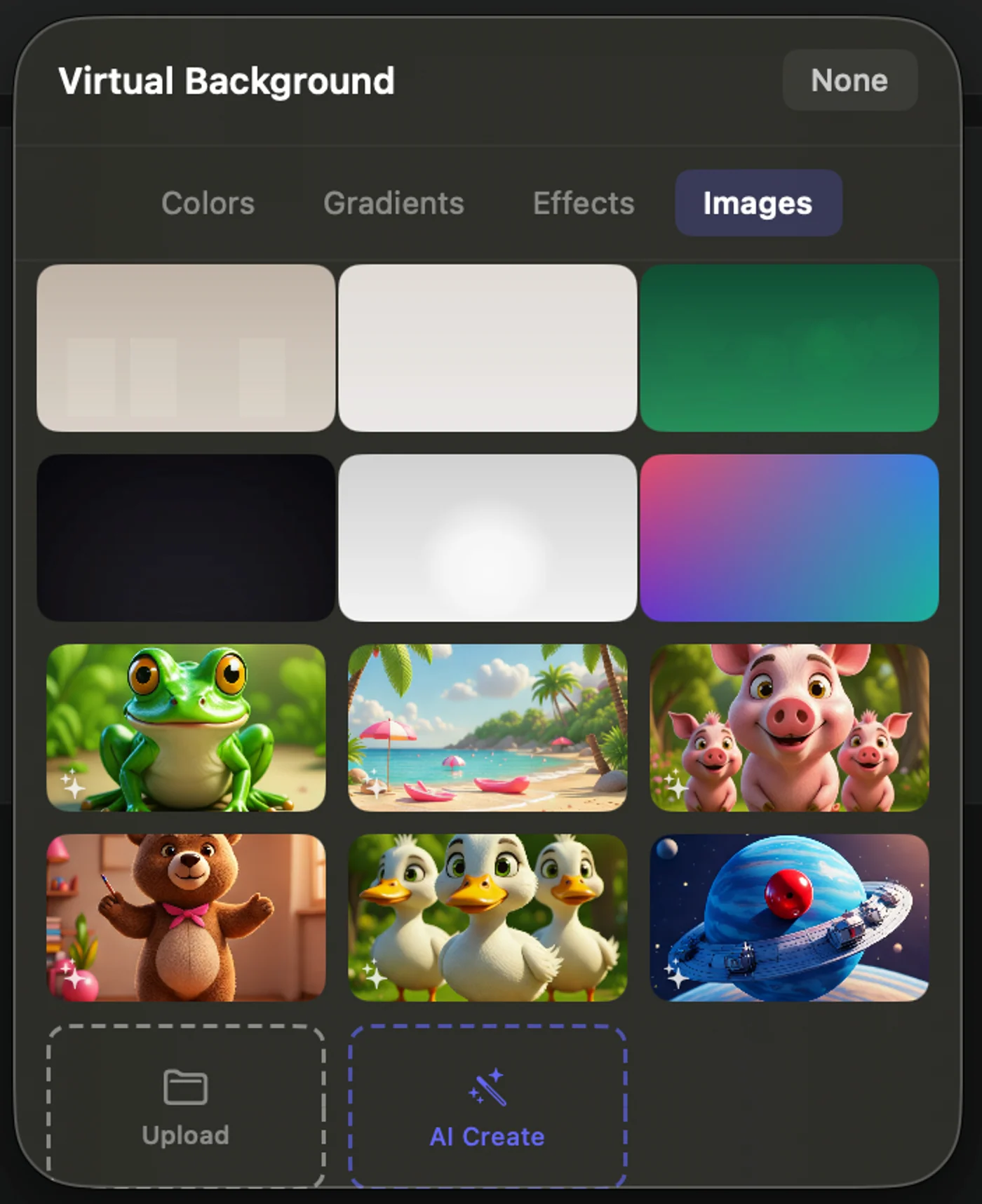
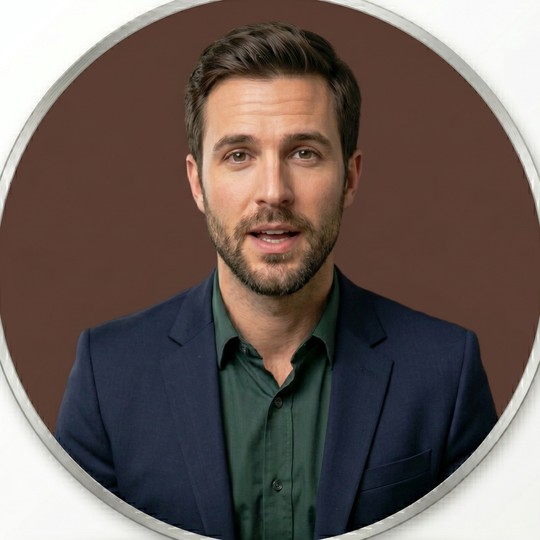
Hide your room. Frame your face.
Background blur, virtual scenes, smart framing, auto-light, all running on your Mac. Works offline.
- Background Blur
- Smart Framing
- Auto Light
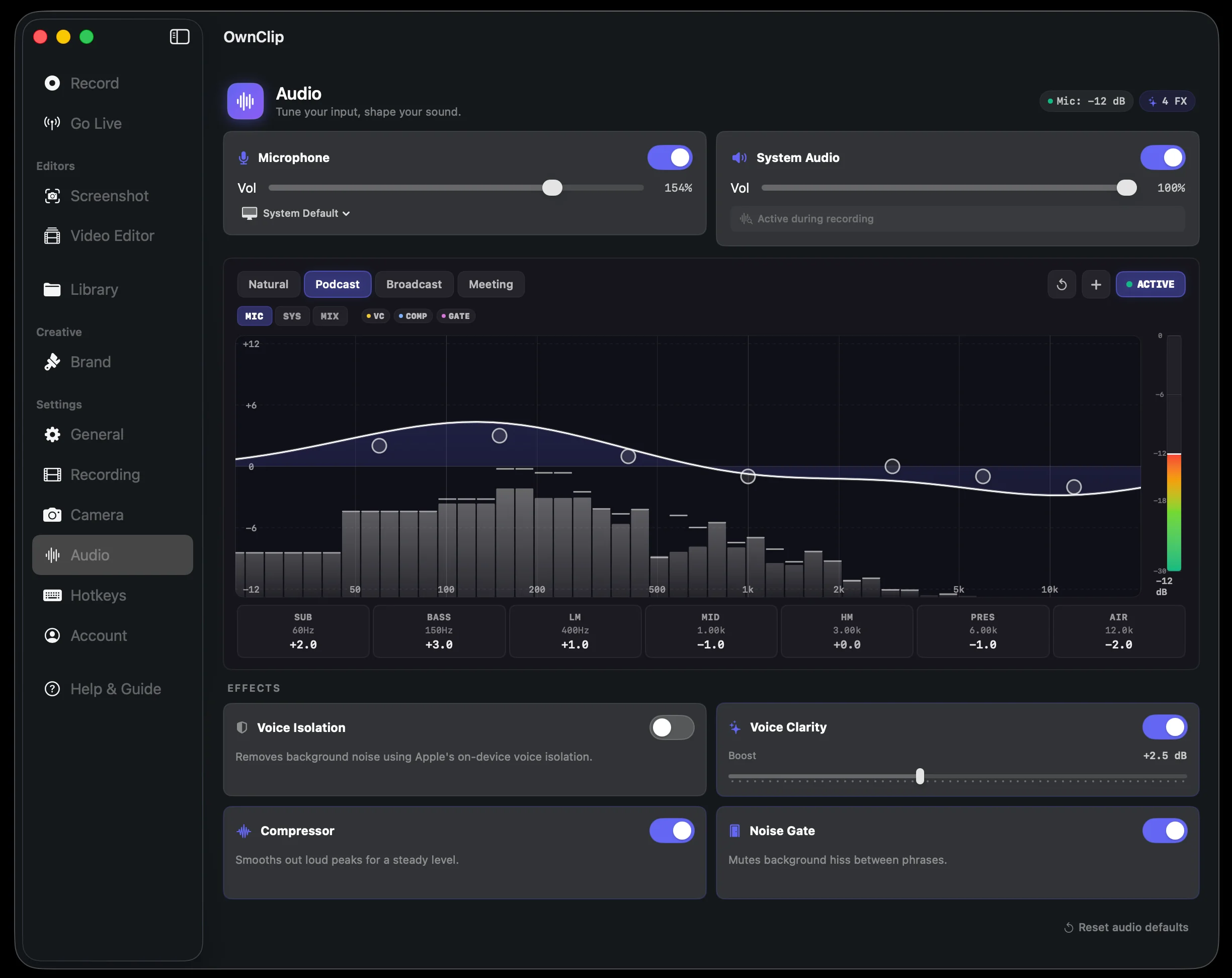
No echo. No fan. Just your voice.
Clean Voice clears room noise and echo as you record, so you sound studio-clean with no editing and no headset gymnastics. Every word is captioned and searchable, in 18+ languages.
- Clean Voice
- Echo gone
- Searchable captions
Your file lives in your Drive. Always.
We never hold your video. We just generate the share page. The file goes from your Mac, straight to your Google Drive, on your terms. Backup is a separate switch: keep copies in Google Drive, iCloud Drive or OneDrive, free on every plan, and run more than one at once.
- Your Drive
- Branded Pages
- View Tracking
- Backup to your clouds
Ask your video anything.
One pass understands the whole recording: everything said, everything shown on screen. Search it, ask it questions, jump to the exact moment. Then produce what it becomes: social clips, a product demo, a short ad, or a full article kit — rendered on your Mac.
- Auto chapters
- Productions
- Ask & jump
- On-device
The pricing table first appears at 02:41, right after the feature demo, on the “Plans” slide.
Auto chapters
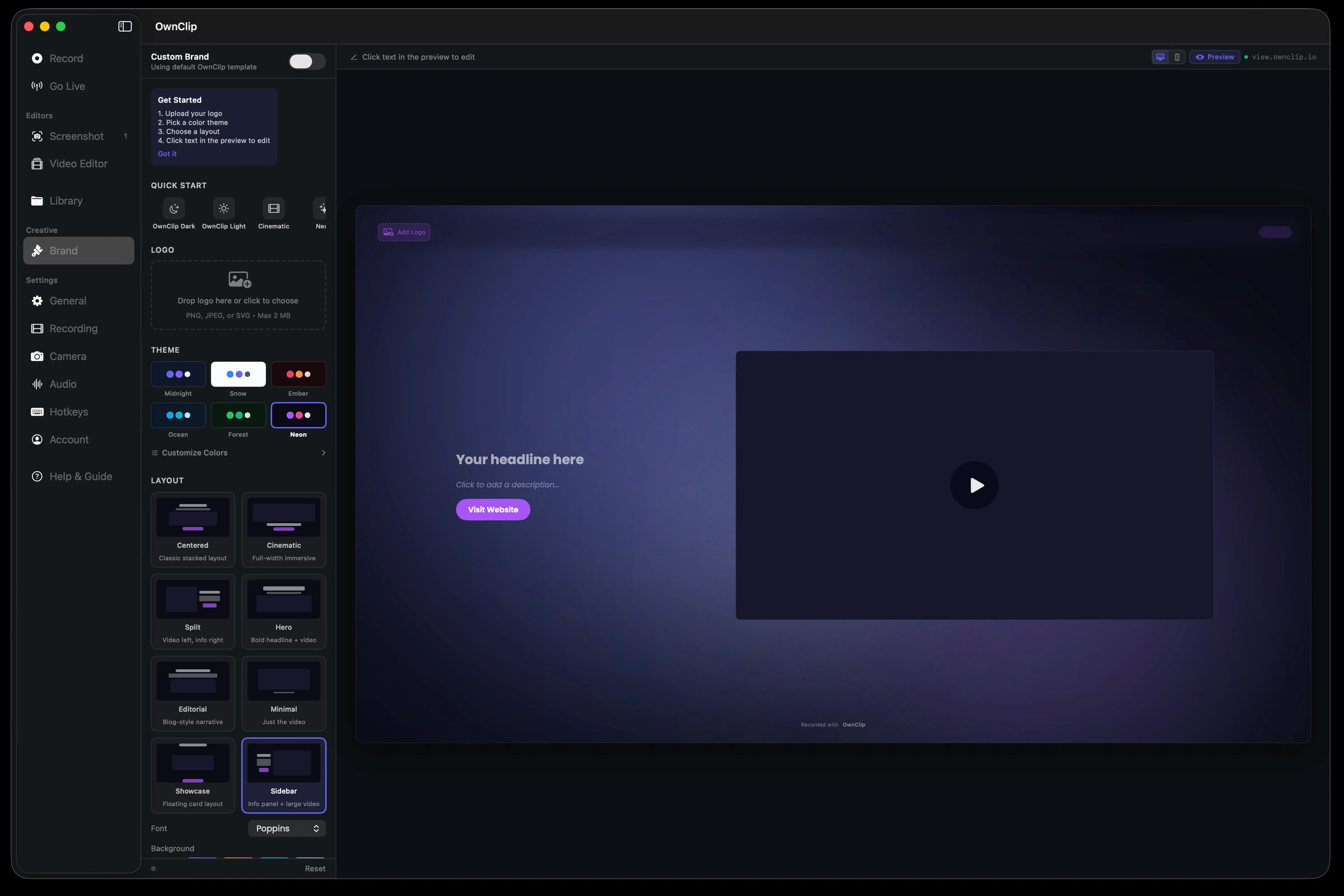
Your brand. Their experience.
The share page your clients open is yours: your domain, your colors, your logo. They never see ours.
- Logo & Theme
- Templates
- Watermarks
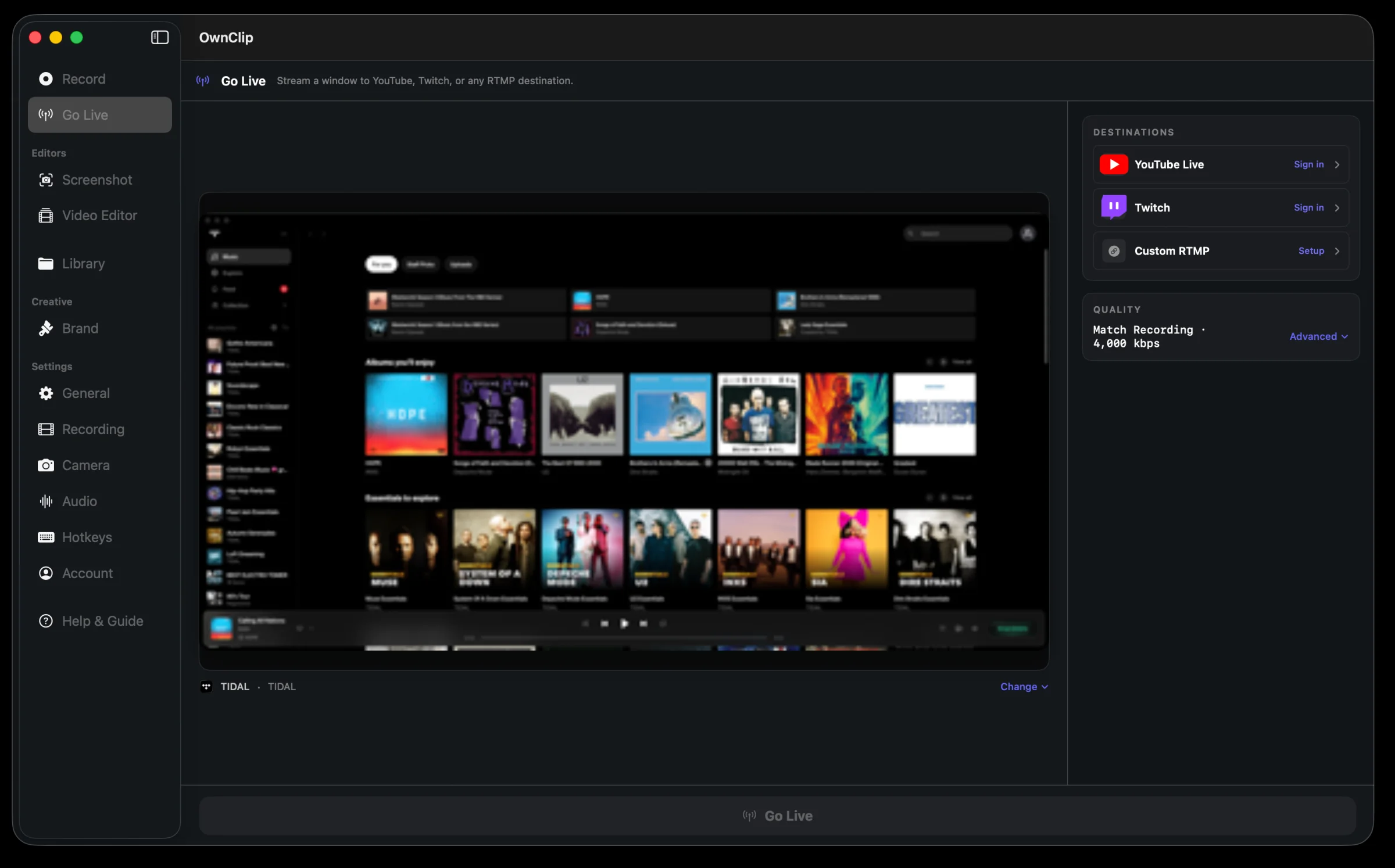
Stream live without melting your Mac.
Go live to YouTube, Twitch, or anywhere you stream. Effects on, fans quiet, battery happy.
- YouTube
- Twitch
- Any destination
People who care about the craft.
Privacy-first teams
Healthcare, legal, finance, internal tools: your screen never leaves your Mac. Recordings, edits, transcripts. Every byte stays yours.
Indie devs
Ship demos that actually look like the product.
Designers
Recordings that match your brand, not someone else’s.
Founders & builders
Async updates without subscribing to async-update software.
Support engineers
Bug repros in seconds. Nothing routed through a server.
- 100% On-Device
- One-time $39
- Free improvements
- Works Offline
- Your File, Your Drive
Everything OwnClip records, edits and makes.
Editing, screenshots and documents
One project. Many recordings.
Put several takes in one project and cut them into one video, on a timeline made of clips. Plain videos and images you drop in become clips too. It works on every plan, Free included, and 2.0 is a free update if you already own OwnClip.
Combine Recordings
Choose Combine Recordings on Home, Edit Together in the Library, or Add Recording in the editor. Each recording keeps its own blurs, camera and trims.
A timeline of clips
Split with ⌘B, drag either end to trim, delete a clip and close the gap, and drag clips into a new order.
A Look for every clip
Ten ready-made looks and six sliders per clip, with Copy, Paste and Apply to All Clips.
Keyframes
Move, scale, turn, crop and fade a clip over time, and watch the preview follow as you work.
Undo, by name
Every edit is one Undo step, named in the Edit menu. A project keeps a copy of its earlier edits, so you can go back.
Make a ShortStudio
Promo Shorts turns your recordings and images into a vertical promo video from one of 20 templates, with voice, music and captions made on your Mac. See a Short made on a Mac →
Buy once. Own it forever.
Subscription screen recorder
$15/mo × 12 months
$180
Subscription step / animation tool
$32/mo × 12 months
$384
OwnClip Pro
record + animate, paid once, used forever
$39
And we don’t get to take it away when you stop paying.
Get OwnClip.
Free to start. $39 once removes the caps.