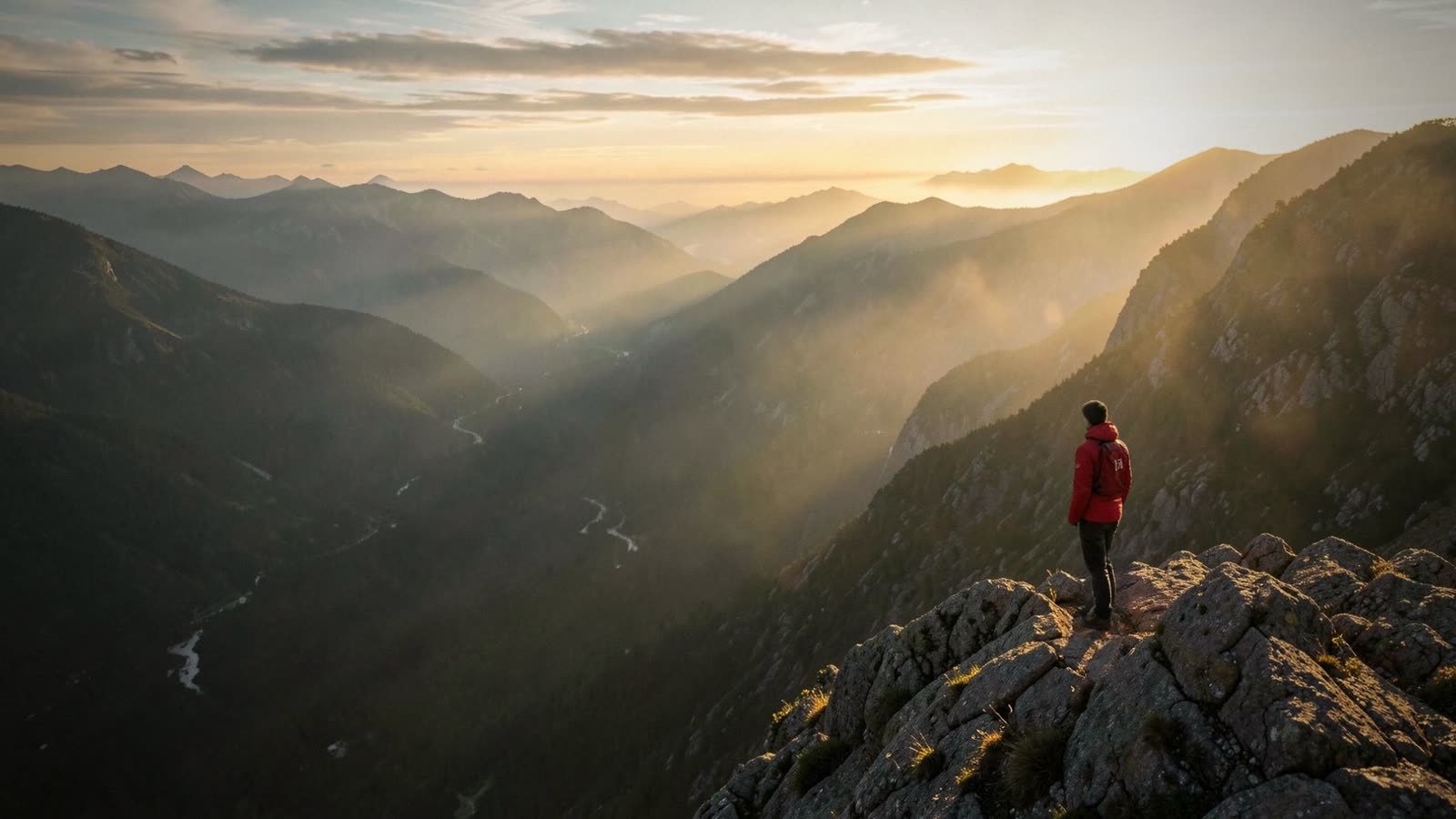
Depth Motion · new in OwnClip 2.0.4
Go further. Your photos, filmed in 3D.
Pick a few photos and a style, and get a short film. The people step out of each photo, the camera moves around them and every cut lands on the beat. Ready to post in minutes, made on your Mac.
Depth Motion is part of OwnClip Studio. The app itself is free to download.
Three steps from a photo to a film.
Pick your photos
A trip, a weekend, your shop, your team. Choose a few favourite photos. Photos with people in them look best.
Choose a style
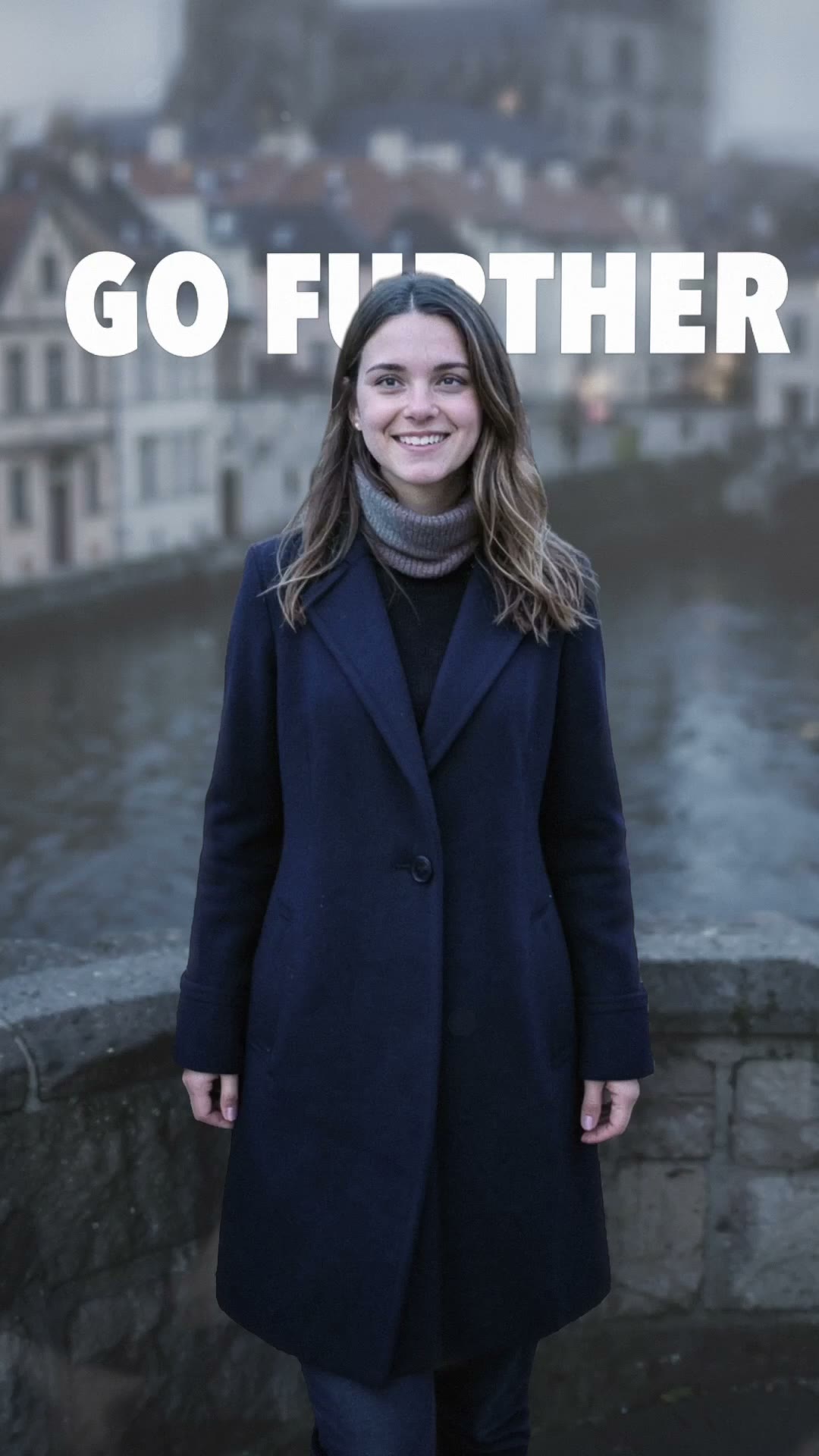
Eighteen looks, each with its own camera moves, colour and music. Add a title and it stands right in the scene.
Share it
Your photos come out as a short film, cut on the beat. Post it to Reels, TikTok or Shorts, or keep it as a memory.
Eighteen ways to film a photo.
Each style is a camera, a look and a piece of music. Hover over a style to play it, or tap it on a phone. These are the same previews the app shows on its style cards.
It looks filmed, because the camera moves through the photo.
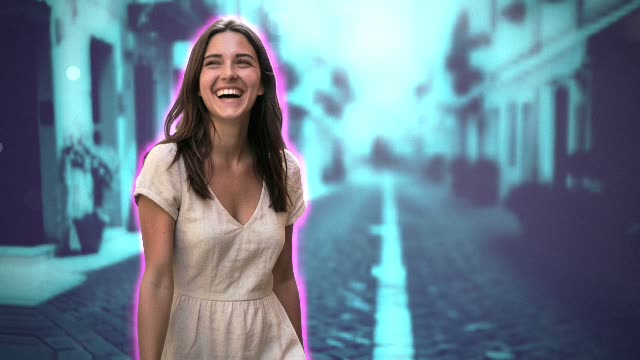
It looks filmed, not like a slideshow
The people step out of the photo and the camera moves around them, so every still becomes a scene.
Cut on the beat, no editing skills
Every style comes with its own music, and each photo lands right on the beat. You pick the photos; it does the rest.
Your photos stay yours
Everything happens on your Mac. Your photos are never uploaded, and the finished film waits in your Library.
Ready for every screen
Vertical for Reels, TikTok and Shorts, or wide for YouTube, slides and the big screen.
Made for the photos you love
Turn a trip into a film you will actually watch again.
Bring product and place photos to life for your next post.
Weddings, birthdays and launches, cut to music in minutes.
Make people photos feel like a campaign, not a carousel.
Questions people ask
It turns a handful of photos into a short film. The people step out of each photo, the camera moves around them in the style you pick, and every cut lands on the beat of the music.
No. Pick your photos, choose a style and press one button. The camera moves, the music and the timing are done for you.
Anywhere. Make it vertical for Instagram Reels, TikTok and YouTube Shorts, or wide for YouTube, a presentation or a screen at an event.
No. Depth Motion works on your Mac, and your photos never leave it.
Yes. With the Title Behind style, your title stands in the scene behind the people in your photos, so they appear in front of it as the camera moves.
Photos with a person or a clear subject in front of a background with some depth: a street, a landscape, a room. Each photo becomes one shot of your film.
Depth Motion is part of OwnClip Studio, a one-time $99 purchase with no subscription. You can download OwnClip free and use the rest of the app first.
More you can make on your Mac: promo videos with Promo Shorts, the video editor and everything else OwnClip does.
Go further with the photos you already have.
Download OwnClip free. Depth Motion comes with Studio, $99 once, with no subscription.