Show the answer instead of writing it
Some support answers take four paragraphs and still do not land. Forty seconds of screen with a voice over it ends the thread.
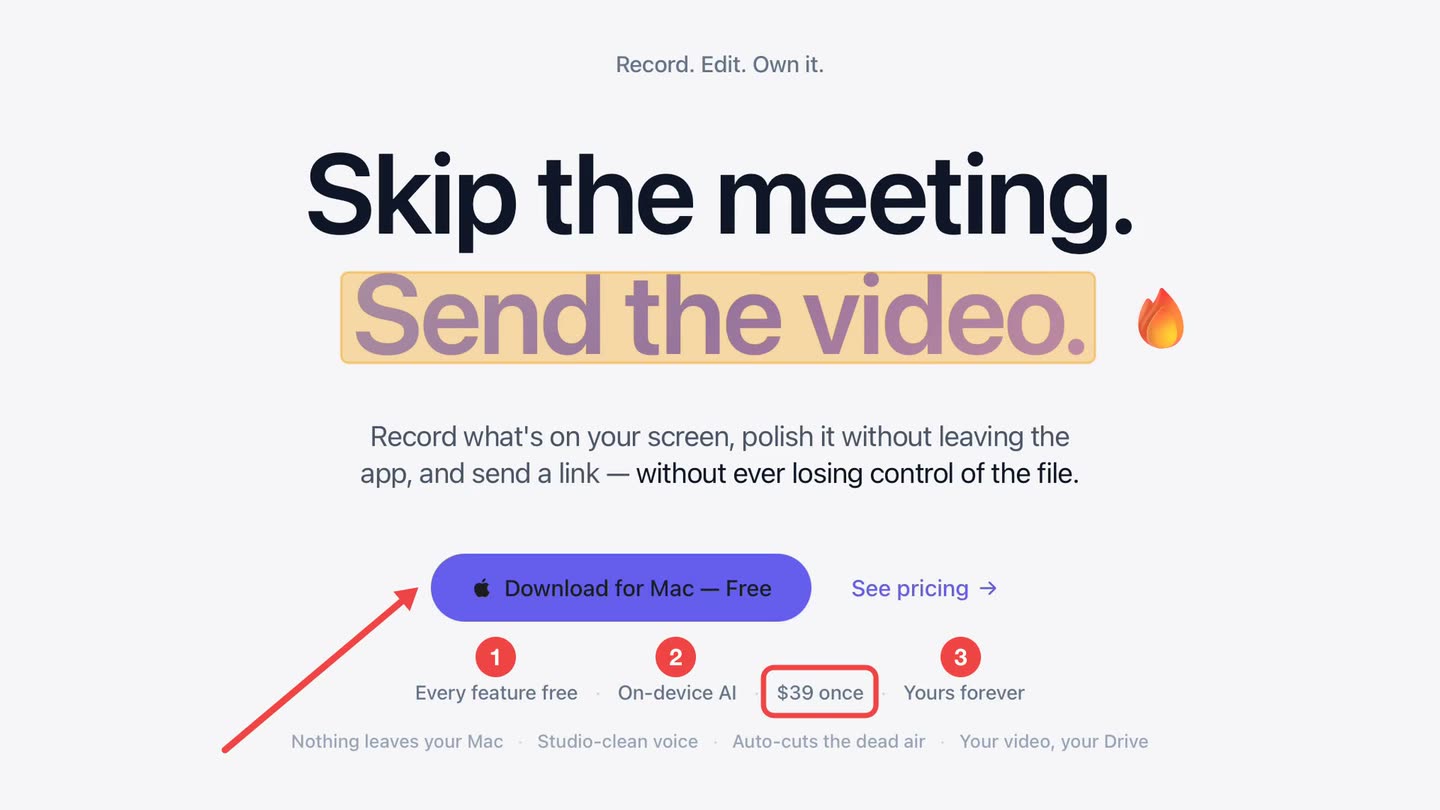
Free to use. Recordings are capped at three minutes and recorded at 720p with a watermark.
Written instructions fail on interfaces
"Open Settings, go to the third tab, scroll down to the section called Advanced" assumes the customer sees the same window you do. They often do not, and the next reply is a screenshot of somewhere else entirely.
A recording removes the translation step. They watch where you click and copy it.
One question, one answer.
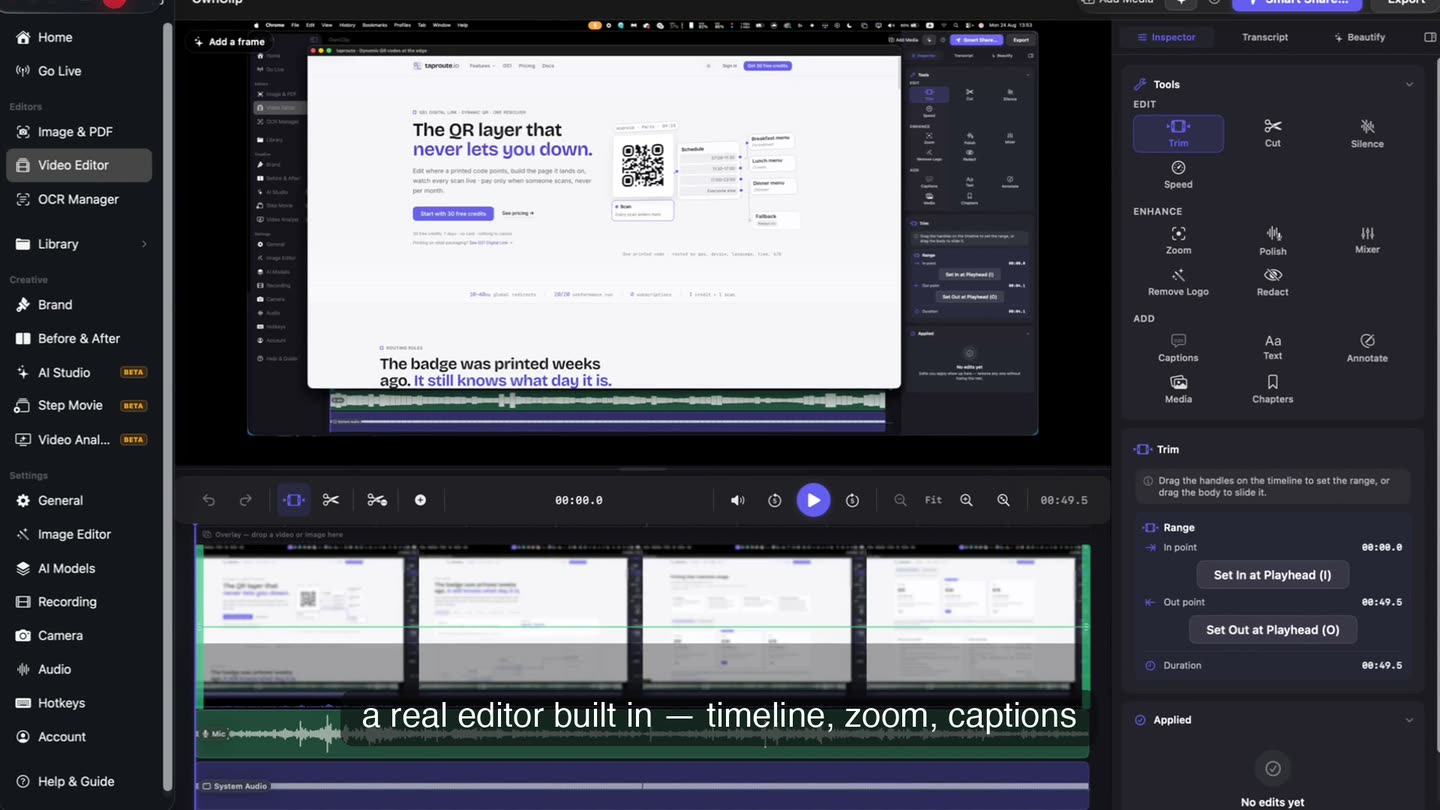
Trimming the false start takes seconds on the timeline, and a forty-second reply gets watched where a four-minute one does not.
You are recording admin.
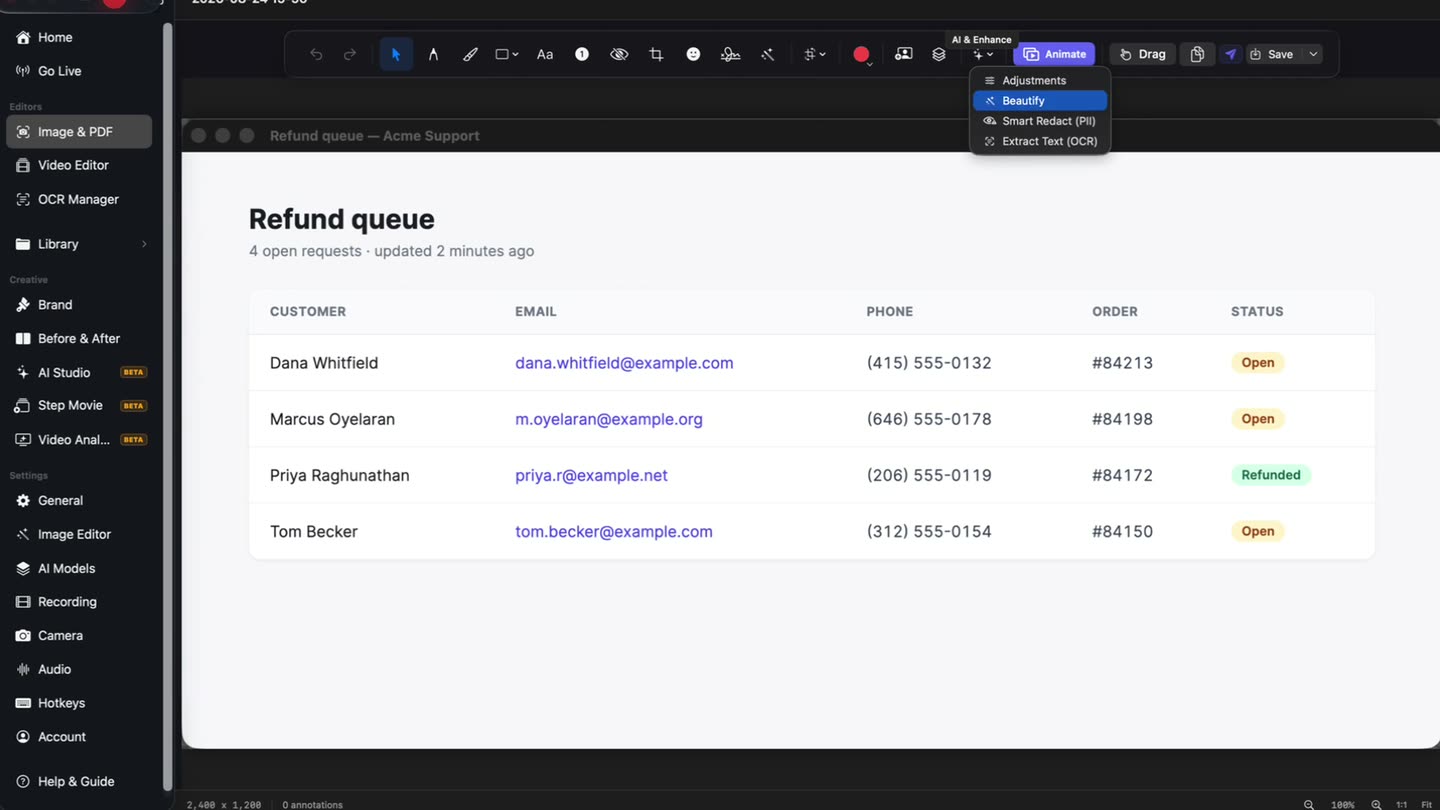
Support recordings are made from the inside, where other customers’ data is on screen. Scan the take before it goes out and review what the scan proposes.
Forty seconds beats four paragraphs
A short recorded answer with a voice on it ends the thread. The customer copies what they watched instead of translating a description into their own screen.
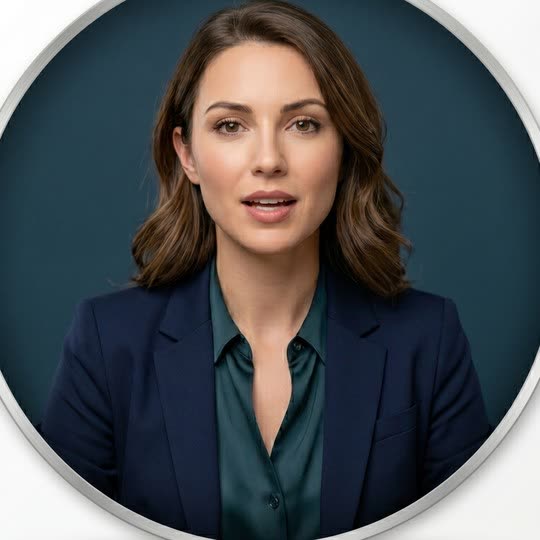
A presenter mid-sentence against a plain backdrop, framed as a webcam tile
Paste it into the ticket.
A link opens in a browser with nothing to install. Keep the recording and send the same link the next time the question comes up.
What makes a support recording work
Keep it short
One question, one answer. Trimming the false start takes seconds.
Point at the control
An arrow or highlight beats "the button on the right".
Caption it
Customers watch on phones, often muted, often not in your language.
Redact your own data
You are recording your admin view. Scan it before sending.
Questions people ask
No. There are no helpdesk integrations. You record, get a share link, and paste it into your ticket.
Yes. Keep the file and send the same link whenever the question comes up. The free tier keeps 25 saved recordings; Pro removes that limit.
No. A shared link opens in a browser. OwnClip itself is only needed by the person recording, and only runs on macOS.
Record a single window rather than the whole screen, and use Smart Redact or manual blur on anything sensitive that remains.
Related
Coming from another tool? Browse every comparison.
Show the answer instead of writing it
Free to start. The latest macOS, Apple silicon. See what Pro and Studio add.