Record the bug instead of describing it
A written bug report is a reconstruction. A recording is evidence — the actual steps, the actual state, the actual thing that happened.
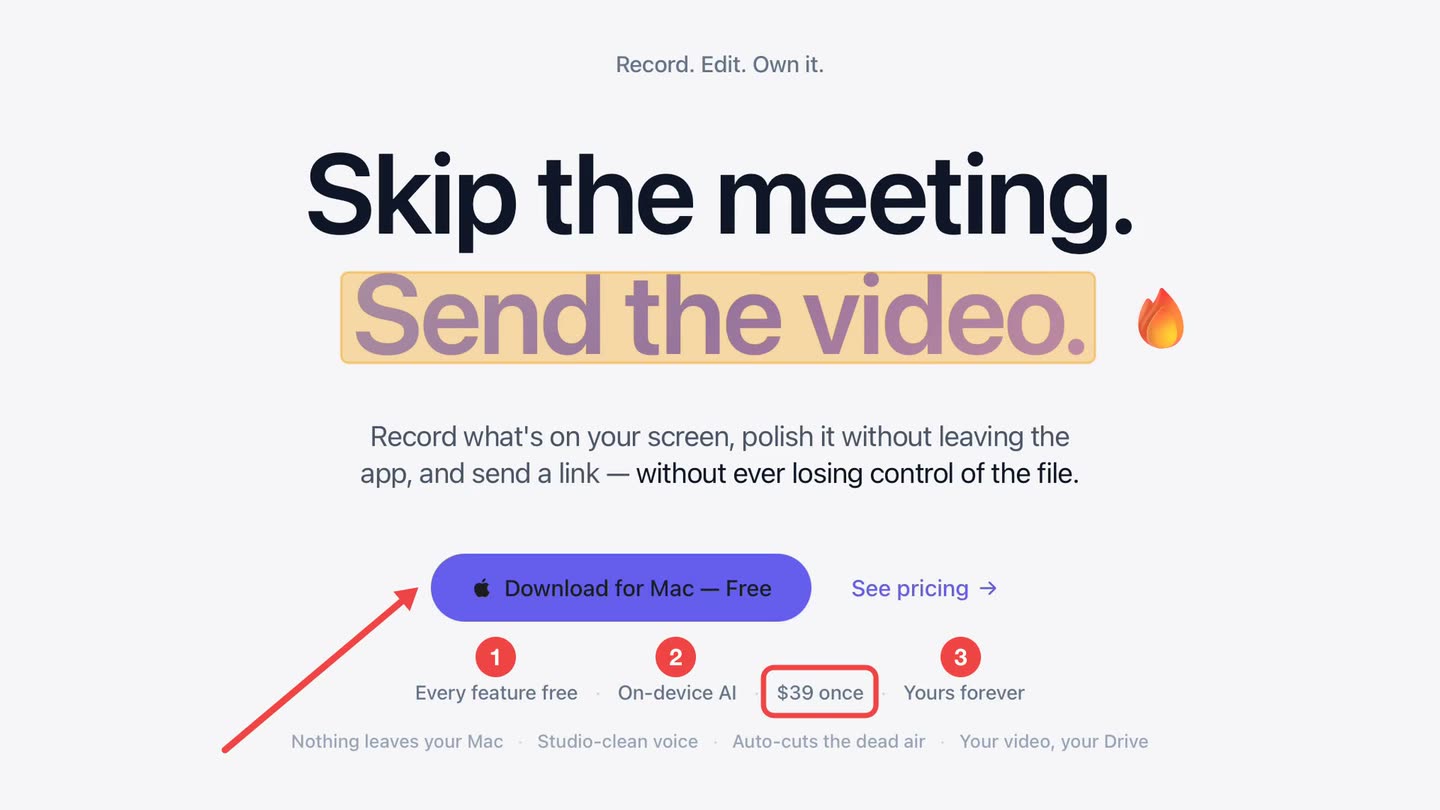
Free to use. Recordings are capped at three minutes and recorded at 720p with a watermark.
The round trip you are trying to avoid
Report filed. "Cannot reproduce." Clarifying comment. "Which browser?" Screenshot attached. Two days gone on a bug that took forty seconds to trigger.
A recording carries the steps, the timing and the state at once, and removes most of the questions before they are asked.
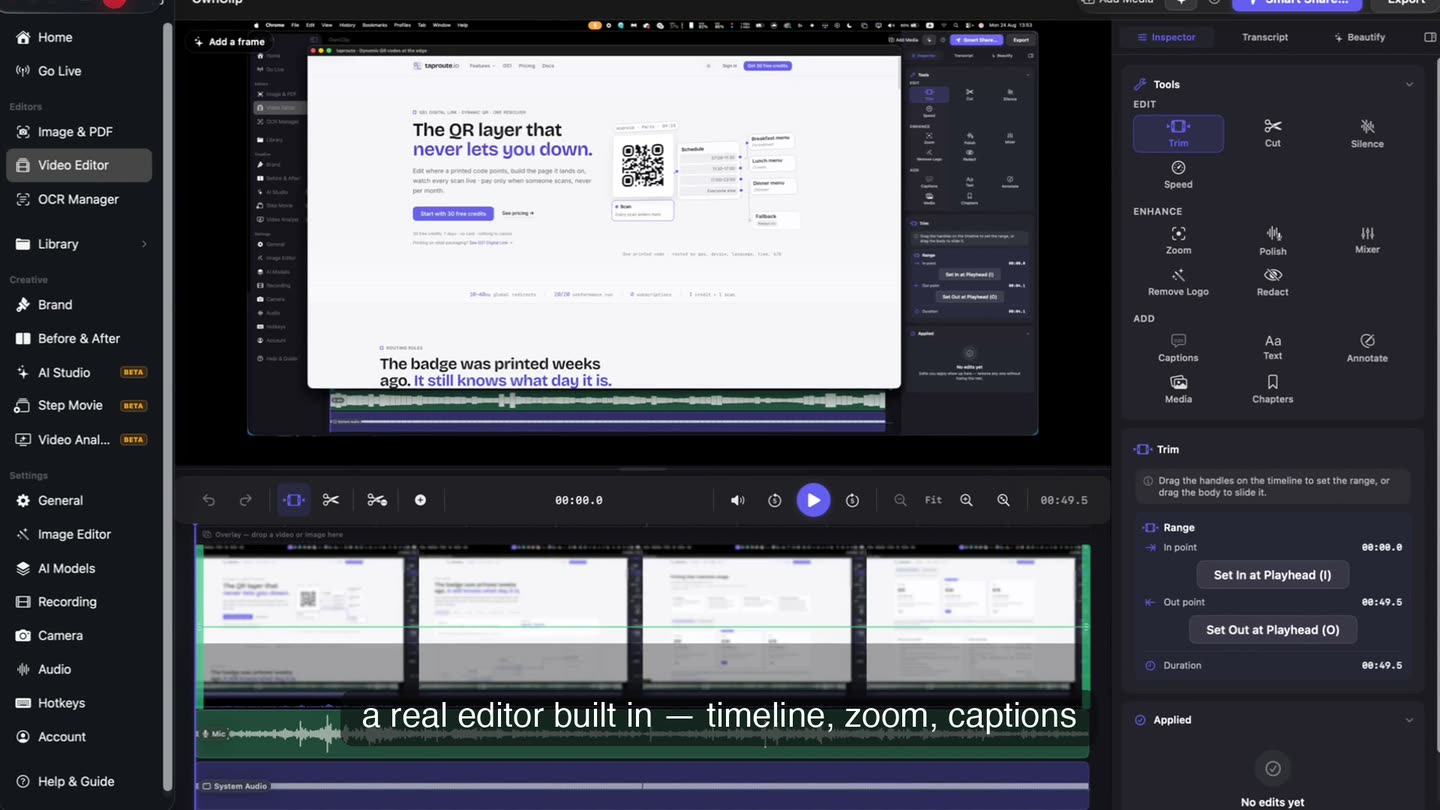
Cut it to the reproduction.
Nobody watches a four-minute bug report. Trim the take to the steps that matter and the person reading the issue gets the failure in forty seconds.
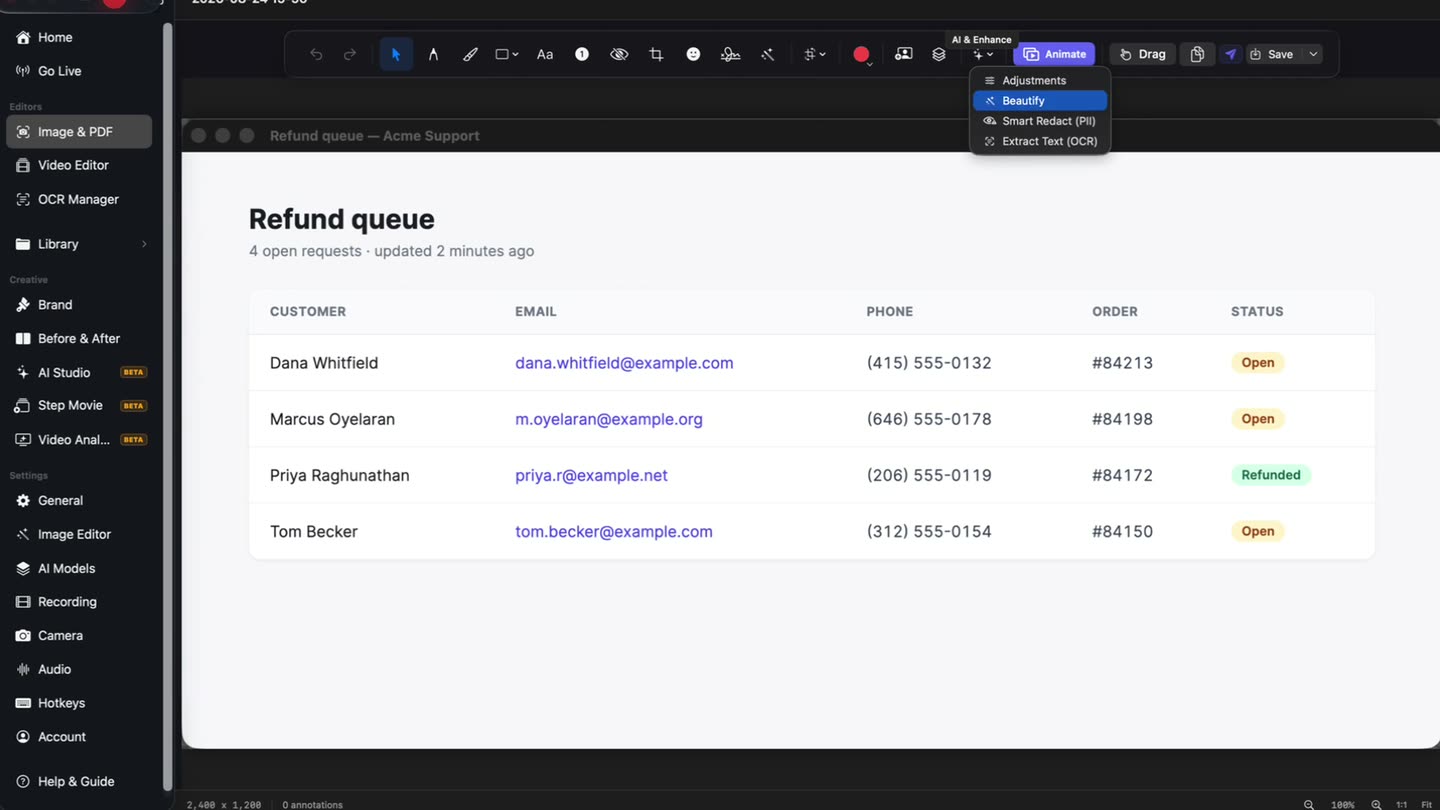
Real data, blurred first.
Reproductions usually run against real records. A local scan finds email addresses, phone numbers and card numbers and offers them for review before anything leaves your machine.
A useful bug recording
- 1Start before you reproduce itThe steps before the failure are usually the part that matters.
- 2Say what you expectedThe gap between expected and actual is the whole report, and it is faster said than written.
- 3Mark the failureAn arrow on the wrong value beats a paragraph describing where to look.
- 4Redact, then sendScan for anything sensitive, then share a link into the issue.
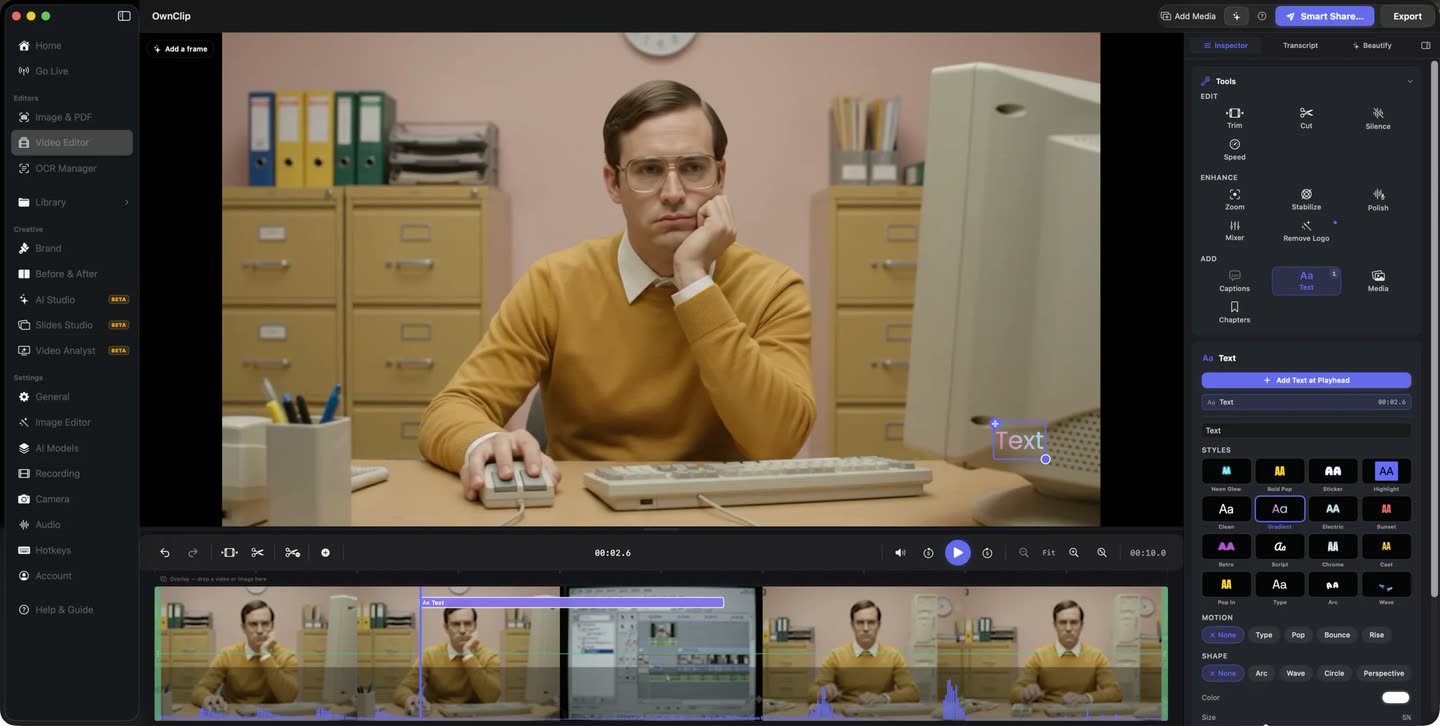
A link, into the issue.
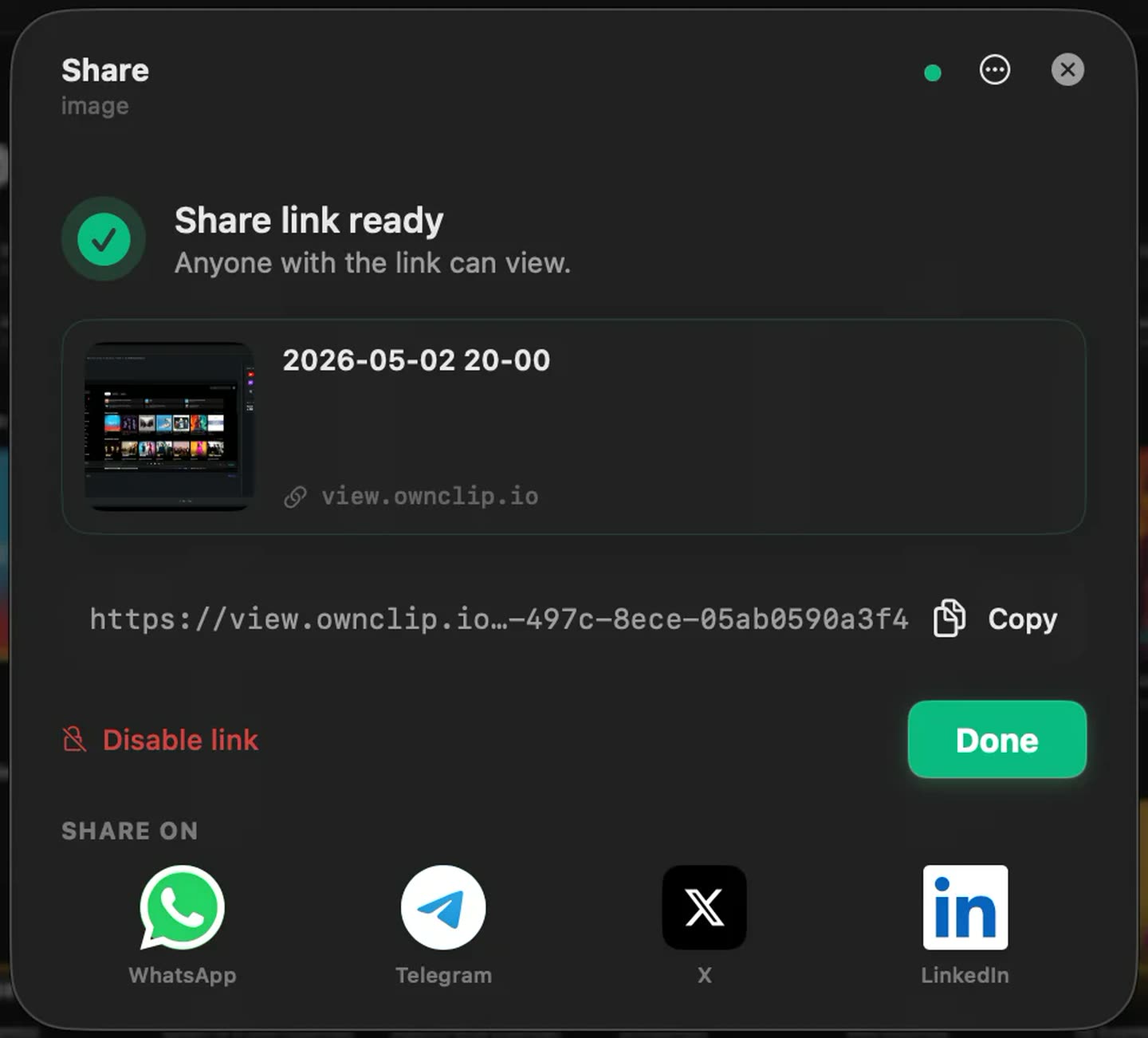
The file uploads to your own Google Drive and you paste the link wherever you file the report. Access stays yours to revoke.
Questions people ask
Usually, and a shorter recording gets watched. If a reproduction needs longer, Pro removes the limit.
Smart Redact scans for emails, phone numbers, card numbers and identifiers and proposes them for review rather than applying anything automatically. You can also blur any region by hand.
Sharing uploads to your own Google Drive and produces a link. Access is yours to control and revoke in Drive.
No. There are no issue-tracker integrations. You share a link and paste it wherever you file the report.
Related
Coming from another tool? Browse every comparison.
Record the bug instead of describing it
Free to start. The latest macOS, Apple silicon. See what Pro and Studio add.