Put a background behind your screen recording
A raw recording runs edge to edge with square corners, like a window nobody framed. Beautify sets it on a background with padding, rounded corners and a shadow, and renders the result into the video you export.
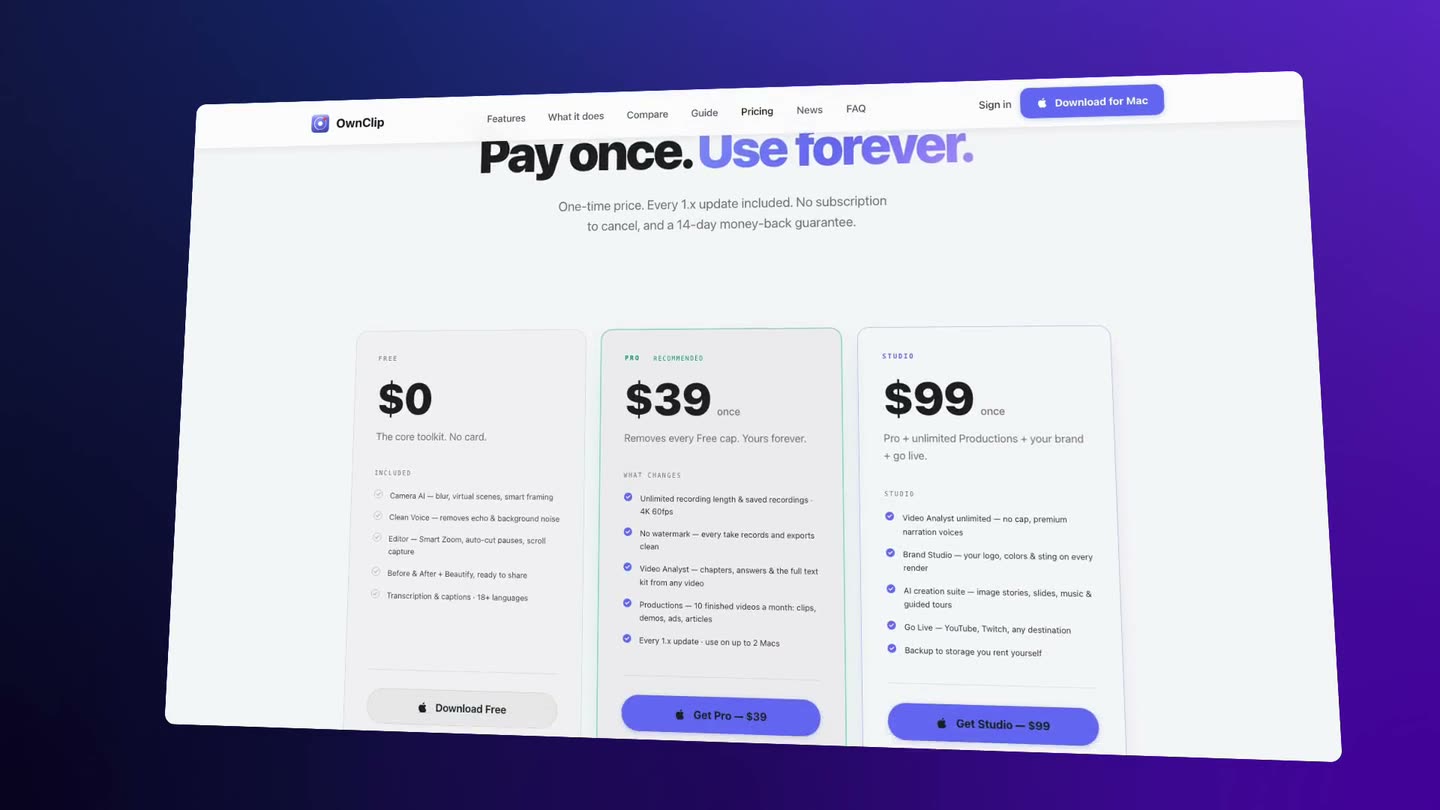
3D Tilt is part of Pro, a one-time $39 purchase. Motion backgrounds is part of Studio, a one-time $99 purchase. Everything else on this page is free.
Why a raw recording looks unfinished
A screen recording is exactly the size of the thing you recorded. Drop it into a post, a landing page or a slide and it fills the frame to the edge, square-cornered, with nothing to separate it from whatever sits around it.
The fix is the same one that works for screenshots: something behind it, some space around it, softer corners and a shadow. Done by hand that means a second app and a re-export. In OwnClip it is a panel in the editor the recording is already open in.
Same take, framed.
Drag across the frame. On the left, the recording as it was captured. On the right, the same seconds after Beautify, exported: a background, padding, rounded corners and a shadow, rendered into every frame.
Drag to compare.
What goes around the recording
Beautify on a recording is free. Free takes are three minutes long and recorded at 720p with a small watermark, like every free recording; the two paid pieces are named where they apply.
220 backgrounds
The same library as screenshots — Plains, Gradients, Mesh, Shapes, Patterns and Themed — plus a solid colour, a gradient you mix, an image of your own or your desktop wallpaper.
Padding, corners and shadow
Room around the recording, a corner radius, and a shadow that can follow the background — a soft haze on a pale one, a deeper shadow on a dark one.
Your own footage behind it
Pick a clip of your own and it loops behind the recording for its whole length, with a blur so it stays behind rather than competing.
A background per layout part
When a recording is split into camera layout parts, each part can take its own background, crossfading at the boundary, so the intro can sit on one colour and the walkthrough on another.
Tilt it in 3DPro
Turn and lean the recording up to 25° either way. The export warps every frame, so the perspective holds for the whole clip.
A background that movesStudio
Motion backgrounds are slow animated wallpapers with their own palette and speed, drawn behind the recording.
One tab beside the timeline.
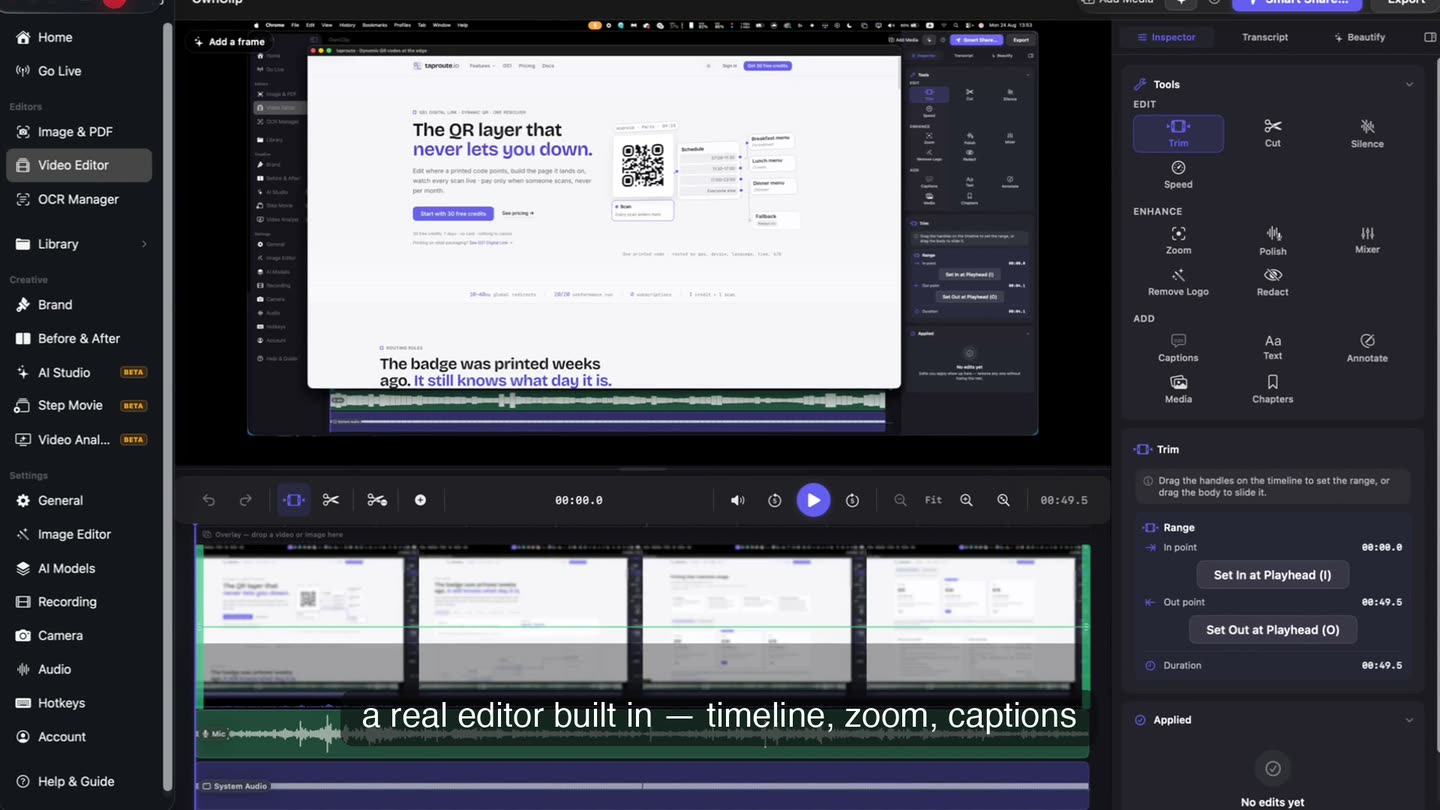
Beautify is a tab in the video editor’s side panel, and a button on the preview reads Add a frame until the recording has one. Magic Picks reads a frame of the recording and offers looks that suit it, and the preview shows the frame around the video while it plays.
- Beautify tab
- Add a frame
- Magic Picks
Turn the whole recording.
Set Turn and Lean and the recording is drawn at that angle on every frame of the export, not just the first. The padding holds as it turns, so the tilted video never runs off the canvas.
- Turn and Lean
- Every frame
- Pro
Landscape take, vertical post.
Choose the 9:16 preset and the landscape recording sits in the middle of a vertical canvas with the background above and below it, ready for a story or a short without cropping away the part you were showing.
- 9:16
- 1:1
- 16:9
- 4:3
From recording to framed export
- 1Open the recordingAnything recorded with OwnClip opens straight into the editor. A recording made in another app goes into the Library first, then opens the same way.
- 2Open BeautifyClick Beautify in the editor, or Add a frame on the preview, and take one of the Magic Picks or choose a background yourself.
- 3Set the framePadding, corner radius, shadow and the aspect preset for wherever the video is going.
- 4ExportThe frame is rendered into the export — MP4, HEVC, MOV, ProRes or GIF. The original recording is never rewritten.
Where a framed recording earns its place
Product demos on a landing page
A recording on a background reads as part of the page design rather than a video dropped into a hole in it.
Launch posts and social clips
The vertical and square presets keep the whole screen in view on feeds that crop everything to their own shape.
Tutorials and course videos
Padding gives captions and callouts somewhere to sit that is not on top of the interface you are teaching.
Release notes and changelogs
A short framed clip of the new feature matches the framed screenshots beside it.
Questions people ask
OwnClip runs on the latest macOS — currently macOS 26 — on an Apple silicon Mac. It is a native Mac app; there is no Windows or web version.
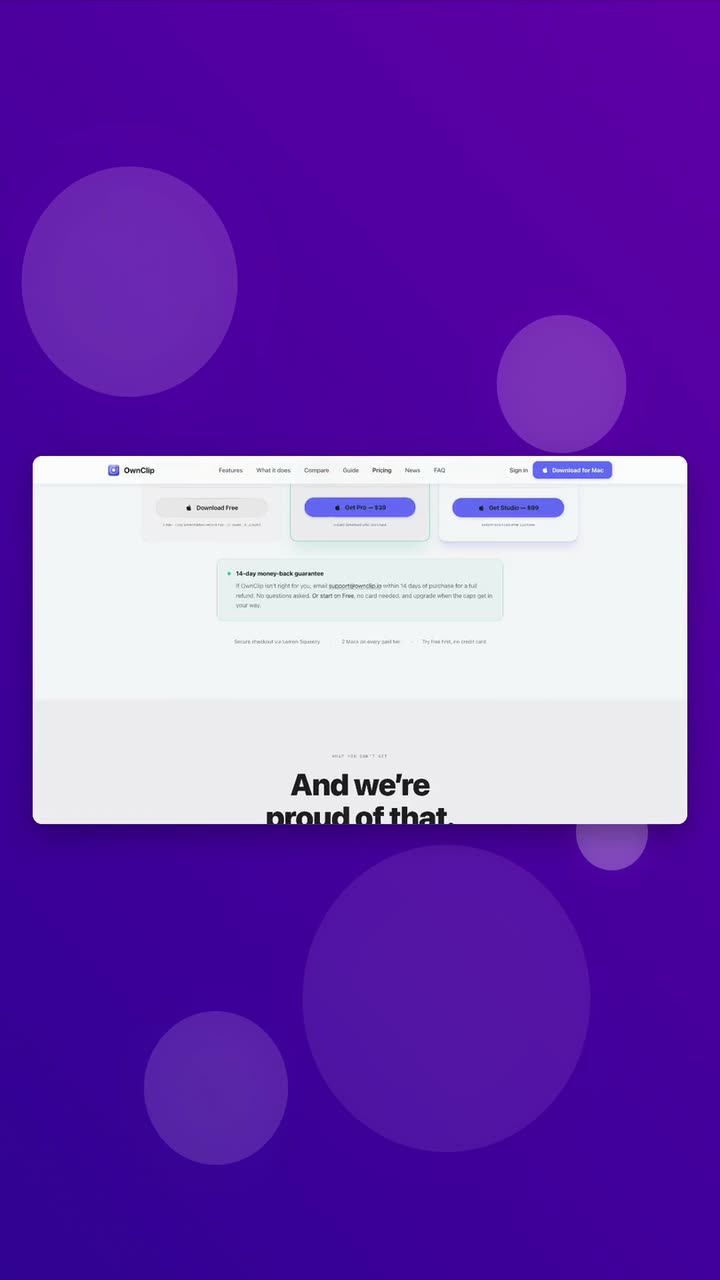
Yes. Beautify on recordings is on the free tier: the 220 backgrounds, your own image or looping clip, a background per camera layout part, padding, corners, shadow and the aspect presets. Free recordings are capped at three minutes and recorded at 720p with a small watermark; Pro, $39 once, lifts that for what you record after upgrading and adds 3D Tilt. Motion backgrounds are part of Studio, $99 once.
Yes. The background, padding, corners, shadow and tilt are rendered into every frame of the export, whichever format you choose — MP4, HEVC, MOV, ProRes or GIF. The recording itself is never rewritten, so you can change the look and export again.
Yes. Import the MP4 or MOV into the OwnClip Library and open it in the editor; Beautify works on it exactly as it does on a recording OwnClip made.
Yes. Your Footage takes a clip of your own and loops it behind the recording for its whole length, with a blur control so it stays in the background. Studio also has Motion backgrounds, slow animated wallpapers with their own palette and speed.
Yes. With a side-by-side, split or screen-focus camera layout, the background fills the space around the screen and the camera, so the whole frame shares one look. When the recording is split into layout parts, each part can also have a background of its own.
Related
Coming from another tool? Browse every comparison.
Put a background behind your screen recording
Free to start. The latest macOS, Apple silicon. See what Pro and Studio add.