Make software tutorials people can follow
A tutorial fails at the step where the viewer loses track of where you clicked. Zoom, numbered steps and captions exist to stop exactly that.
Free to use. Recordings are capped at three minutes and recorded at 720p with a watermark.
Where tutorials lose people
Almost always in the same three places: the cursor moved somewhere off-screen, the control was too small to see, or the narration said "click here" while three things were on screen.
Each has a specific fix, and none of them requires a video editor.
Everything in one place.
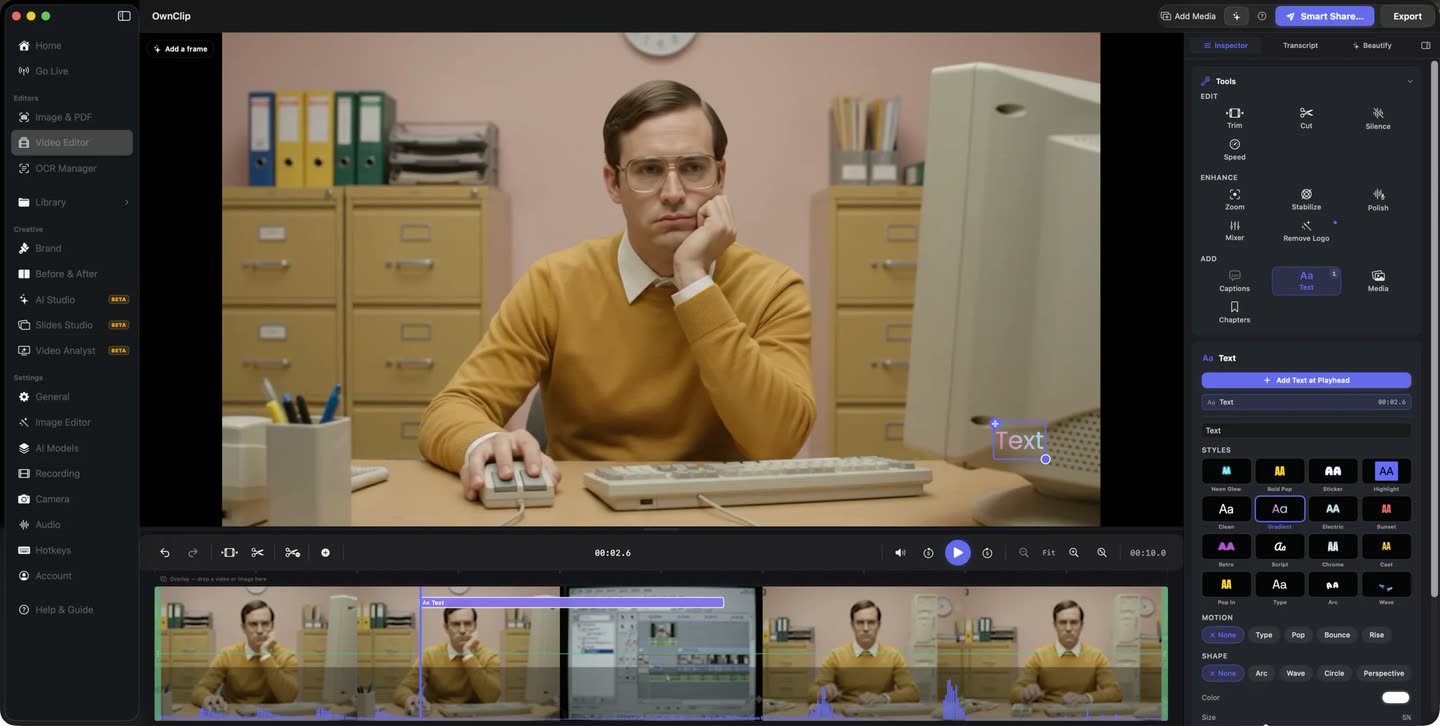
Trim the false start, mark the steps, generate the captions and export — without moving the file between applications or learning a second tool.
- Auto-numbering
- Highlighter
- Freehand pen
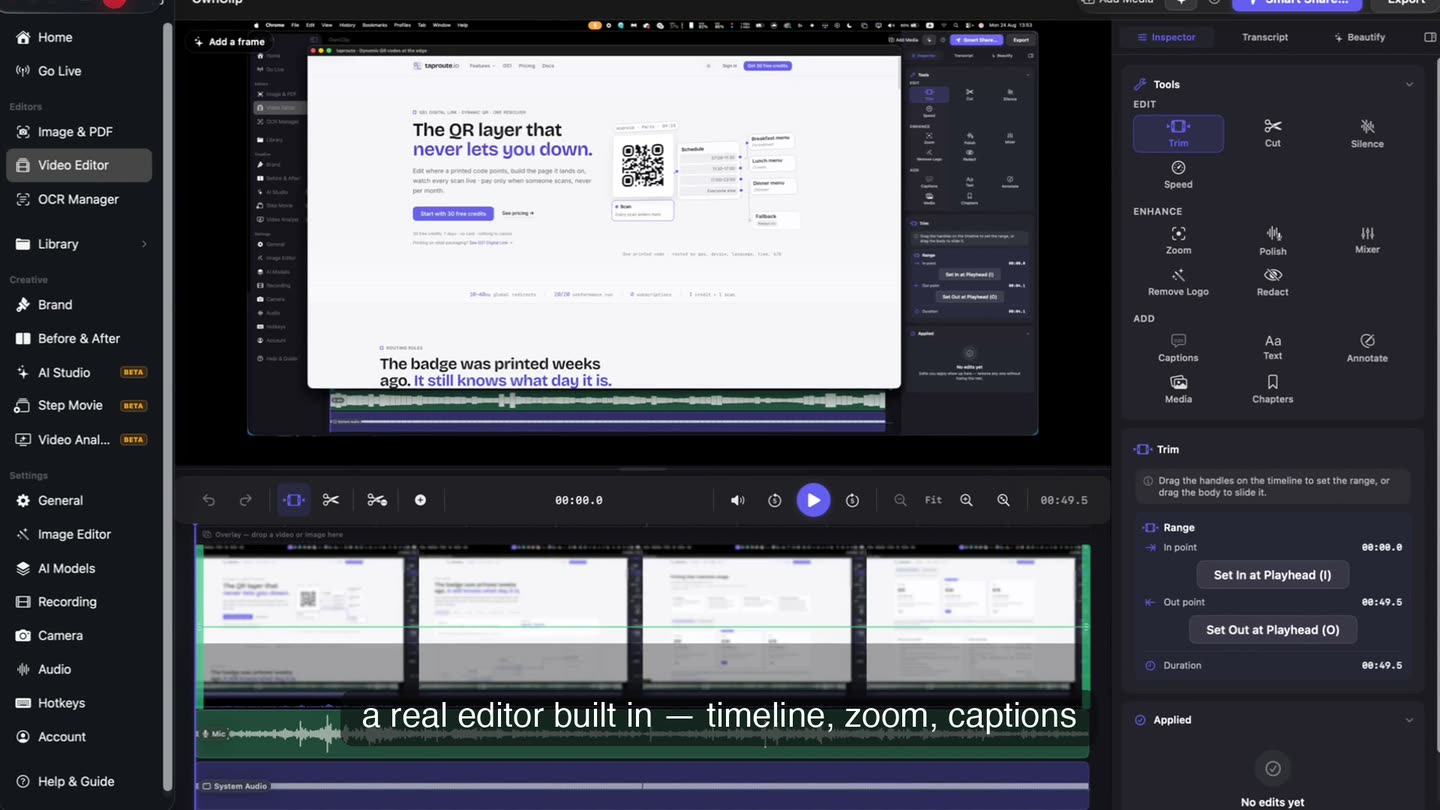
Push in on the control.
The frame moves to where you actually clicked, so a menu item is readable at playback size instead of a few pixels in the corner.
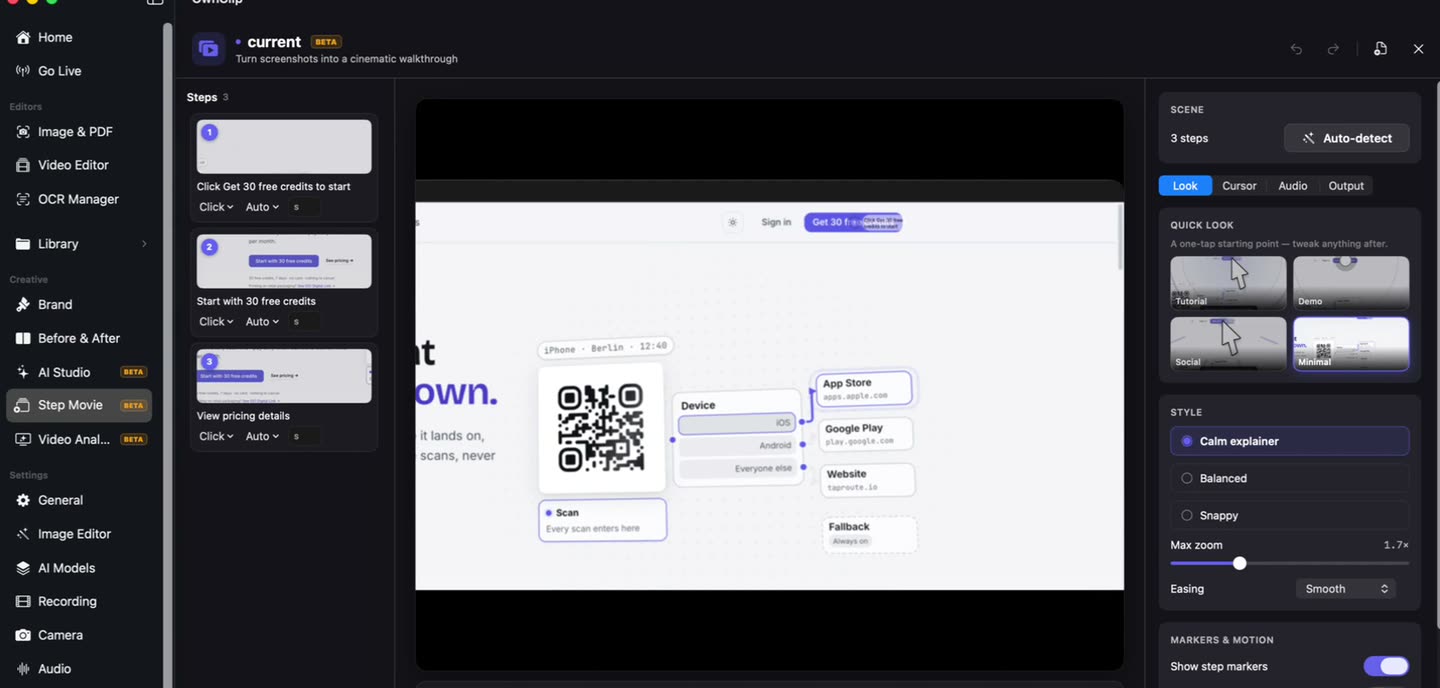
Some guides should be text.
If people need to copy commands, return to step four repeatedly, or search for one detail, text wins. Step Movie builds a narrated walkthrough and a written guide from the same set of steps.
The three fixes
Push in on the control
Smart Zoom moves the frame to where you clicked, so a menu item is readable at playback size.
Number the steps
Badges that number themselves, so a sequence reads as a sequence.
Make the cursor visible
Click effects and smoothing turn the pointer into something you can follow.
Most of them watch it muted.
Transcription runs on your Mac and produces captions you can correct and style before they are burned in — or exported as a subtitle file instead.
Questions people ask
Yes. Transcription runs on your Mac and produces editable, timestamped captions you can style and burn in. It is free.
Click effects and cursor smoothing are in the editor, and they are free. Mouse-click visualisation can also be enabled while recording.
Step Movie produces a written HTML guide alongside the video from the same steps. It requires the Studio tier.
Free recordings are capped at three minutes each, which suits single-task tutorials. Pro removes the cap for longer courses.
Related
Coming from another tool? Browse every comparison.
Make software tutorials people can follow
Free to start. The latest macOS, Apple silicon. See what Pro and Studio add.