Fill and sign PDFs on your Mac
Most tools type text on top of a PDF and call it filled. OwnClip writes into the document’s own form fields, so what you send is still a real form with selectable text.
Free to use. Recordings are capped at three minutes and recorded at 720p with a watermark.
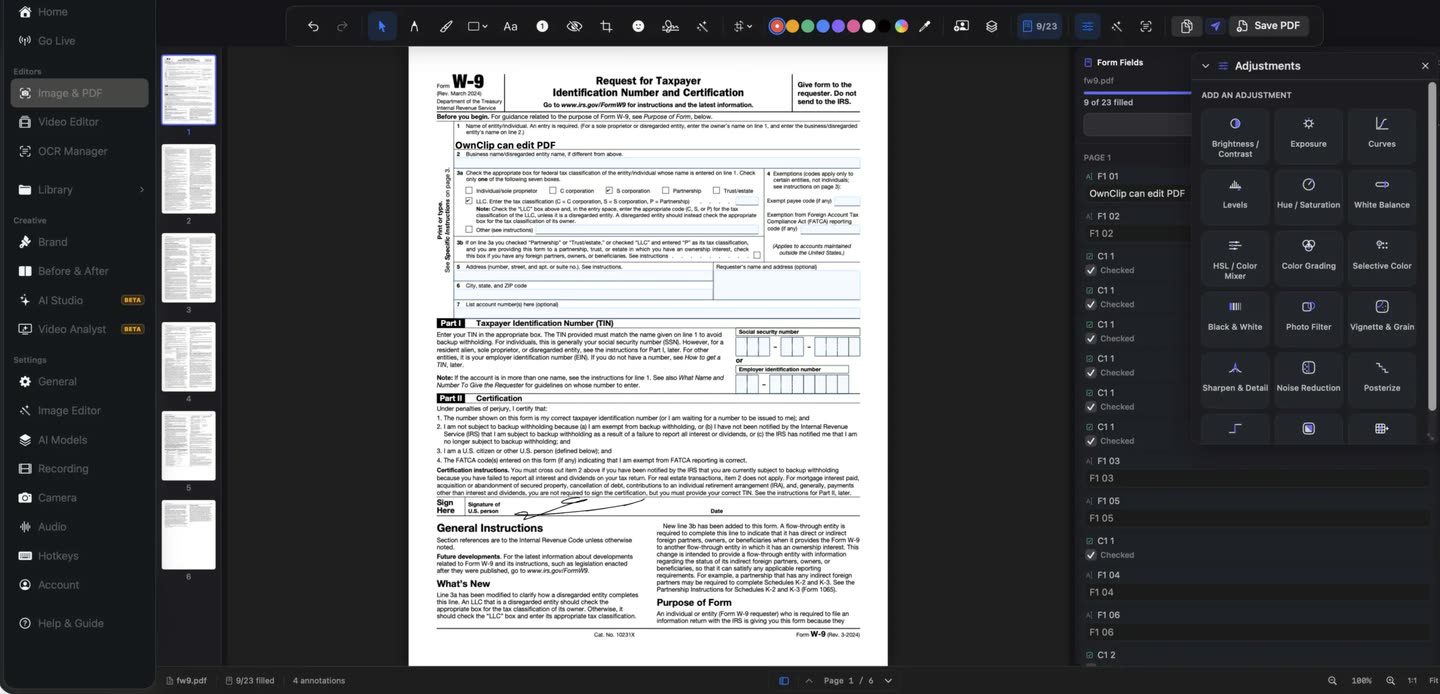
Stamped text is not a filled form
Typing a text box over a PDF produces something that looks right and behaves wrong: the recipient cannot search it, an automated system cannot read the fields, and a nudged box lands the answer in the wrong row.
A PDF form has actual fields in it — text boxes, checkboxes, radio buttons, dropdowns. Filling those is a different operation, and the difference shows up the moment somebody processes the document.
Documents and captures, together.
The PDF opens in the editor that handles your screenshots, so the markup tools, the blur and the text extraction are the ones you already know.
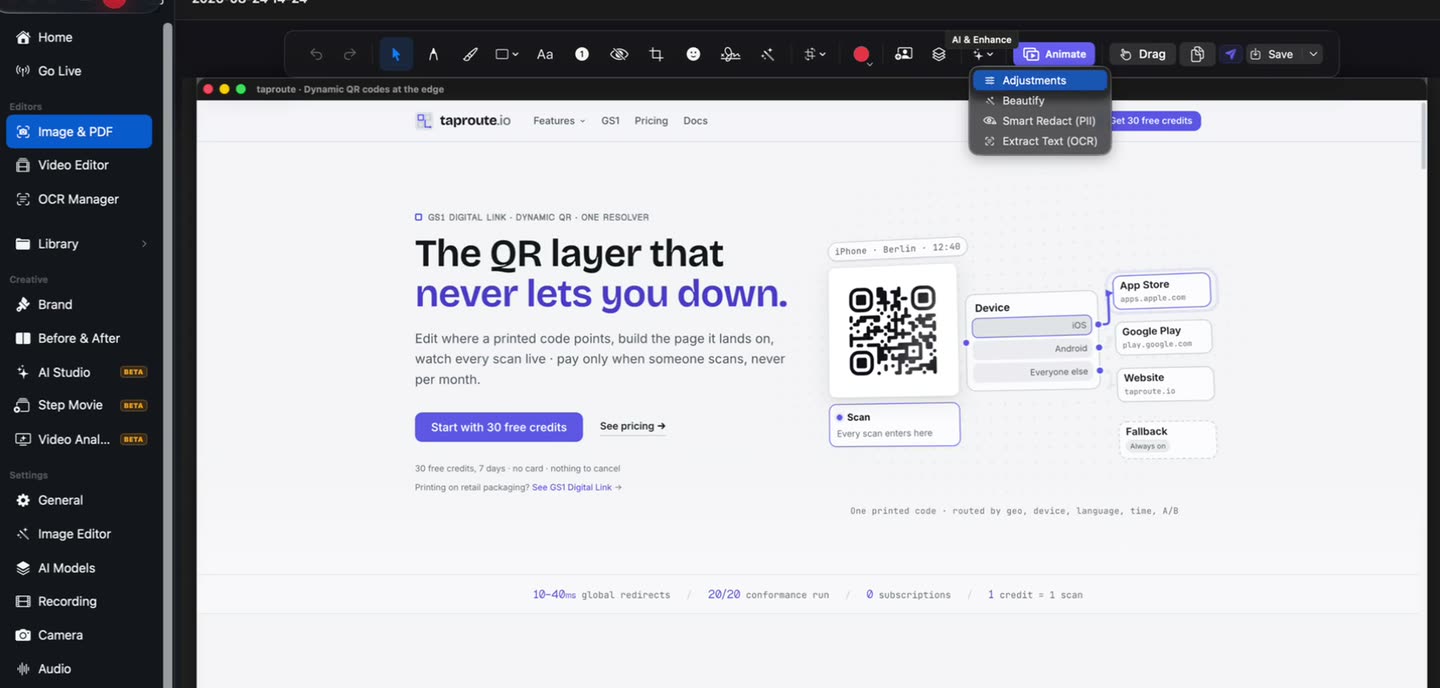
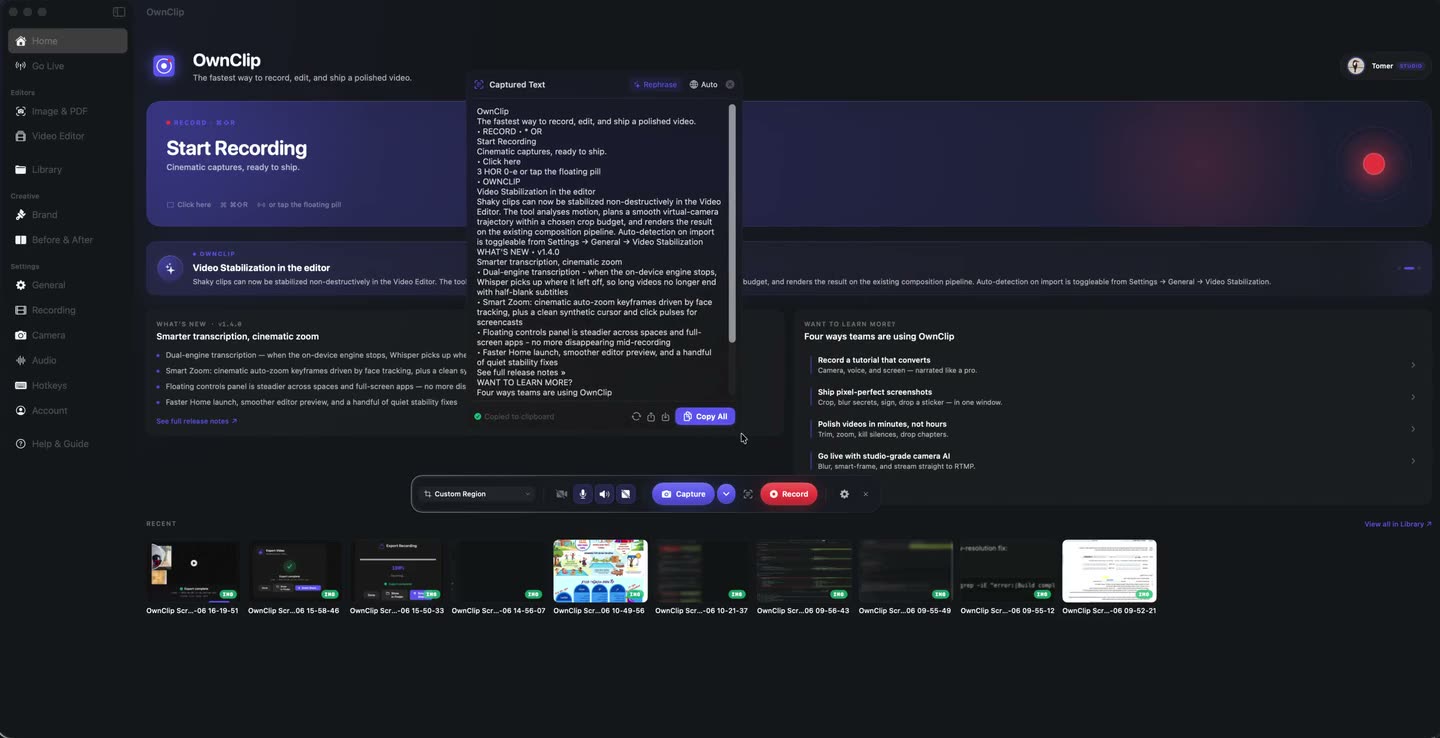
Text out of a picture of text.
Extraction runs on your Mac, so a scanned contract becomes searchable without the document leaving your machine. Free covers five a month; Pro removes the limit.
What it does
Real form fields
Text, checkboxes, radio buttons and dropdowns written as field values.
Forms without fields
Flat and scanned forms get their lines detected, so they can be filled too.
Signatures
Draw a signature and place it into a signature field.
Autofill
Details saved locally fill the usual name and address fields in one action.
Text extraction
Pull text out of a scanned document.
Pages and passwords
Page thumbnails, compression, and password-protected documents.
Questions people ask
Yes, on every tier. Free exports carry a watermark and are flattened; Pro and Studio export clean and can keep the form editable.
On Pro and Studio, yes — the fields keep their values and stay editable. Free exports are flattened, which fixes the values in place.
Yes. Line detection finds where the answers belong on flat and scanned documents.
Yes. You can draw a signature and place it into a signature field. These are drawn electronic signatures, not certificate-based digital signatures.
No. PDF editing and text extraction run on your Mac. Nothing is uploaded unless you choose to share the file.
Related
Coming from another tool? Browse every comparison.
Fill and sign PDFs on your Mac
Free to start. The latest macOS, Apple silicon. See what Pro and Studio add.