Record a sales demo that holds up without you
A sales demo you record once gets forwarded to somebody who was never on the call, then watched at double speed. It has to stay legible with nobody narrating over the top of it, on a screen far smaller than the one you recorded.
Brand Studio is part of Studio, a one-time $99 purchase. Everything else on this page is free.
The demo arrives after the call
The demo you record after the call is the one that travels. It gets forwarded into a channel you are not in, opened by a finance lead who has never seen the product, and skipped through at double speed.
A pre-recorded demo has no narrator. Whatever it needs to communicate has to be visible in the frame, which is a different job from talking somebody through a full 27-inch desktop.
A face on the follow-up.
The camera records to its own track alongside the screen, so the prospect gets a person opening the walkthrough instead of a cursor moving on its own. Sizing it, moving it or dropping it out entirely stays an edit rather than a decision made before the take.
- Its own track
- Decided in the edit
What a sent demo needs
Most of this is on the free tier. The paid tiers are noted where they apply.
One window, not the whole desktop
A full display, a single window, or a region you drag, so the recording covers the product and nothing else that happens to be open.
Smart Zoom
Cursor movement captured during the take becomes push-ins on the field you were filling, then pulls back out.
Camera when it helps
The camera lands on its own track beside the screen, so it can be sized, moved or hidden long after the take.
A new opening for the next prospect
Edits live in a project beside the recording, so one walkthrough can be personalised for the next account with a different first thirty seconds.
Your Drive, not our servers
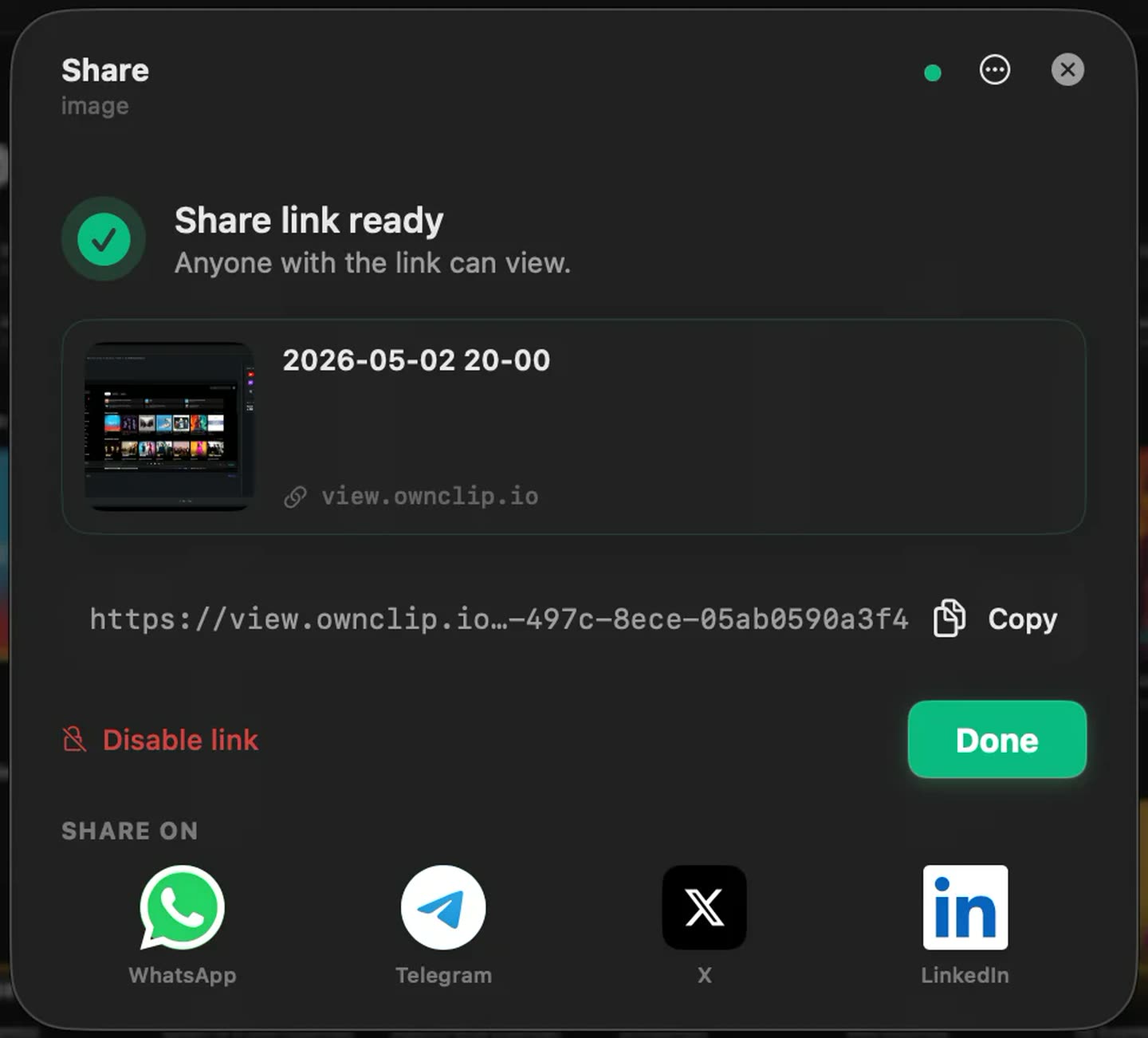
Sharing uploads to the Google Drive you already own and hands back a link, so the file stays in storage you control.
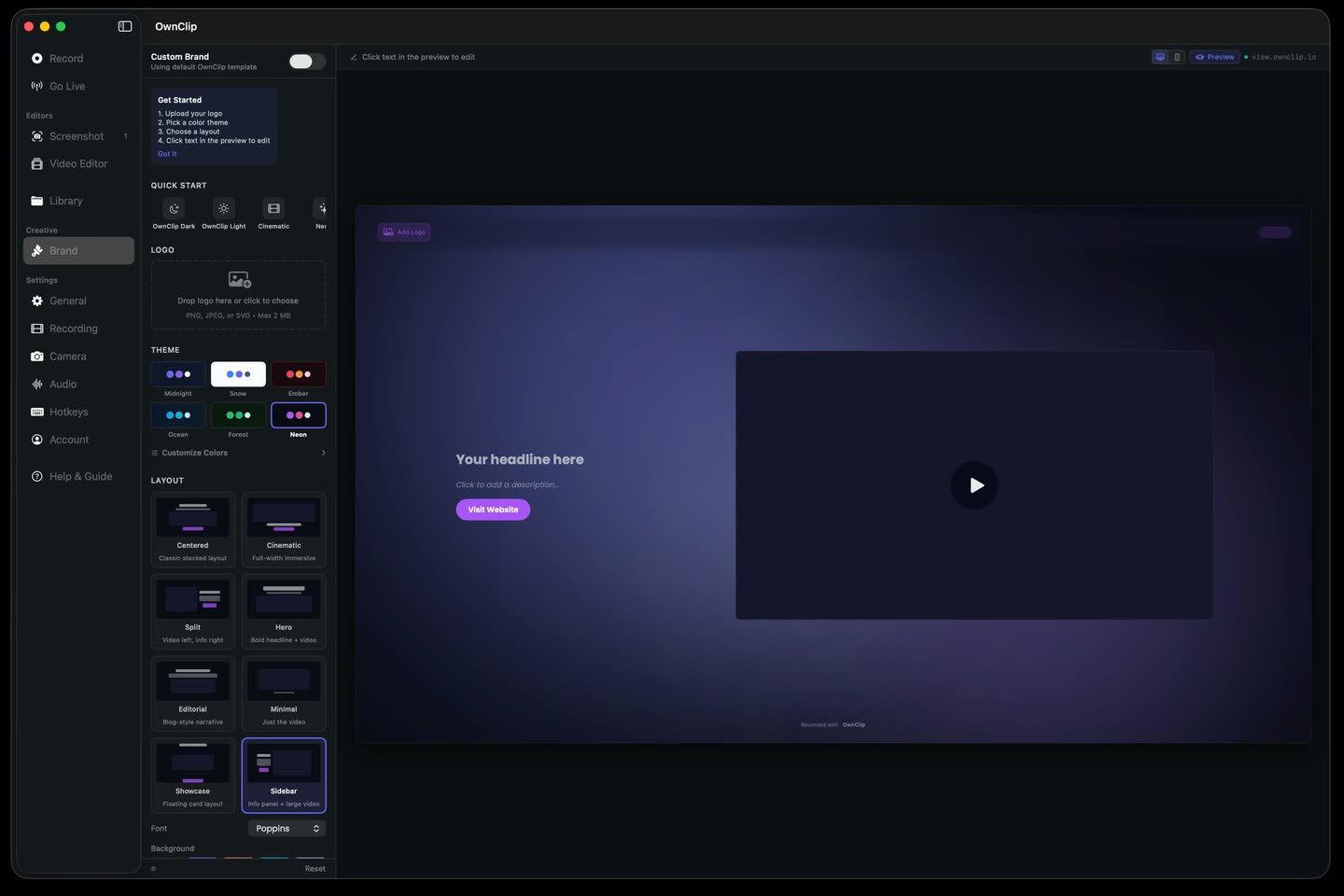
Your brand on the page they openStudio
Logo, colours, fonts and your own call to action on the share page, and a watermark you control instead of ours.
Your name on the page.
The prospect clicks the link and lands on a page carrying your logo, your palette and your call to action rather than ours. Set the layout and colours once and every link you send after that opens the same way.
Before you plan around it
Smart Zoom works on every tier, including Free, where recordings and exports are 720p with a small watermark. Free recordings stop at three minutes — usually enough for a follow-up clip, rarely enough for a full walkthrough. Pro is $39 once and lifts both.
OwnClip records your own screen, camera and voice. It is not a way to capture the call itself, and recording other people requires their consent.
A link you can retire.
Sharing uploads to storage you already own and gives you a link to paste into the follow-up email. When the deal closes, or the pricing in it goes stale, the same dialog switches that link off.
Where async demos do the work
The follow-up
Sent an hour after the call, showing the two things they asked about and none of the twenty you covered.
The person who was not there
The evaluator brought in late, who needs the walkthrough without another slot on everyone’s calendar.
The first touch
A short recorded walkthrough attached to outreach, so the meeting you do get starts past the basics.
The handover
The workflow the customer actually bought, recorded once for whoever picks the account up next.
Questions people ask
OwnClip runs on the latest macOS — currently macOS 26 — on an Apple silicon Mac. It is a native Mac app; there is no Windows or web version.
Free includes the whole editor — timeline, Smart Zoom, camera effects, audio cleanup, captions, annotations, and the screenshot and PDF editors. What it caps is the take itself: three minutes, recorded at 720p, with a small watermark recorded into the video. You can keep 25 recordings. A few tools are paid rather than capped — Video Analyst and Batch Beautify are Pro; Brand Studio, Go Live and Step Movie are Studio. Pro is $39 once and lifts every cap for what you record after upgrading; recordings made on Free stay 720p with the mark.
Yes. Smart Zoom works on every tier, including Free, where exports are 720p with a small watermark. It is unavailable on recovered recordings because those have no cursor track. Recording, the editor, the camera and sharing are all free too.
Yes. Edits are non-destructive and live in a project beside the recording, so you can cut a new opening for the next account and export again without recording the walkthrough twice. A changed interface still means recording that part again.
Yes. The file sits in your own Google Drive rather than on our servers, and the dialog that created the link can disable it again. Anyone still holding the old link stops being able to open it.
No. OwnClip records your own screen, camera and voice, not a call with other people on it. Recording other people requires their consent and is legally restricted in many places.
Related
Coming from another tool? Browse every comparison.
Record a sales demo that holds up without you
Free to start. The latest macOS, Apple silicon. See what Pro and Studio add.