Turn your steps into a walkthrough
A process you know by heart is a sequence of screens somebody else has never seen. Step Movie takes those captures, orders them as steps, and moves between them like a guided tour.
Step Movie is part of Studio, a one-time $99 purchase. Everything else on this page is free.
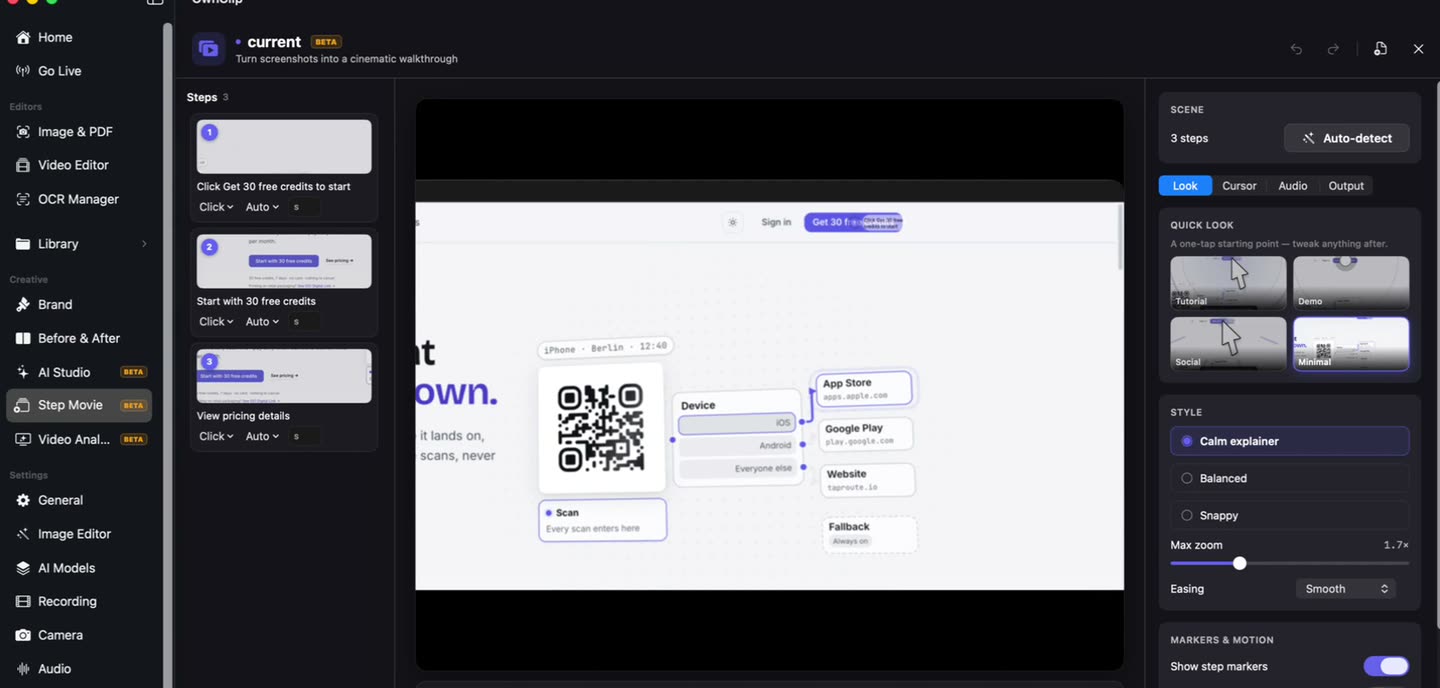
Between a screenshot dump and a video
A folder of screenshots has all the information and none of the sequence. A screen recording has the sequence but drags the viewer through every hesitation and mistyped field.
A step-by-step walkthrough sits between them: the moments that matter, in order, with movement connecting them.
Screenshots, in order.
Take the shots as you go and hand them over. Each becomes a step you can reorder, retitle and retime — the sequence is the thing the folder of screenshots was missing.
- Auto step detection
- Reorderable
- Narration
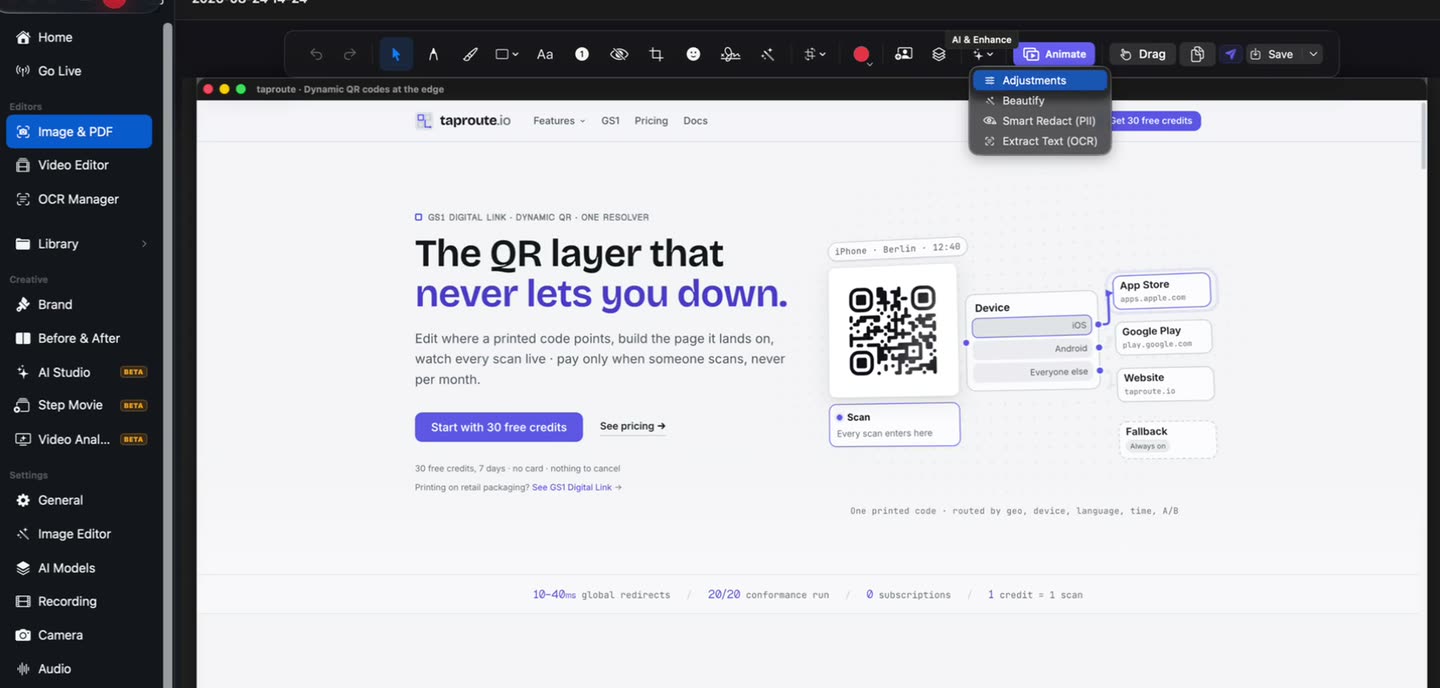
It travels between them.
The frame moves from step to step like a guided tour rather than cutting flatly, which is what makes a sequence of stills read as a walkthrough.
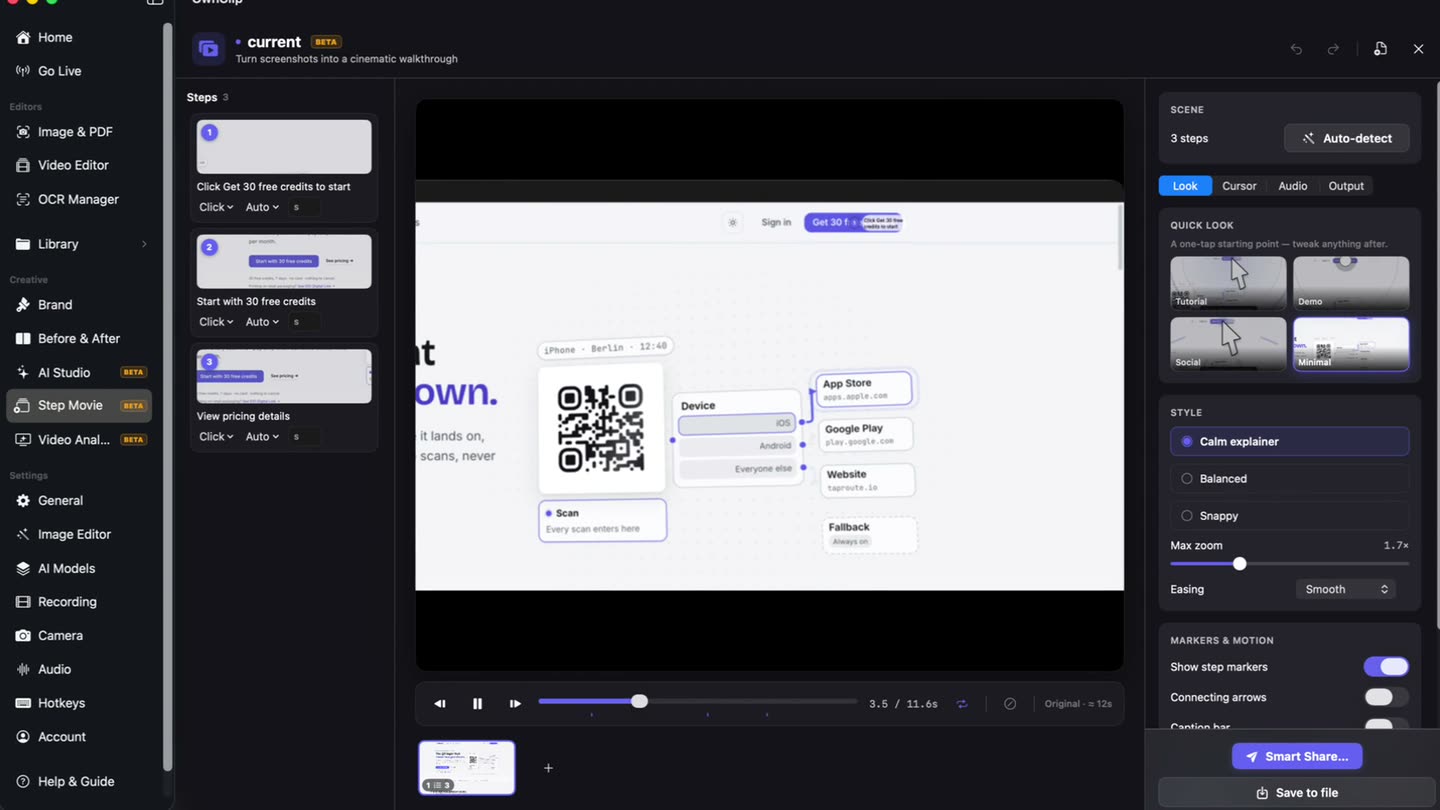
How it goes together
- 1Capture the stepsTake screenshots as you go, or hand it a set you already have.
- 2Steps get detectedThe captures become ordered steps, which you can reorder and retitle.
- 3Explain each oneA title and a description per step, with narration if you want it.
- 4Export twiceA video walkthrough, and a written HTML guide built from the same steps.
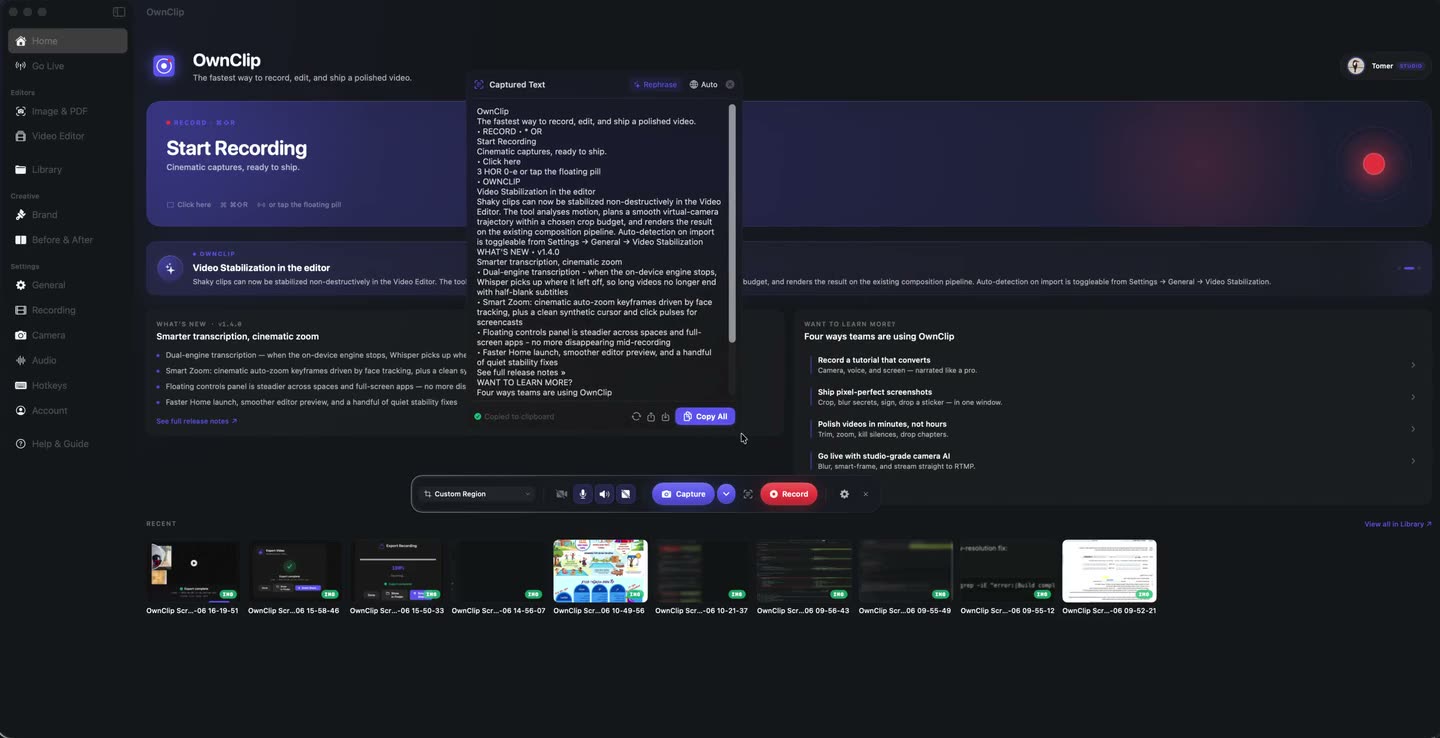
What it suits
Onboarding
The setup a new hire does once and then never thinks about again.
Internal processes
The eleven-step task that lives in one person’s head.
Support articles
A guide worth having as text and as video from one source.
Product walkthroughs
A feature tour that stays legible when the interface is dense.
Questions people ask
Step Movie is part of Studio, a one-time $99 purchase. It is not available on the free or Pro tiers.
From captures. Steps are built from screenshots, which is what makes each step a clean frame rather than a paused moment of video.
Yes. The same steps export as an HTML guide, so the text version and the video stay in sync.
Yes. Steps are editable — reorder them, retitle them, rewrite the descriptions, and adjust how long each is held.
Related
Turn your steps into a walkthrough
Free to start. macOS 26 or later, Apple silicon.