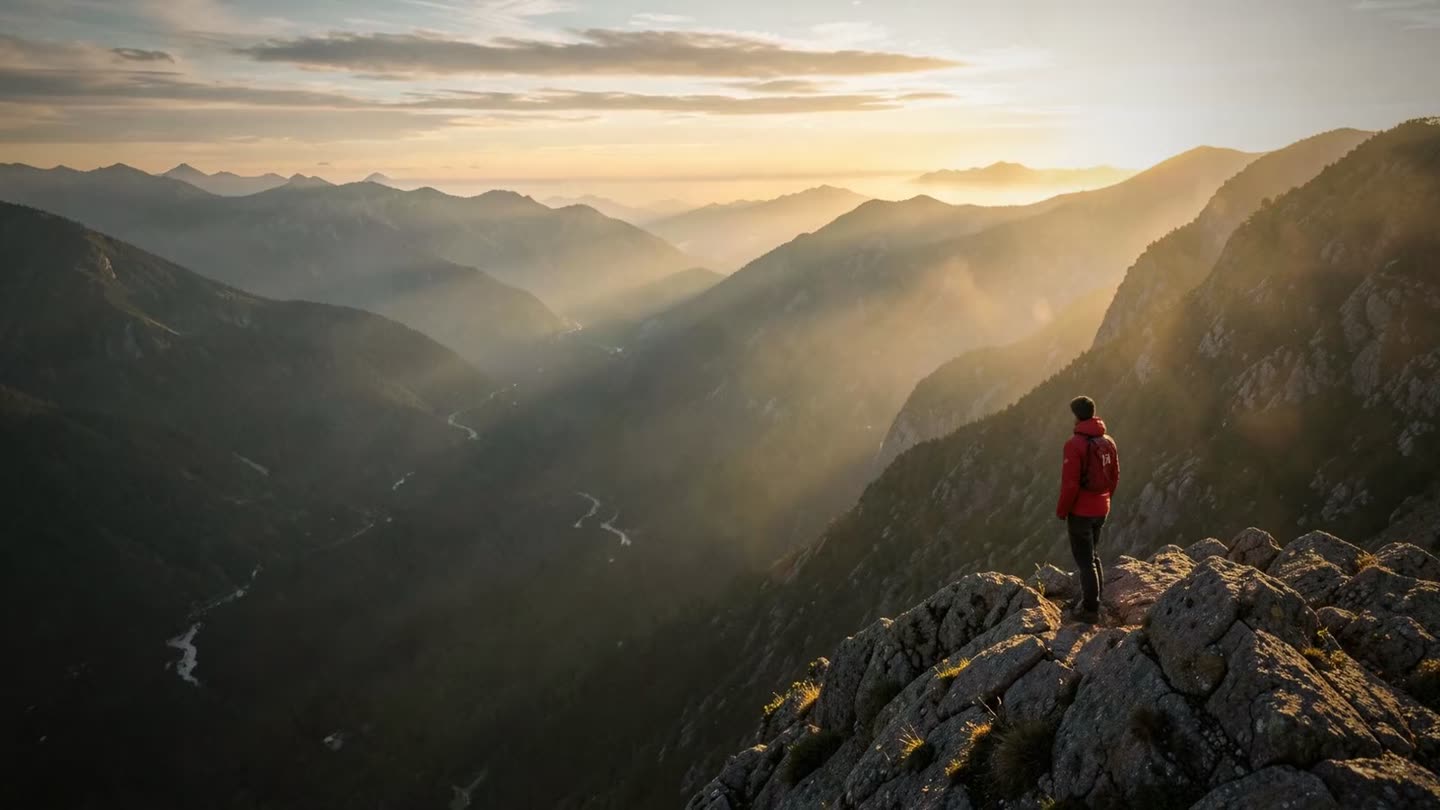
Capture the screen. Get the finished file.
Reports, how-to guides, tables and edited videos, made on your Mac.
Free to start · $39 once · Apple silicon, macOS 27
Behind this text: one photo, lifted into 3D by OwnClip.
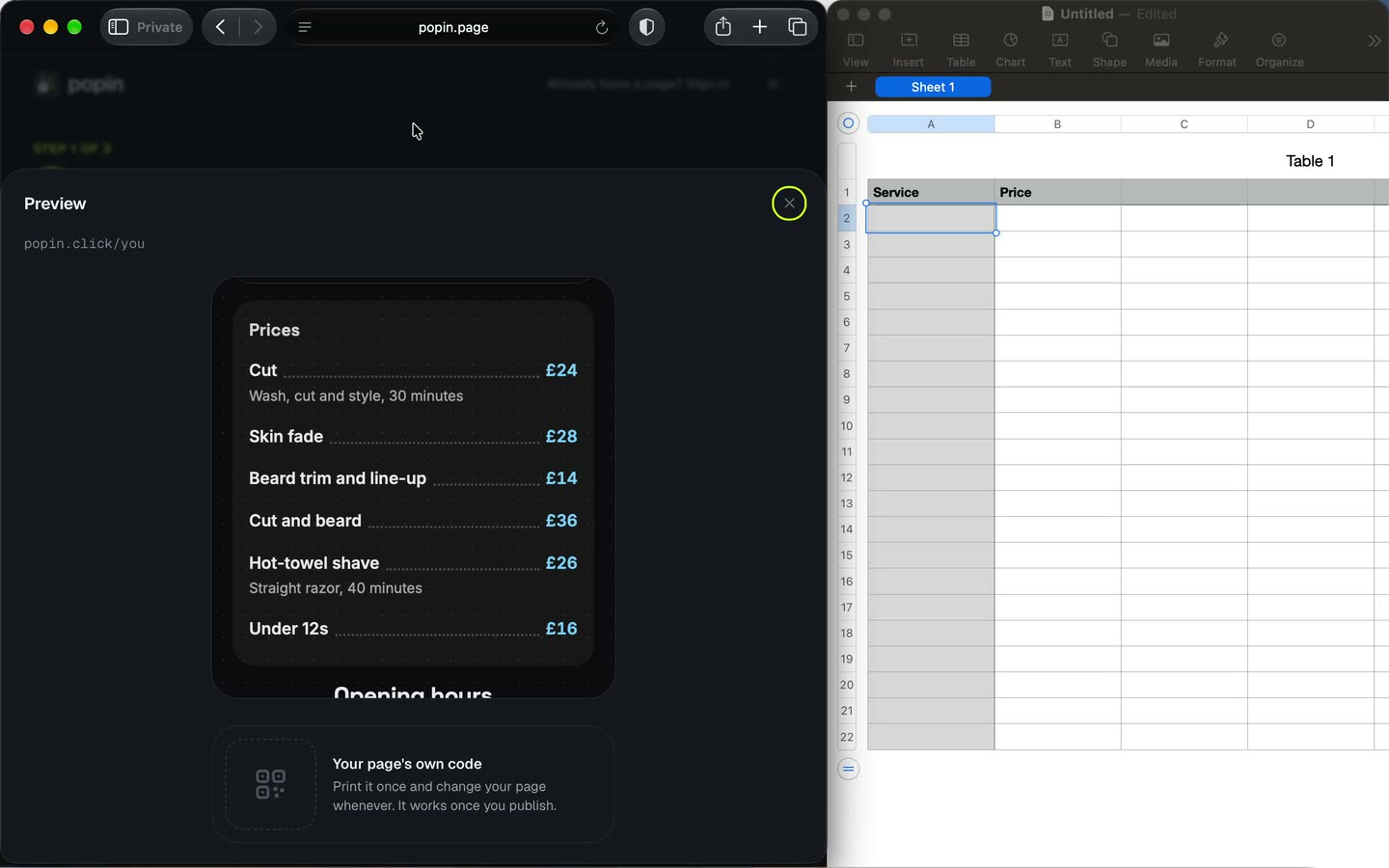
One capture. The file you needed.
Report, ready to send
From one screenshot
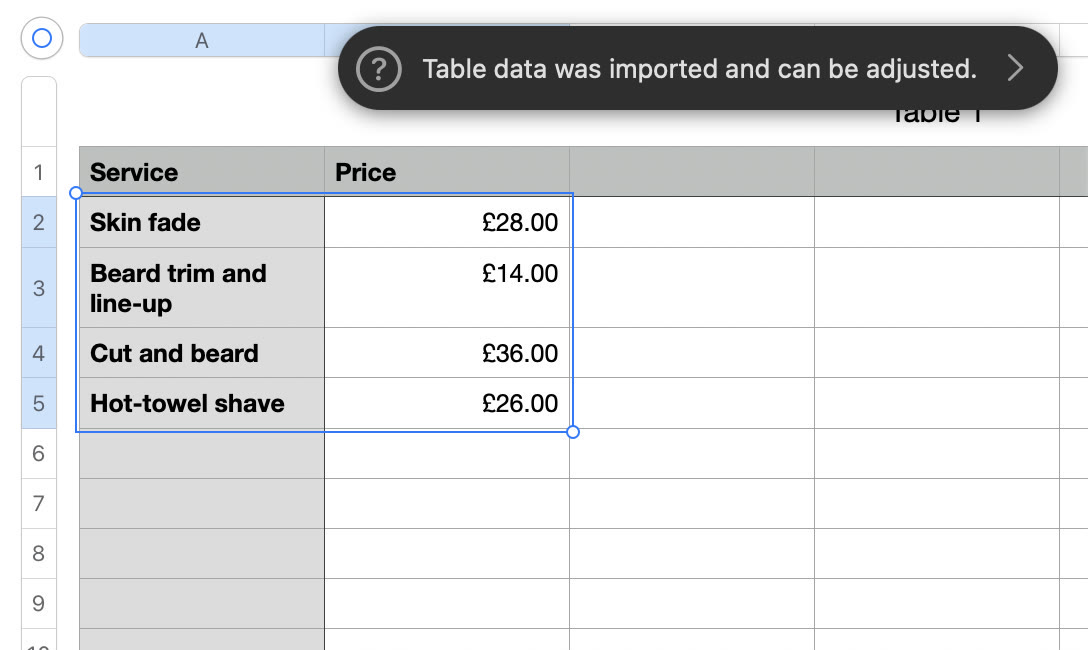
Table, pasted into Numbers
From one screenshot
Clip, zoomed on every click
From one recording
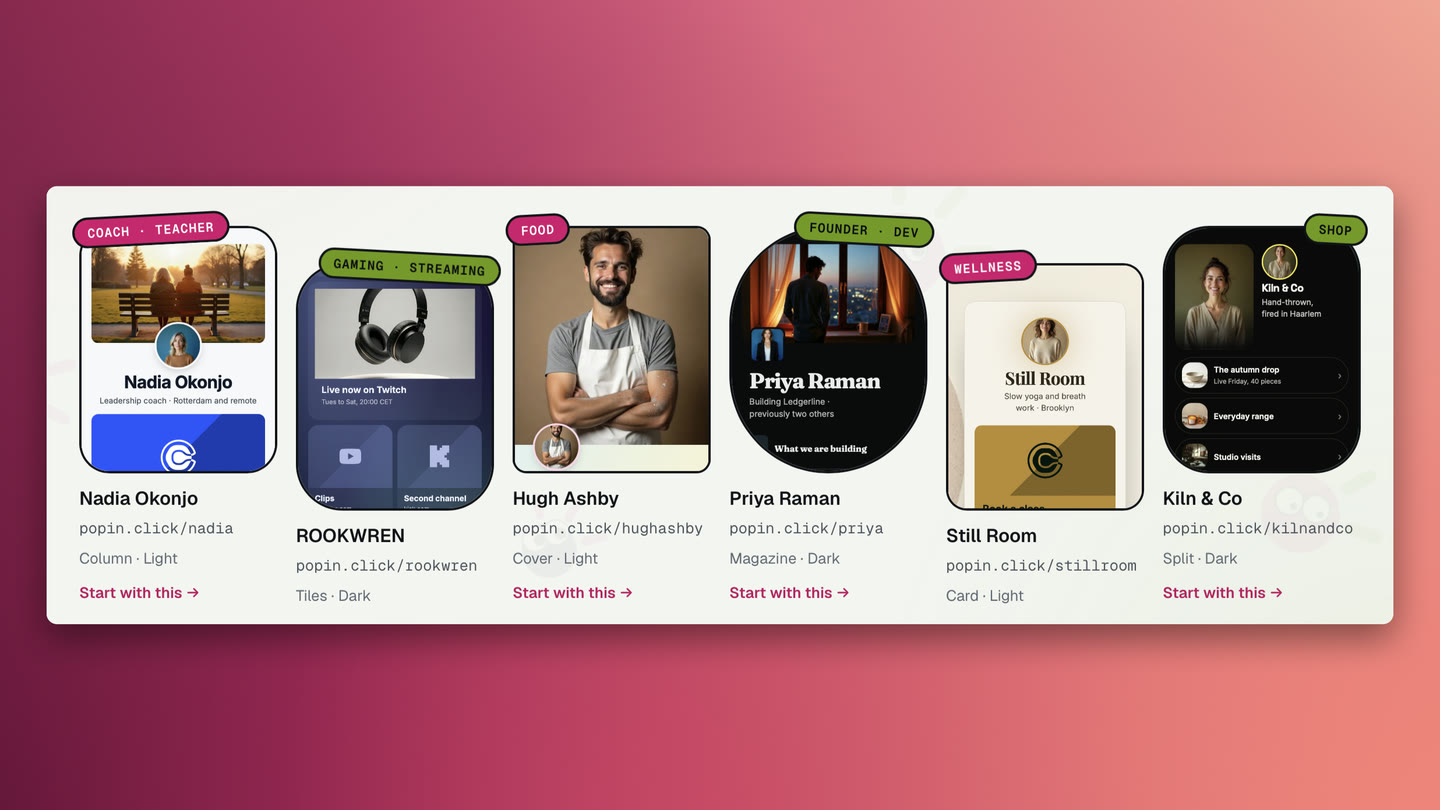
Screenshot, framed
From a plain screenshot
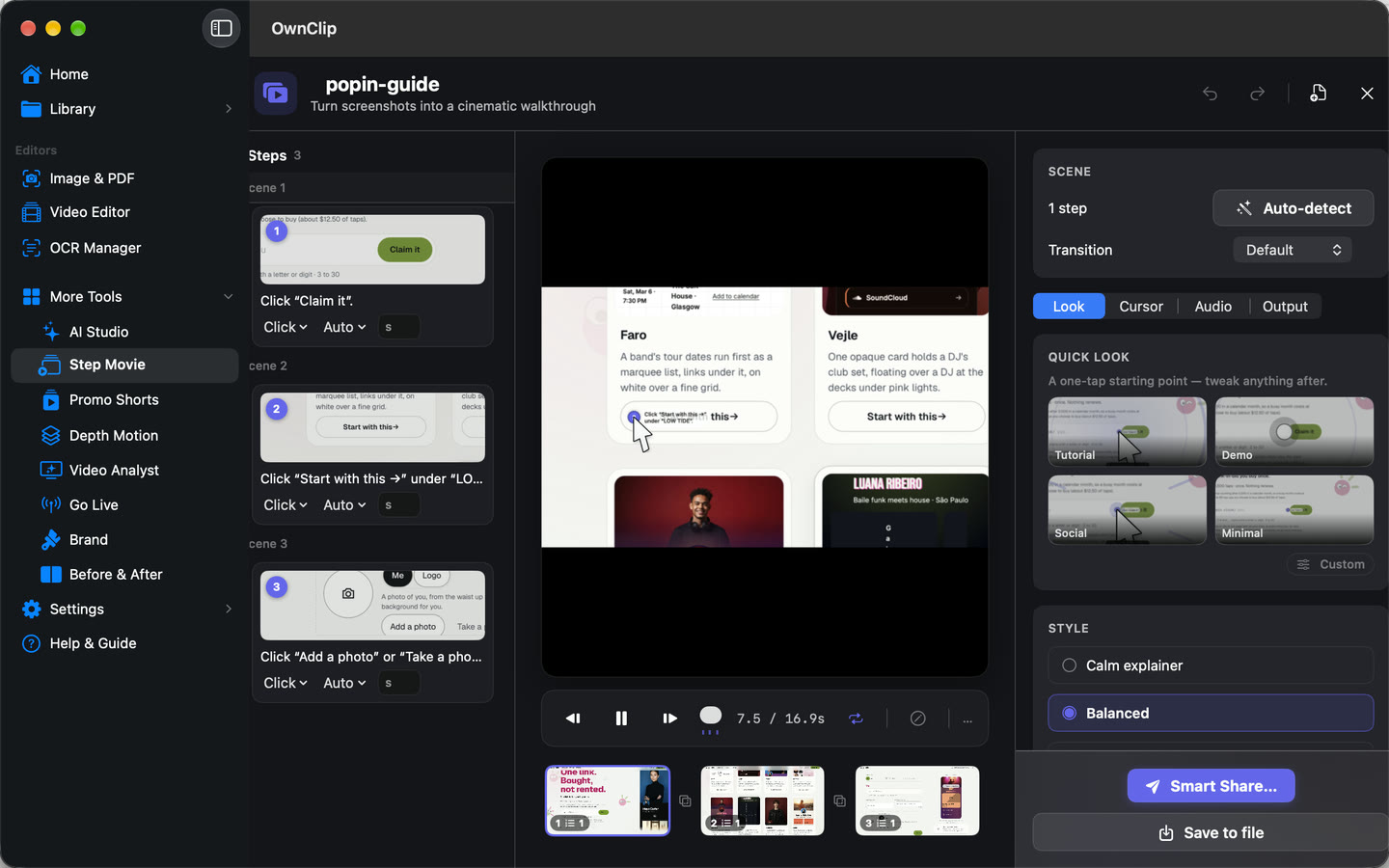
How-to guide, steps written
From three screenshots
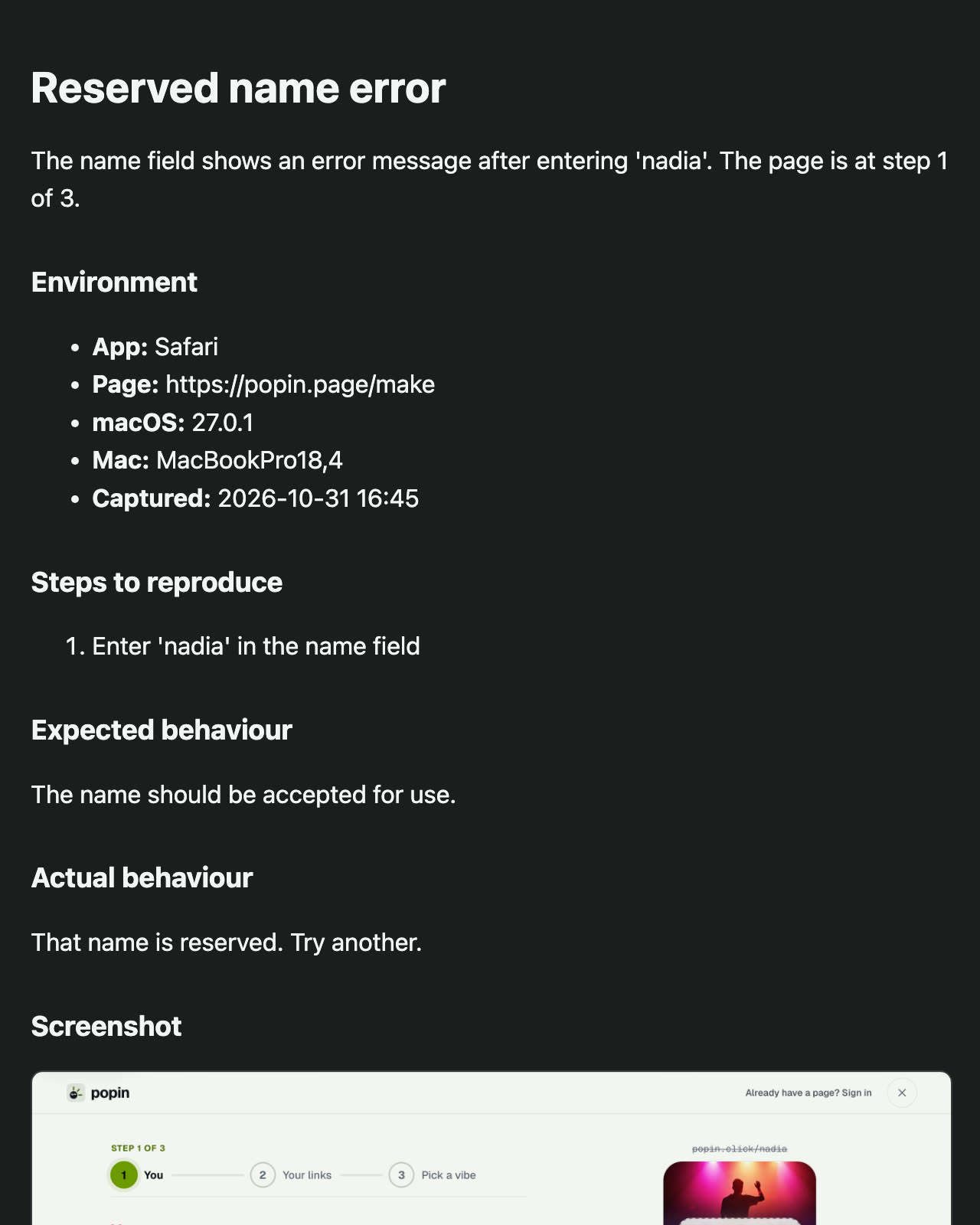
The film at the top was one photo.
Pick a few photos and a style. OwnClip lifts them into 3D and films them, cut to music. Depth Motion, in Studio

Title Behind

Color Pop

Aura

Neon Split
A full image editor, when you need more.
Layers, curves and levels with masks. Erase anything, select the subject in a click. Free

Record once. It edits itself.
It zooms where you click, cuts the pauses and cleans up your voice.
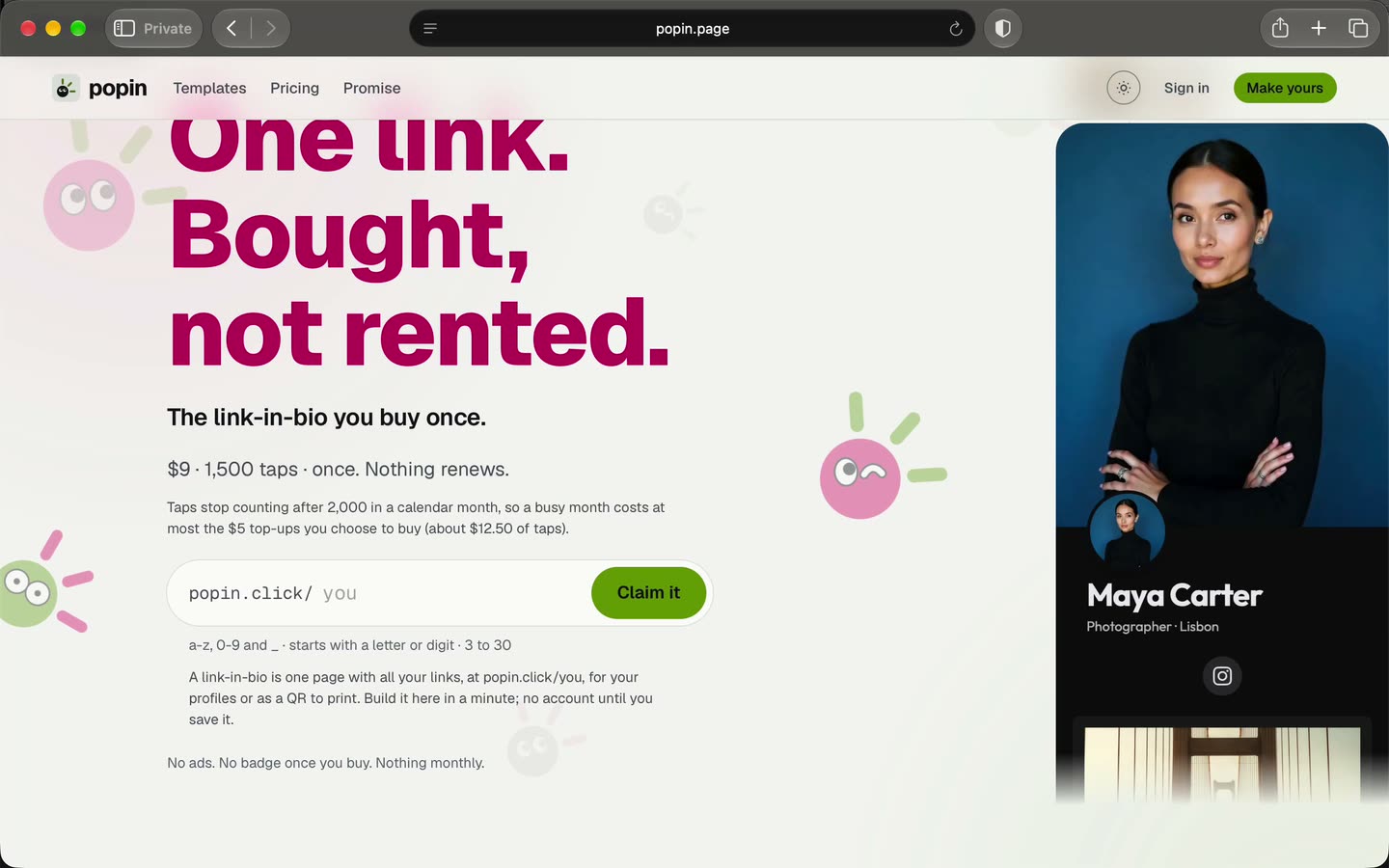
It remembers everything you capture.
Type a word you saw. On Pro, ask a question and get links back.
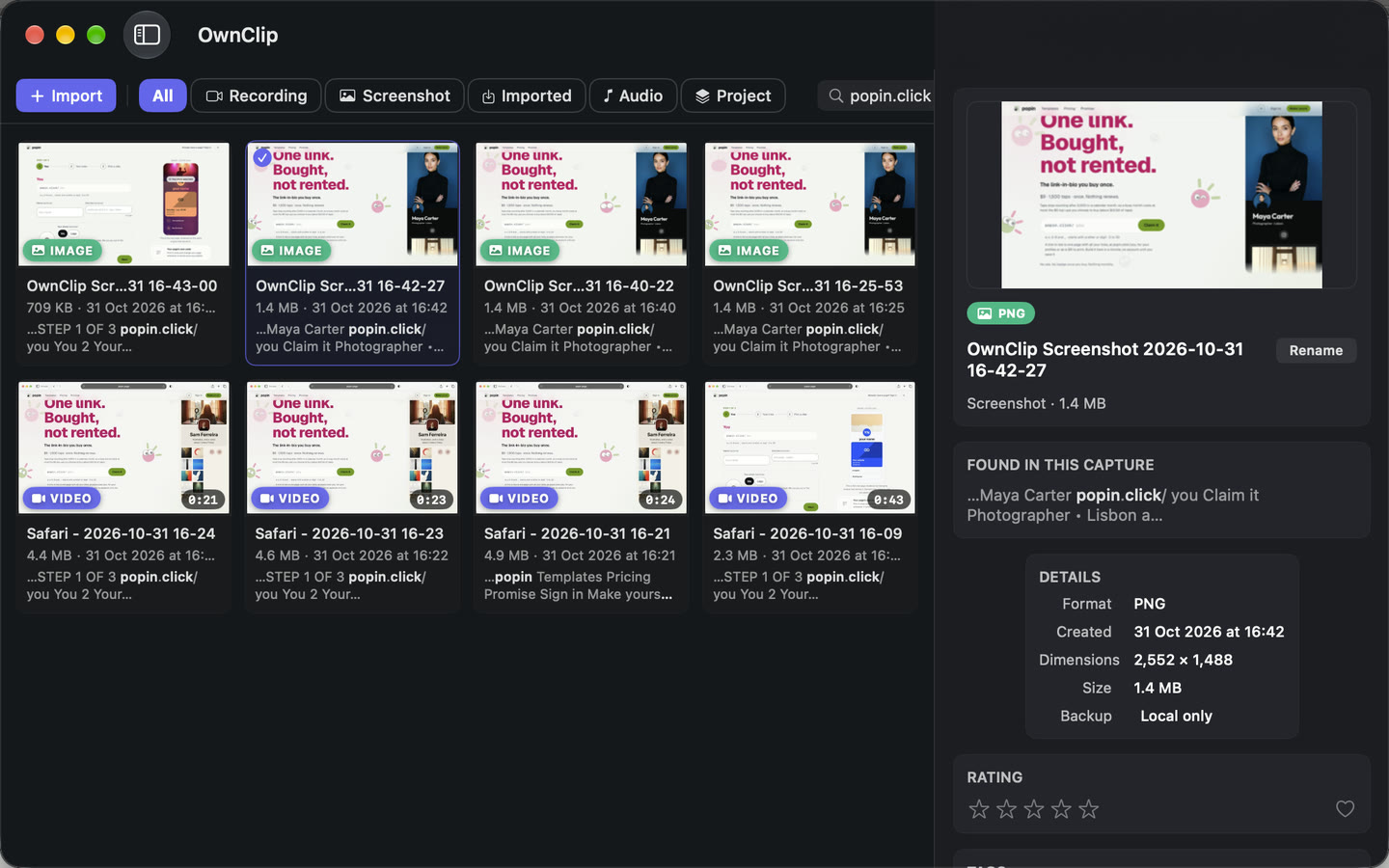
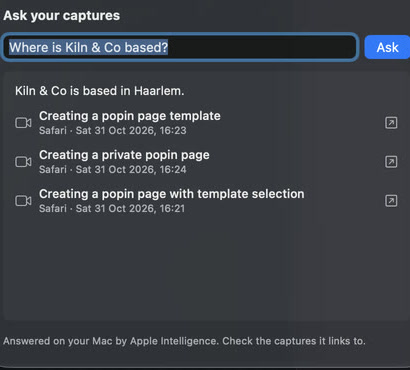
On your Mac. Paid once.
- Screenshots and recordingsSaved as ordinary filesYour Mac
- Reading and searchTitles, tags and the search index, made with no uploadYour Mac
- ShareLinks come from your own DriveYour Google Drive

Questions
My Mac already takes screenshots. Why OwnClip?
Your Mac takes the picture and can tell you what is in it. OwnClip makes what you need next: the report, the how-to guide, the table or the edited video. It finds any capture again by what was on the screen. All of it runs on your Mac, nothing is uploaded, and Pro is paid once.
Does OwnClip upload my captures?
No. OwnClip is a private, on-device screen recorder and screenshot app. Screenshots, recordings and the search index stay on your Mac. A capture leaves only when you share it or turn on backup to storage you own.
Do I need Apple Intelligence?
No. With Apple Intelligence on, Apple’s on-device model writes sharper titles and drafts your reports. Without it, every feature works from the text on the screen.
What is free?
Screen recording, the editor, Beautify, reports from screenshots, and search over your last 30 days. Free recordings are 3 minutes at 720p with a watermark, and you get 5 text reads a month: a table or a report uses one. Pro is $39 once, removes the caps, and adds how-to guides and asking your captures questions.
Who is OwnClip for?
People who show software on a Mac: developers and testers filing bugs, support teams answering with a picture, and anyone writing a tutorial or a product demo.
Which Macs does it run on?
Macs with Apple silicon on the latest macOS, currently macOS 27. A Pro licence works on two Macs.
Try it on your next screenshot.
Also in OwnClip: 3D photosPDF fill & signVideo AnalystGo liveBrand pagesAll features →